



Question: # COMP 125 - Assignment 3: Pixar Movie Gallery Overview In this assignment, you will create a dynamic web-based gallery to showcase Pixar movies. The
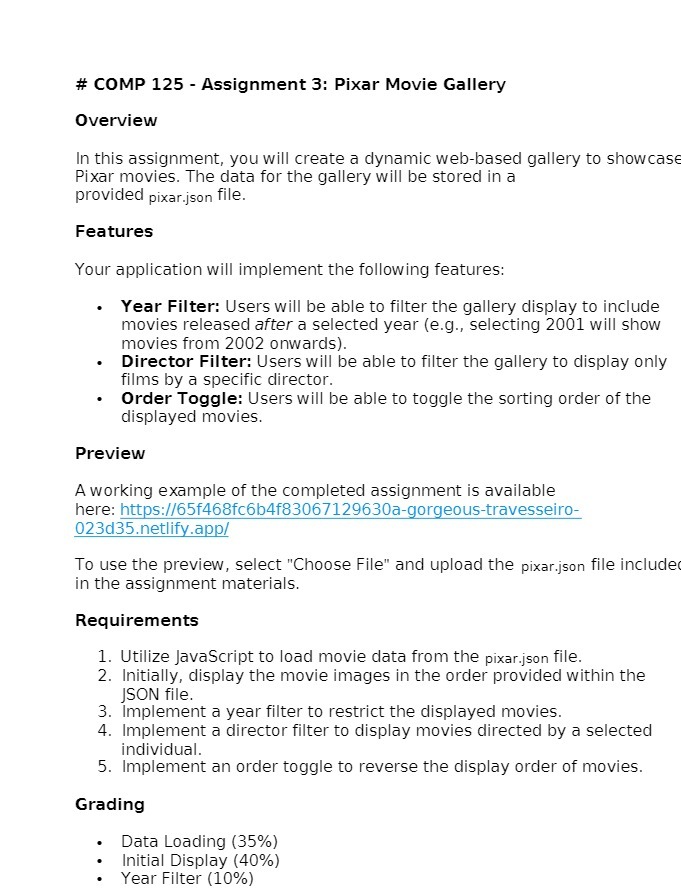
# COMP 125 - Assignment 3: Pixar Movie Gallery Overview In this assignment, you will create a dynamic web-based gallery to showcase Pixar movies. The data for the gallery will be stored in a prDVidEd pixar_jggn file. Features Your application will implement the following features: - Year Filter: Users will be able to filter the gallery display to include movies released after a selected year (e.q., selecting 2001 will show movies from 2002 onwards). - Director Filter: Users will be able to filter the gallery to display only films by a specific director. Order Toggle: Users will be able to toggle the sorting order of the displayed movies. Preview A working example of the completed assignment is available here: https://65f4686fc6b4f83067129630a-gorgeous-travesseiro- 023d35.netlify.app/ To use the preview, select "Choose File" and upload the pixar.json file includec in the assignment materials. Requirements . Utilize JavaScript to load movie data from the pixar.json file. . Initially, display the movie images in the order provided within the JSON file. . Implement a year filter to restrict the displayed movies. . Implement a director filter to display movies directed by a selected individual. 5. Implement an order toggle to reverse the display order of movies. M = N Grading Data Loading (35%) = [nitial Display (40%) Year Filter (10%)
Step by Step Solution
There are 3 Steps involved in it

Get step-by-step solutions from verified subject matter experts