







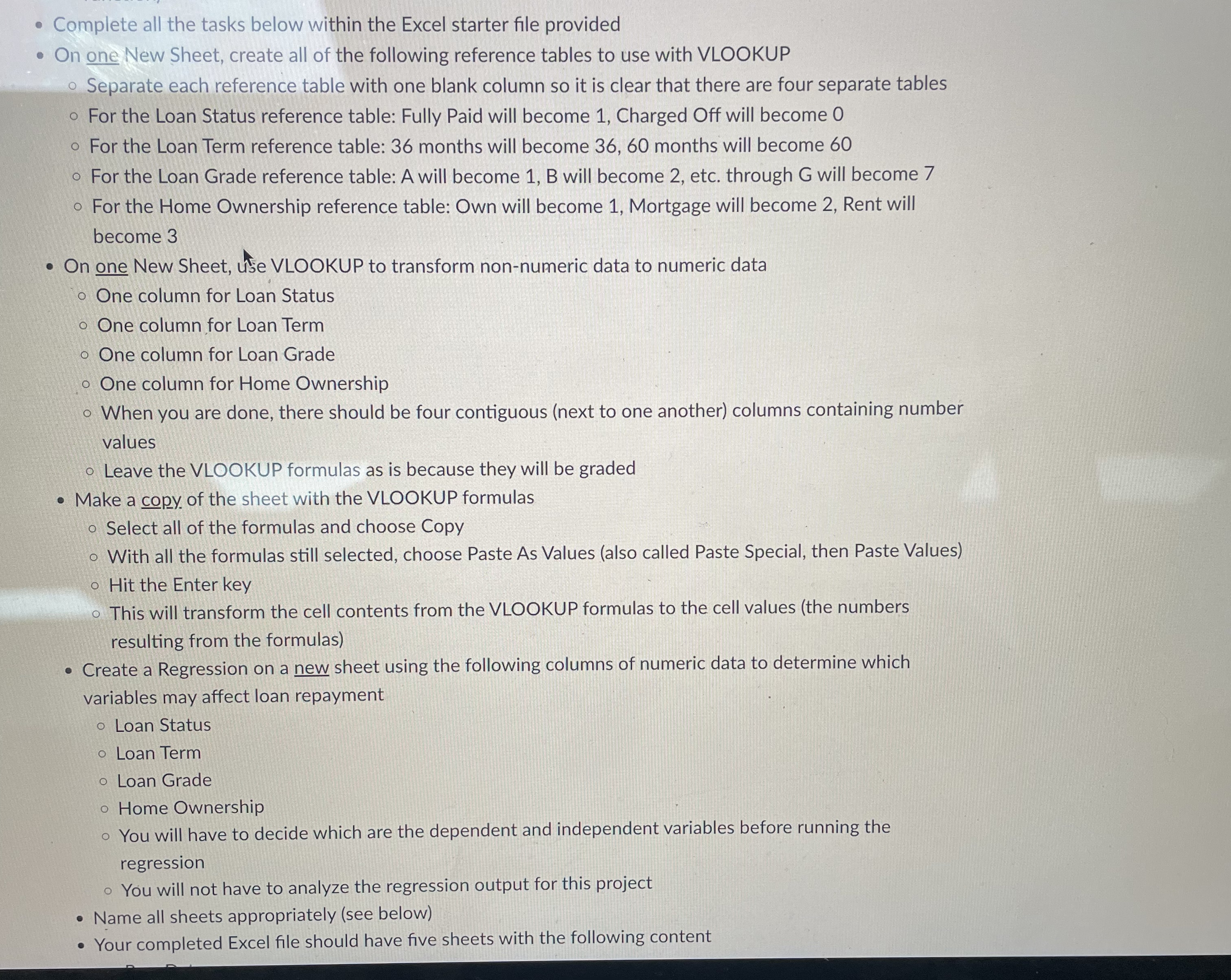
Question: Complete all the tasks below within the Excel starter file provided On one New Sheet, create all of the following reference tables to use with
Complete all the tasks below within the Excel starter file provided
On one New Sheet, create all of the following reference tables to use with VLOOKUP
Separate each reference table with one blank column so it is clear that there are four separate tables
For the Loan Status reference table: Fully Paid will become Charged Off will become
For the Loan Term reference table: months will become months will become
For the Loan Grade reference table: A will become B will become etc. through G will become
For the Home Ownership reference table: Own will become Mortgage will become Rent will become
On one New Sheet, use VLOOKUP to transform nonnumeric data to numeric data
One column for Loan Status
One column for Loan Term
One column for Loan Grade
One column for Home Ownership
When you are done, there should be four contiguous next to one another columns containing number values
Leave the VLOOKUP formulas as is because they will be graded
Make a copy of the sheet with the VLOOKUP formulas
Select all of the formulas and choose Copy
With all the formulas still selected, choose Paste As Values also called Paste Special, then Paste Values
Hit the Enter key
This will transform the cell contents from the VLOOKUP formulas to the cell values the numbers resulting from the formulas
Create a Regression on a new sheet using the following columns of numeric data to determine which variables may affect loan repayment
Loan Status
Loan Term
Loan Grade
Home Ownership
You will have to decide which are the dependent and independent variables before running the regression
You will not have to analyze the regression output for this project
Name all sheets appropriately see below
Your completed Excel file should have five sheets with the following content
Step by Step Solution
There are 3 Steps involved in it
1 Expert Approved Answer
Step: 1 Unlock

Question Has Been Solved by an Expert!
Get step-by-step solutions from verified subject matter experts
Step: 2 Unlock
Step: 3 Unlock
 Study Help