







Question: Complete the following php code and save it as carINFO.php in your A 5 6 directory. After a used car information is submitted, you
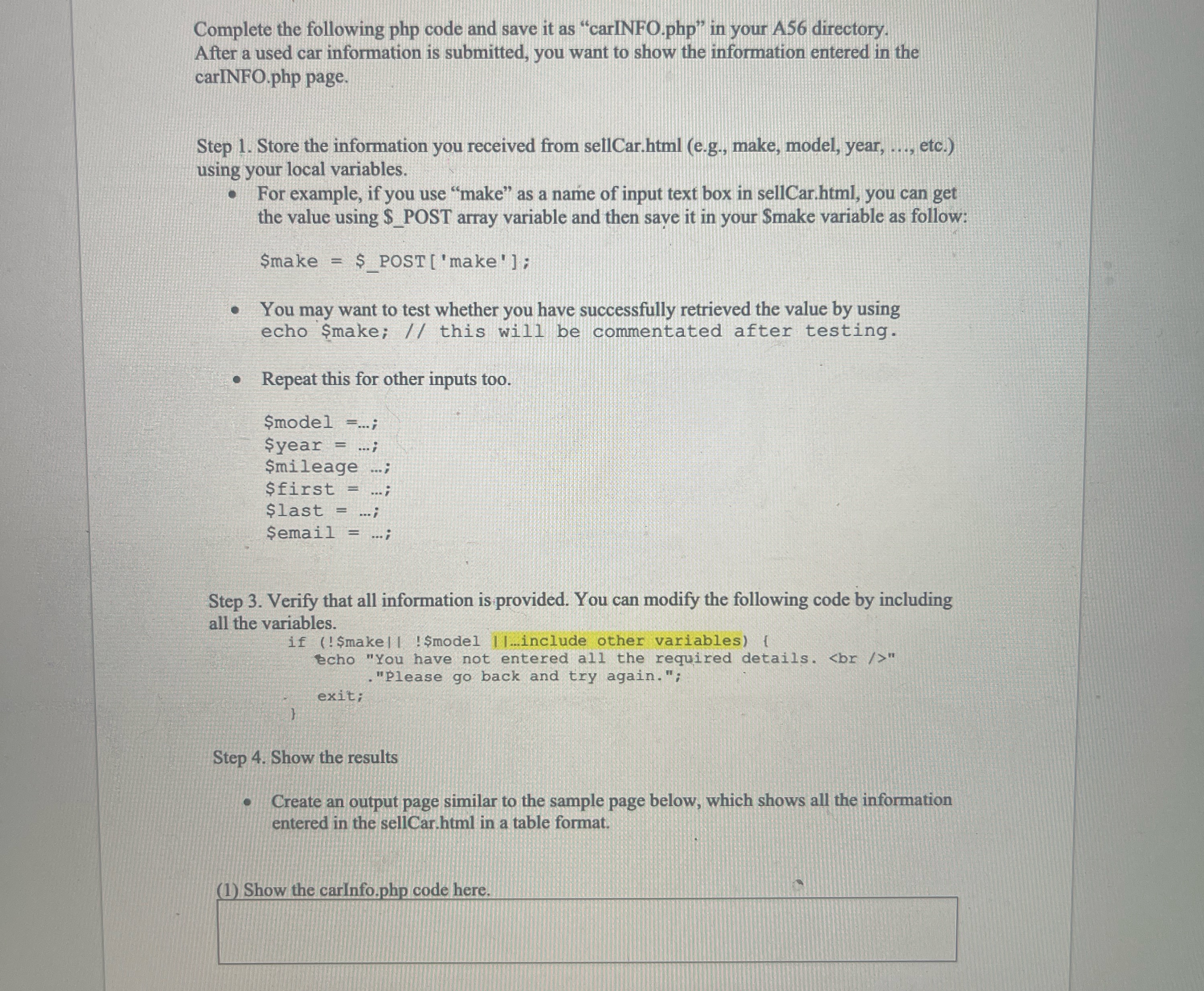
Complete the following php code and save it as "carINFO.php in your A directory. After a used car information is submitted, you want to show the information entered in the carINFO.php page.
Step Store the information you received from sellCar.html eg make, model, year, etc. using your local variables.
For example, if you use "make" as a name of input text box in sellCar.html you can get the value using $POST array variable and then saye it in your Smake variable as follow:
$make $POSTmake;
You may want to test whether you have successfully retrieved the value by using echo $make; this will be commentated after testing.
Repeat this for other inputs too.
$model ;
$year ;
$mileage ;
$first ;
$last ;
$email ;
Step Verify that all information is provided. You can modify the following code by including all the variables.Step Show the results
Create an output page similar to the sample page below, which shows all the information entered in the sellCar.html in a table format.
Please show work to put into code in full from start to finish. If i have to add connect page please show as well
Step by Step Solution
There are 3 Steps involved in it
1 Expert Approved Answer
Step: 1 Unlock

Question Has Been Solved by an Expert!
Get step-by-step solutions from verified subject matter experts
Step: 2 Unlock
Step: 3 Unlock
 Study Help