







Question: Computer Network Class questions: ( Please anwser all parts (1 - 4)) Part 1: HTTP In this section, we will observe how the HTTP protocol
Computer Network Class questions: ( Please anwser all parts (1 - 4))
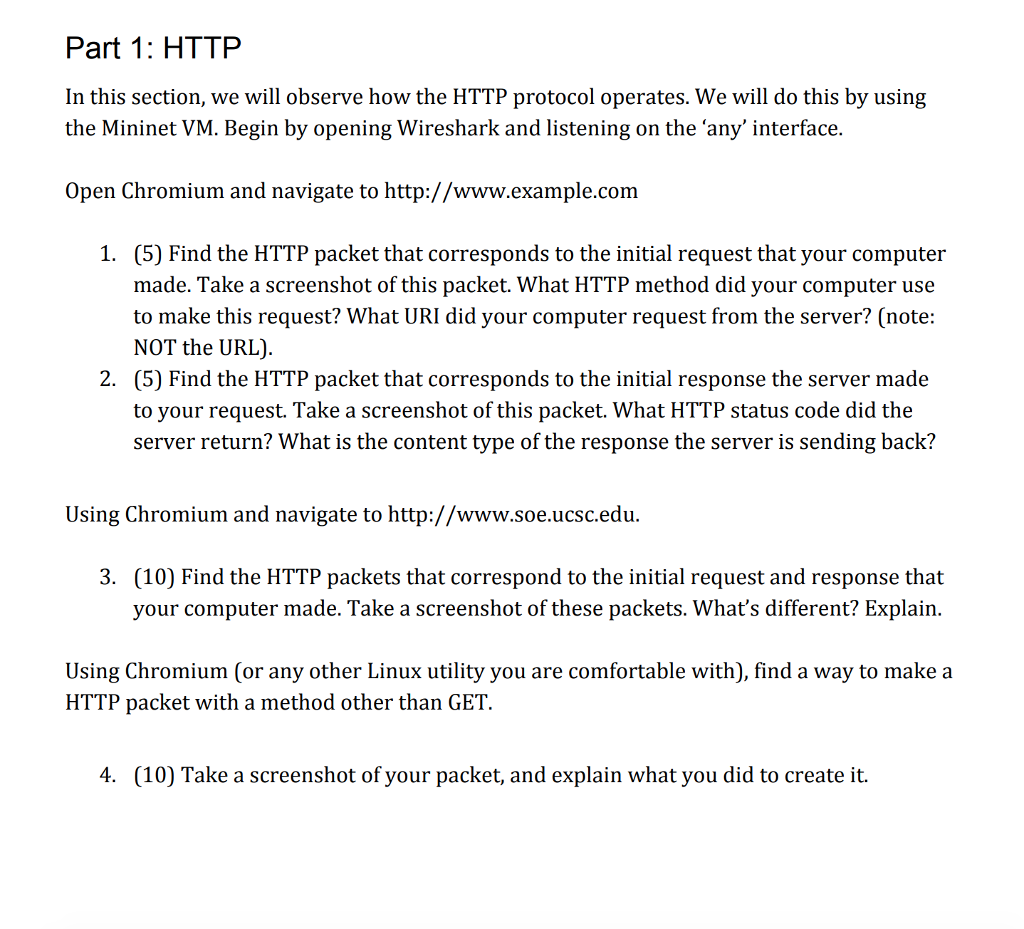
Part 1: HTTP In this section, we will observe how the HTTP protocol operates. We will do this by using the Mininet VM. Begin by opening Wireshark and listening on the 'any interface. Open Chromium and navigate to http://www.example.com 1. (5) Find the HTTP packet that corresponds to the initial request that your computer made. Take a screenshot of this packet. What HTTP method did your computer use to make this request? What URI did your computer request from the server? (note: NOT the URL) 2. (5) Find the HTTP packet that corresponds to the initial response the server made to your request. Take a screenshot of this packet. What HTTP status code did the server return? What is the content type of the response the server is sending back? Using Chromium and navigate to http://www.soe.ucsc.edu. 3. (10) Find the HTTP packets that correspond to the initial request and response that your computer made. Take a screenshot of these packets. What's different? Explain . Using Chromium (or any other Linux utility you are comfortable with), find a way to make a HTTP packet with a method other than GET. 4. (10) Take a screenshot of your packet, and explain what you did to create it. Part 1: HTTP In this section, we will observe how the HTTP protocol operates. We will do this by using the Mininet VM. Begin by opening Wireshark and listening on the 'any interface. Open Chromium and navigate to http://www.example.com 1. (5) Find the HTTP packet that corresponds to the initial request that your computer made. Take a screenshot of this packet. What HTTP method did your computer use to make this request? What URI did your computer request from the server? (note: NOT the URL) 2. (5) Find the HTTP packet that corresponds to the initial response the server made to your request. Take a screenshot of this packet. What HTTP status code did the server return? What is the content type of the response the server is sending back? Using Chromium and navigate to http://www.soe.ucsc.edu. 3. (10) Find the HTTP packets that correspond to the initial request and response that your computer made. Take a screenshot of these packets. What's different? Explain . Using Chromium (or any other Linux utility you are comfortable with), find a way to make a HTTP packet with a method other than GET. 4. (10) Take a screenshot of your packet, and explain what you did to create it
Step by Step Solution
There are 3 Steps involved in it

Get step-by-step solutions from verified subject matter experts
 Study Help