







Question: COMPUTER NETWORKS - USING WIRESHARK SOFTWARE, ANSWER THE FOLLOWING: The ASsignment Start capturing packets in Wireshark and then do something that will cause your host
COMPUTER NETWORKS - USING WIRESHARK SOFTWARE, ANSWER THE FOLLOWING:
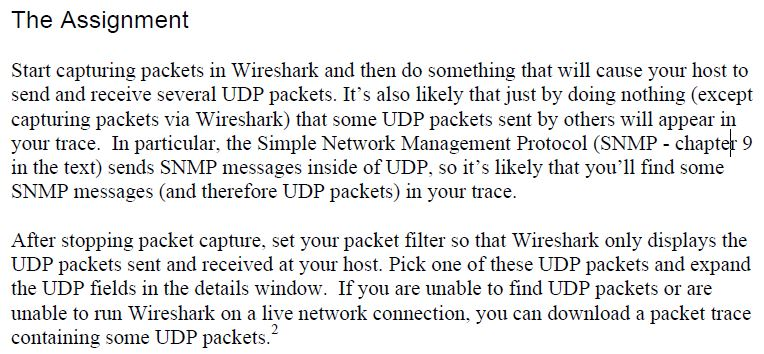
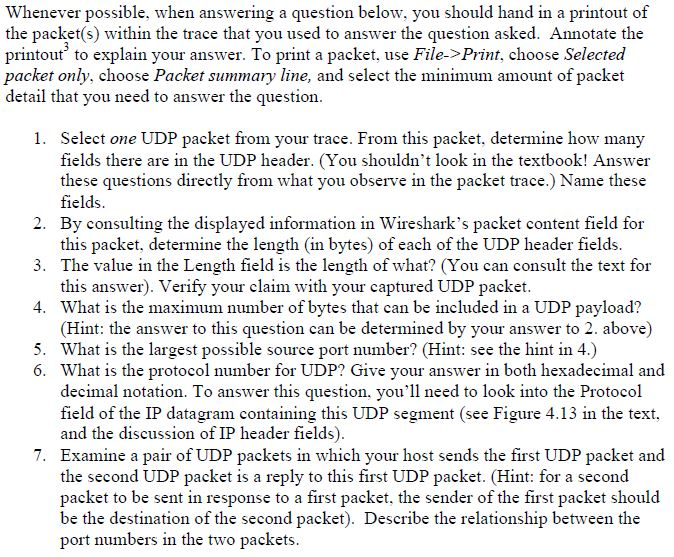
The ASsignment Start capturing packets in Wireshark and then do something that will cause your host to send and receive several UDP packets. It's also likely that just by doing nothing (except capturing packets via Wireshark) that some UDP packets sent by others will appear in your trace. In particular, the Simple Network Management Protocol (SNMP - chapter 9 in the text) sends SNMP messages inside of UDP, so it's likely that you'll find some SNMP messages (and therefore UDP packets) in your trace After stopping packet capture, set your packet filter so that Wireshark only displays the UDP packets sent and received at your host. Pick one of these UDP packets and expand the UDP fields in the details window. If you are unable to find UDP packets or are unable to run Wireshark on a live network connection, you can download a packet trace containing some UDP packets
Step by Step Solution
There are 3 Steps involved in it

Get step-by-step solutions from verified subject matter experts
 Study Help