







Question: Computer Science Department - Faculty of Engineering and Technology Linux OS Lab - Comp 3 1 1 Due Date: Wednesday 0 5 / 0 6
Computer Science Department Faculty of Engineering and Technology
Linux OS Lab Comp
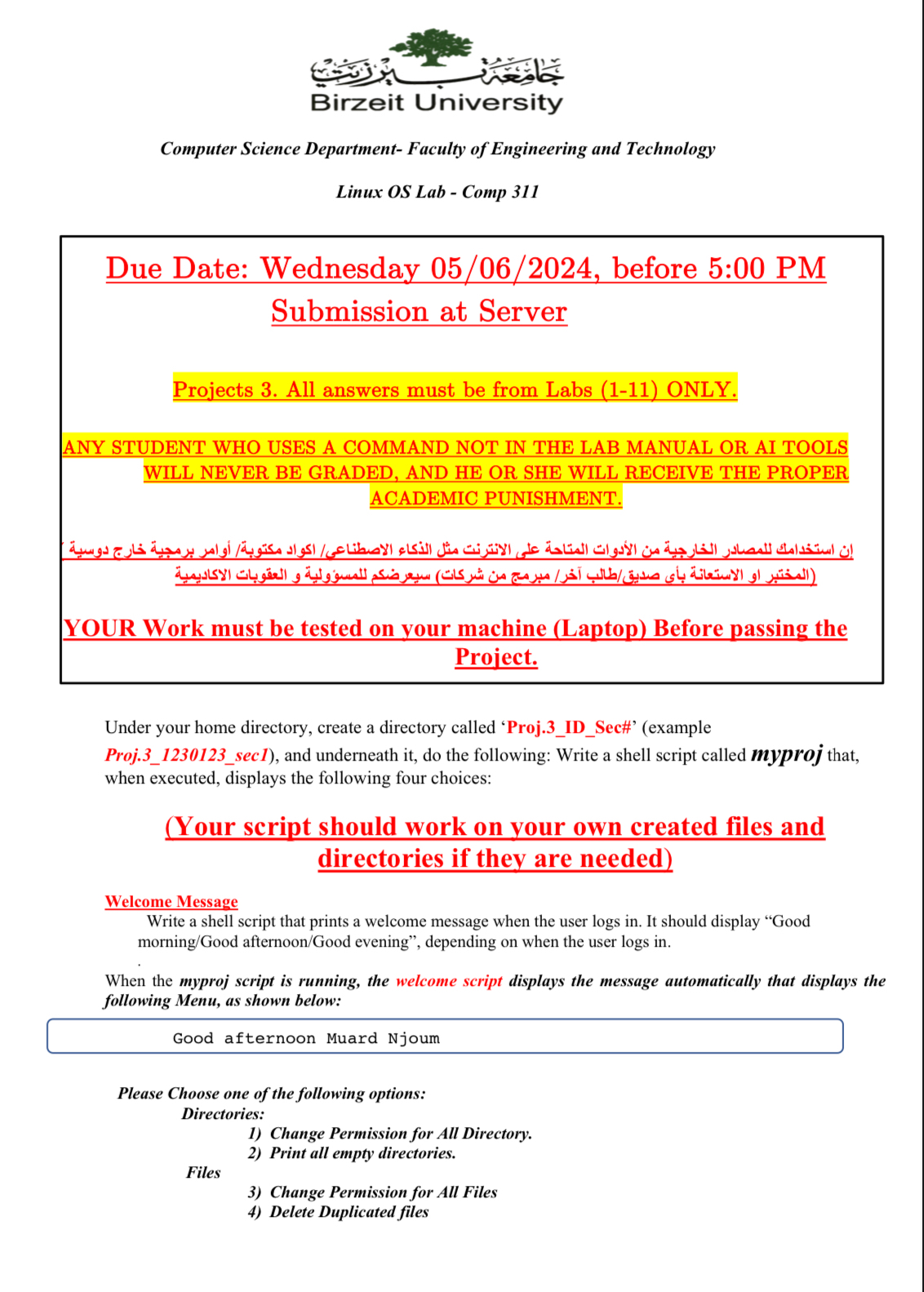
Due Date: Wednesday before : PM Submission at Server
Projects All answers must be from Labs ONLY.
ANY STUDENT WHO USES A COMMAND NOT IN THE LAB MANUAL OR AI TOOLS WILL NEVER BE GRADED, AND HE OR SHE WILL RECEIVE THE PROPER ACADEMIC PUNISHMENT.
YOUR Work must be tested on your machine Laptop Before passing the Project.
Under your home directory, create a directory called 'ProjIDSec#example
Projsec and underneath it do the following: Write a shell script called myproj that, when executed, displays the following four choices:
Your script should work on your own created files and directories if they are needed
Welcome Message
Write a shell script that prints a welcome message when the user logs in It should display "Good morningGood afternoonGood evening", depending on when the user logs in
When the myproj script is running, the welcome script displays the message automatically that displays the following Menu, as shown below:
Good afternoon Muard Njoum
Please Choose one of the following options:
Directories:
Change Permission for All Directory.
Print all empty directories.
Files
Change Permission for All Files
Delete Duplicated files
Step by Step Solution
There are 3 Steps involved in it
1 Expert Approved Answer
Step: 1 Unlock

Question Has Been Solved by an Expert!
Get step-by-step solutions from verified subject matter experts
Step: 2 Unlock
Step: 3 Unlock
 Study Help