



Question: Configure DHCPv4 on the router so it will automatically assign an IP address from the last 5 usable addresses in 192.168.224.128/26 to the PC. Configure
Configure DHCPv4 on the router so it will automatically assign an IP address from the last 5 usable addresses in 192.168.224.128/26 to the PC. Configure the first address as the router interface. Be sure the PC pulls an IP address, subnet mask and default gateway. Also, configure DNS (8.8.8.8) and the domain (ccna-lab.com).
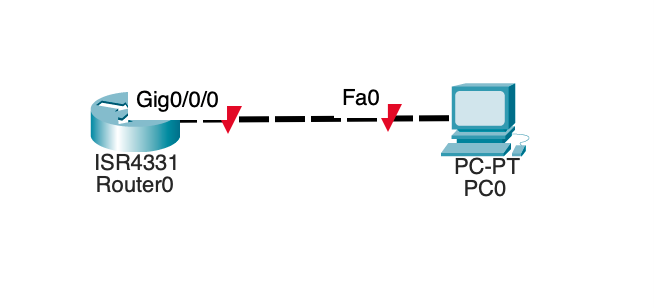
What command you should send to configure DHCPv4 on the router.
Gig0/0/0 ISR4331 RouterO Fa0 PC-PT PCO
Step by Step Solution
There are 3 Steps involved in it
1 Expert Approved Answer
Step: 1 Unlock

Question Has Been Solved by an Expert!
Get step-by-step solutions from verified subject matter experts
Step: 2 Unlock
Step: 3 Unlock