







Question: Configuring a LAN Computer for a Network Printer Objectives: Configure LAN computers to print on a network printer Equipment: .PCs with Windows7 *Network printer with
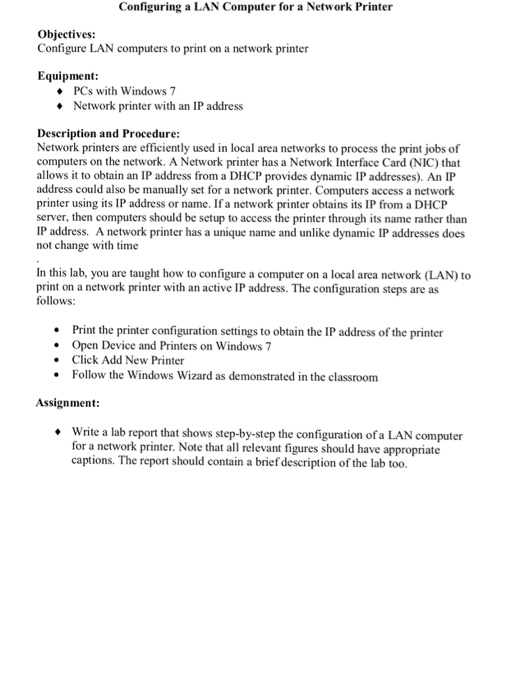
Configuring a LAN Computer for a Network Printer Objectives: Configure LAN computers to print on a network printer Equipment: .PCs with Windows7 *Network printer with an IP address Description and Procedure Network printers are efficiently used in local area networks to process the print jobs of computers on the network. A Network printer has a Network Interface Card (NIC) that allows it to obtain an IP address from a DHCP provides dynamic IP addresses). An IP address could also be manually set for a network printer. Computers access a network printer using its IP address or name. If a network printer obtains its IP from a DHCP server, then computers should be setup to access the printer through its name rather than IP address. A network printer has a unique name and unlike dynamic IP addresses does not change with time In this lab, you are taught how to configure a computer on a local area network (LAN) to print on a network printer with an active IP address. The configuration steps are as follows Print the printer configuration settings to obtain the IP address of the printer Open Device and Printers on Windows 7 Click Add New Printer Follow the Windows Wizard as demonstrated in the classroom . Assignment Write a lab report that shows step-by-step the configuration of a LAN computer for a network printer. Note that all relevant figures should have appropriate captions. The report should contain a brief description of the lab too
Step by Step Solution
There are 3 Steps involved in it

Get step-by-step solutions from verified subject matter experts
 Study Help