







Question: Connect to the W3Schools SQL Tryit Editor. Open a browser, connect to www.w3schools.com/sl/, and then click the button labeled Try it yourself Click the Restore
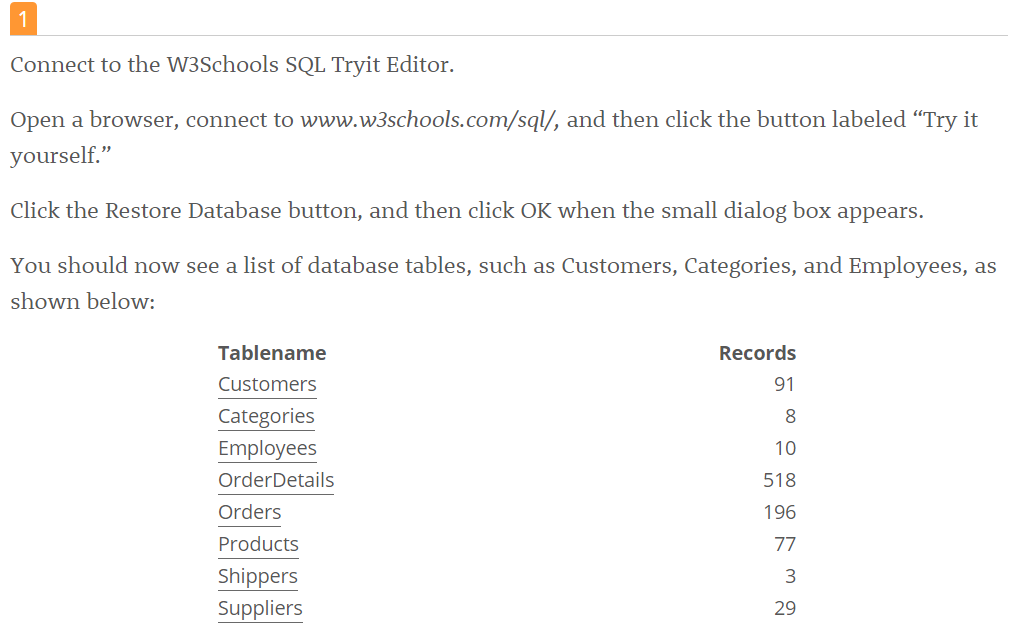
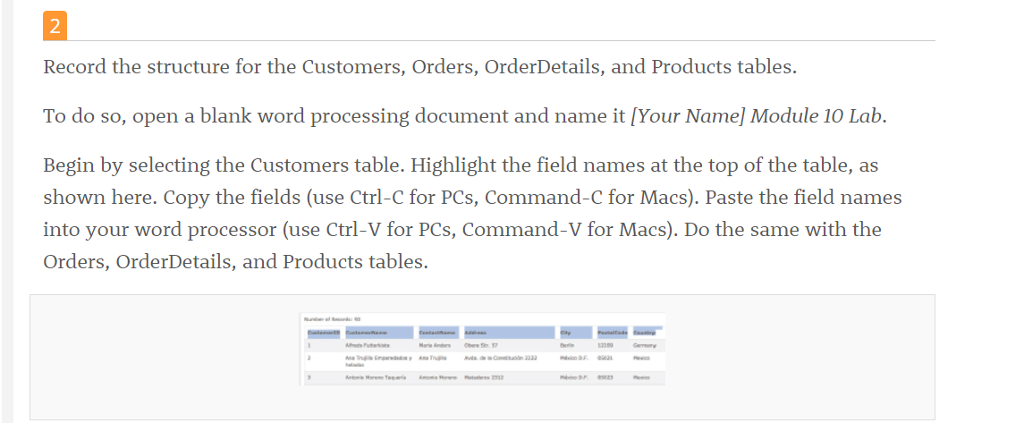
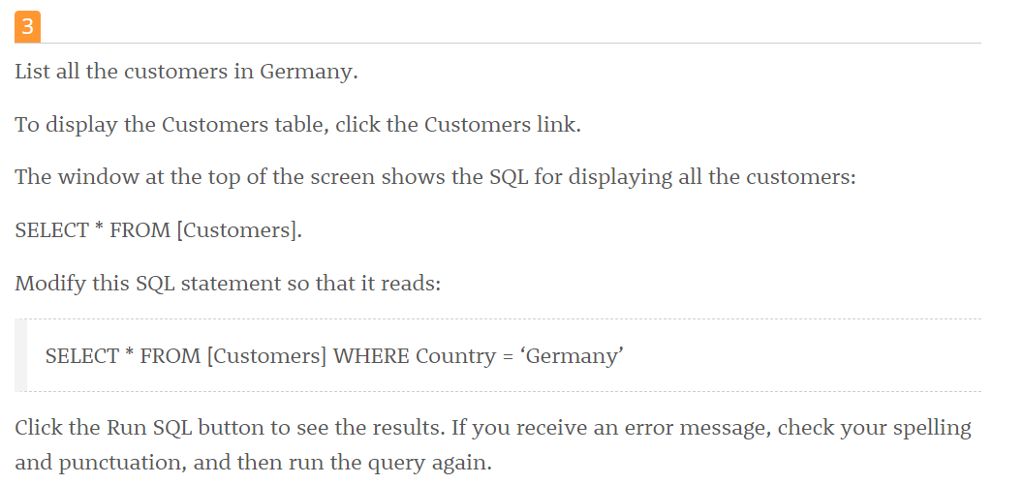
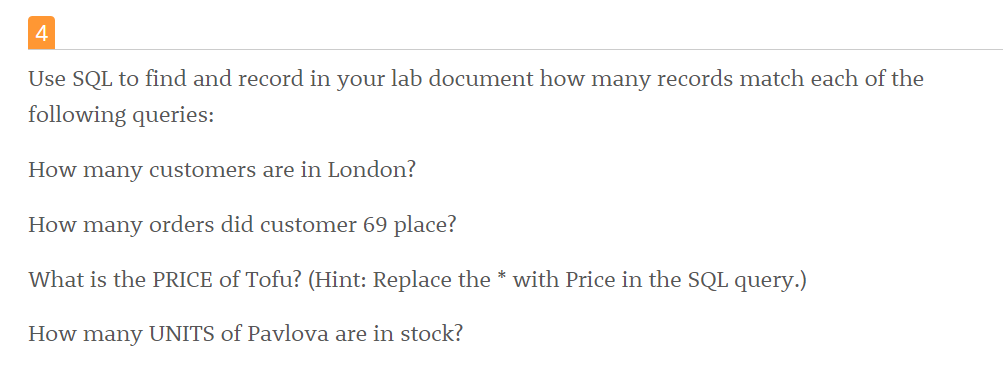
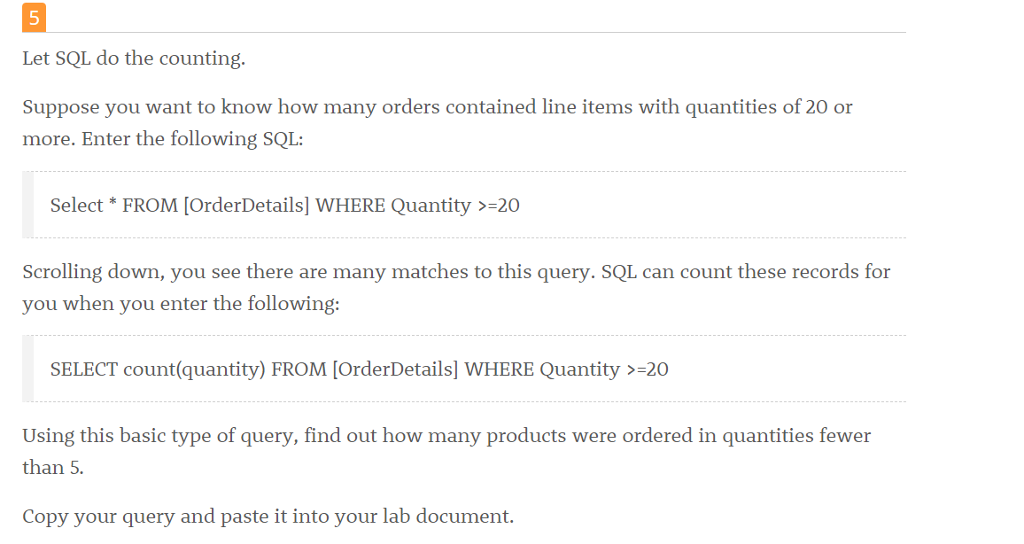
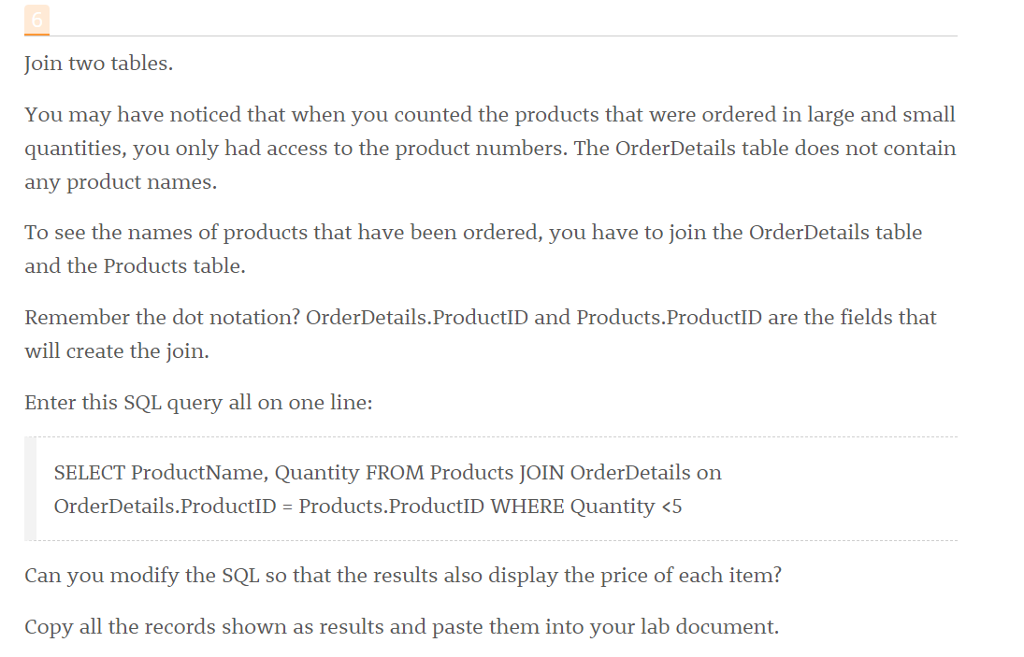
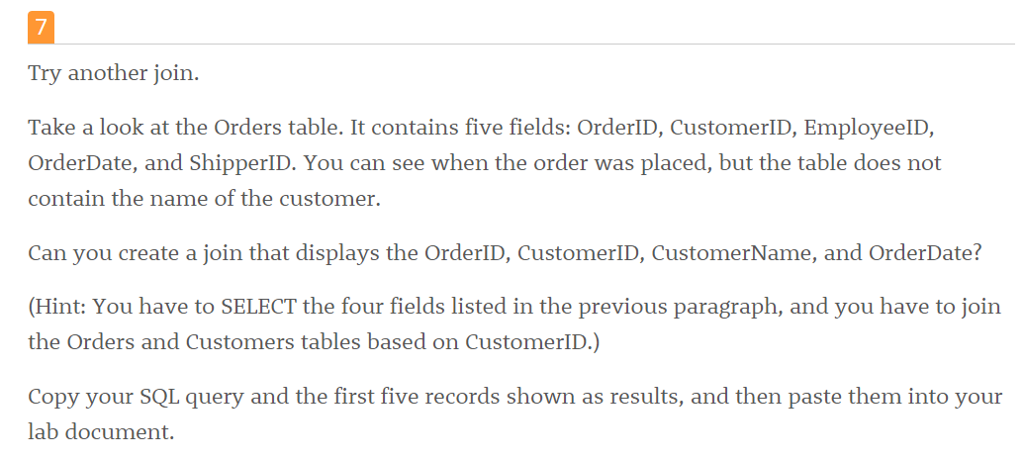
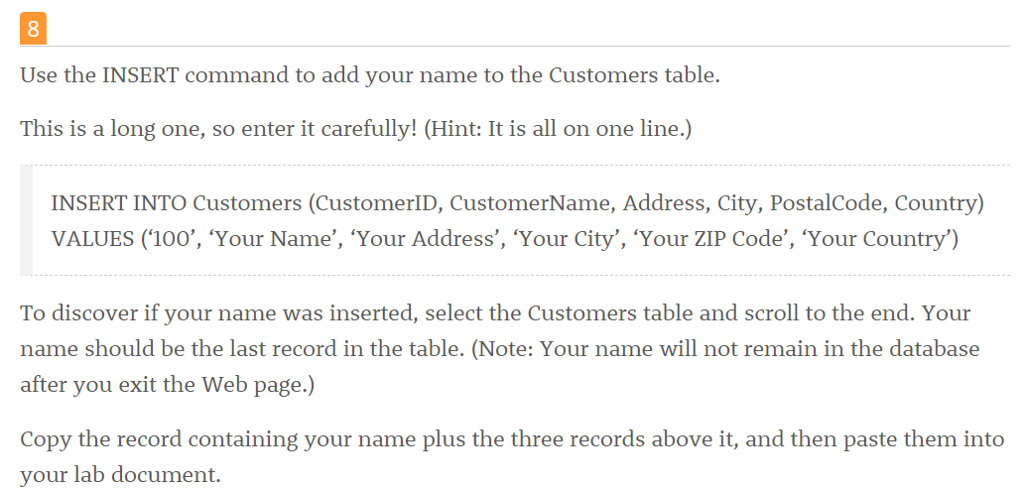
Connect to the W3Schools SQL Tryit Editor. Open a browser, connect to www.w3schools.com/sl/, and then click the button labeled "Try it yourself Click the Restore Database button, and then click OK when the small dialog box appears. You should now see a list of database tables, such as Customers, Categories, and Employees, as shown below Tablename Customers Categories Employees OrderDetails Orders Products Shippers Suppliers Records 91 10 518 196 3 29
Step by Step Solution
There are 3 Steps involved in it
1 Expert Approved Answer
Step: 1 Unlock

Question Has Been Solved by an Expert!
Get step-by-step solutions from verified subject matter experts
Step: 2 Unlock
Step: 3 Unlock
 Study Help