







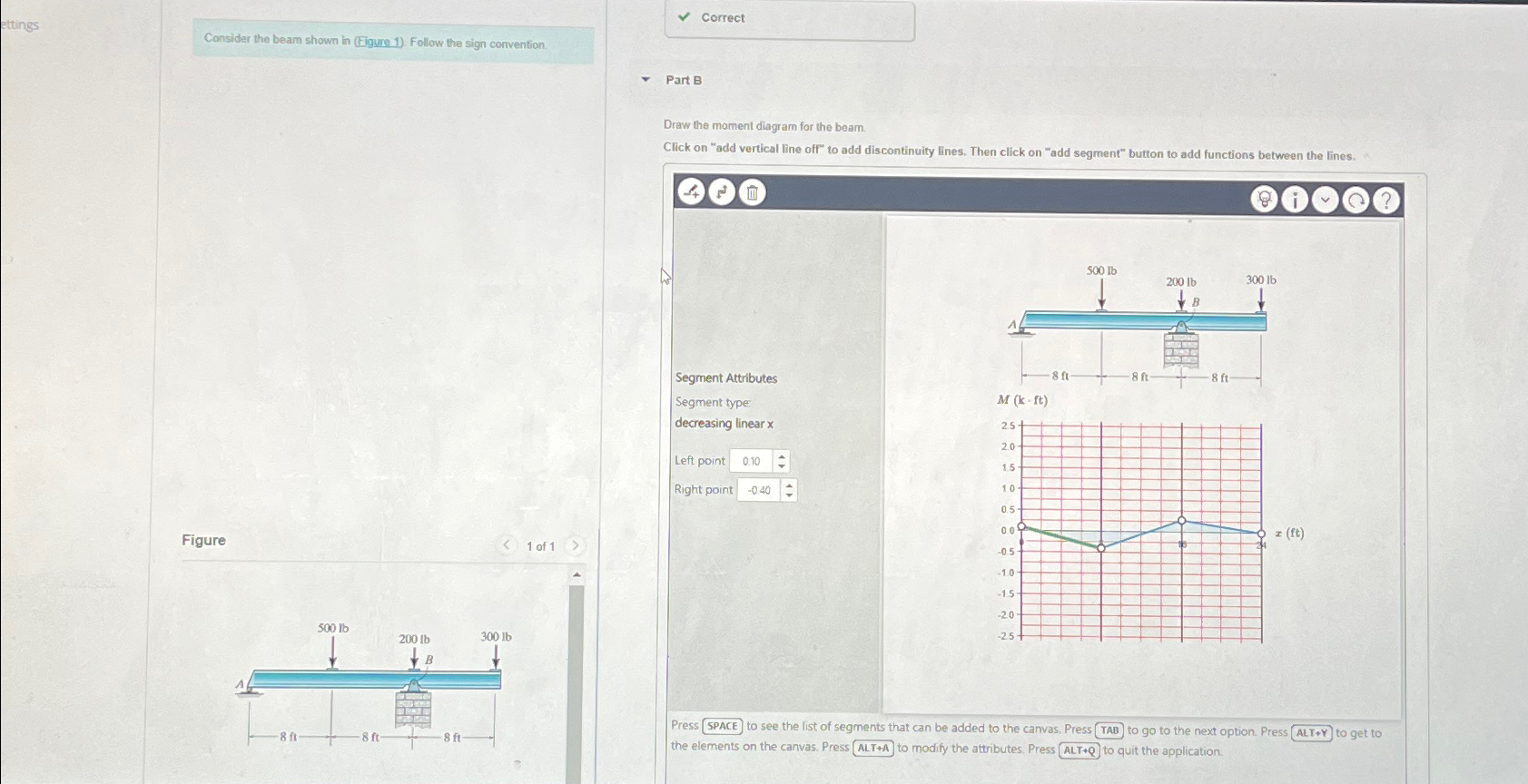
Question: Consider the beam shown in ( Eigure 1 ) . Follow the sign convention Correct Part B Draw the moment diagran for the beam. Click
Consider the beam shown in Eigure Follow the sign convention
Correct
Part B
Draw the moment diagran for the beam.
Click on "add vertical line off" to add discontinuity lines. Then click on "add segment" button to add functions between the lines.
Segment Attributes
Segment type:
decreasing linear
Left point
Right point
Figure
of
Press SPACE to see the list of segments that can be added to the canvas, Press TAB to go to the next option. Press ALTY to get to the elements on the canvas. Press ALT to modify the attributes. Press ALT to quit the application.
Step by Step Solution
There are 3 Steps involved in it
1 Expert Approved Answer
Step: 1 Unlock

Question Has Been Solved by an Expert!
Get step-by-step solutions from verified subject matter experts
Step: 2 Unlock
Step: 3 Unlock
 Study Help