







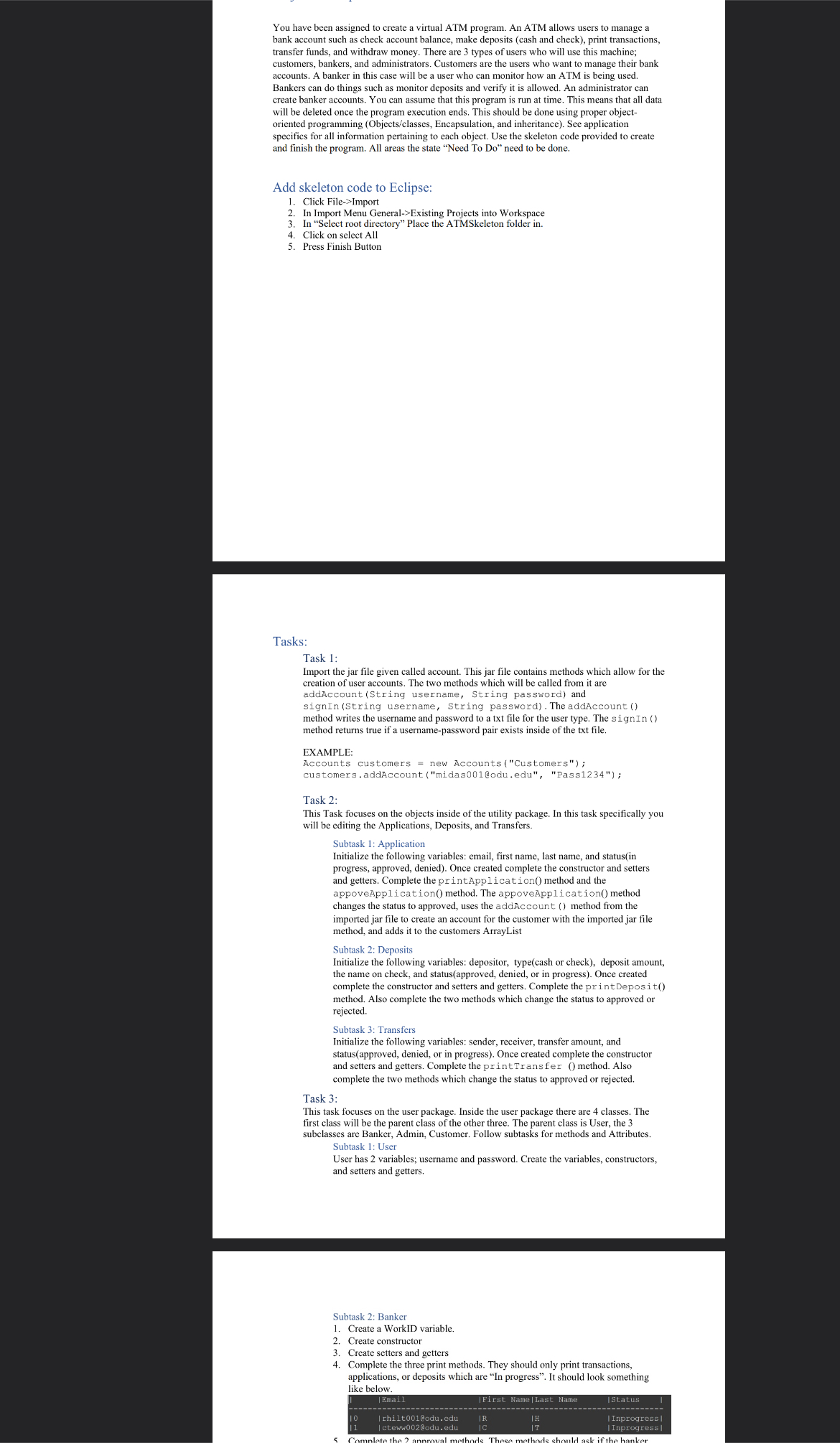
Question: Continued Instructions: 5 . Complete the 2 approval methods. These methods should ask if the banker wants to approve or deny a transaction, application, or
Continued Instructions:
Complete the approval methods. These methods should ask if the banker
wants to approve or deny a transaction, application, or deposit. Read
comments in skeleton code for some additional notes.
Subtask : Admin
An Admin has no additional variables. It however has method. Complete the
createBanker method. It should ask for an username and password. It will
the call the addAccount method from the imported jar file to create the
account.
Subtask : Customer
Create the following variables first name, last name, email, accountNumber,
accountBalance
Create constructor
Create setters and getters
Complete the methods which take in a amount of money and subtract or add it
to account balance.
Complete the three print methods. They should only print transactions,
applications, or deposits which are In progress
Complete the printActivity method.
Complete the printBankInformation method. Should print the
information of the customer.
Complete the makeCashDeposit makeCheckDeposit and
makeTranfer methods. These should get appended to allTransfers
or allDeposits depending on the method. These should also be added to
accountTransactions. This means you need to create a
bankTransaction object when adding it to accountTransactions.
Task :
Go back to the utility package, there should be one more class called Utility. This class
holds the menu functionality. This means that there are menus, a sign in method,
application creator, and check the status of an application.
Create the four menu methods. The main menu should call sign in method.
The sign in method should then direct you to the other methods. See
screenshots to see what the menu should look like.
Main Menu:
Banker:
Customer:
Complete the sign in method. This method should ask for a username and
password. Use the signIn method from the imported jar file from task to
check if the passwords and username match.
Complete the customerApplicationCreation method. This will ask
for information and use the information to create an application object. Pass
the object into the application list.
Step by Step Solution
There are 3 Steps involved in it
1 Expert Approved Answer
Step: 1 Unlock

Question Has Been Solved by an Expert!
Get step-by-step solutions from verified subject matter experts
Step: 2 Unlock
Step: 3 Unlock
 Study Help