







Question: Could you design a interactive prototype and improve the prototype below using powerpoint because i don't know where to start: Improve consistency: Use the same
Could you design a interactive prototype and improve the prototype below using powerpoint because i don't know where to start:
Improve consistency: Use the same font size and style throughout the interface. Place buttons and icons in the same location on each screen.
Provide more feedback: When a user taps on a button, indicate that the button has been activated by changing its color or appearance. Provide feedback to users when they complete tasks successfully or encounter errors.
Add these features
A search bar: This would allow users to quickly find the information or features they need.
A help section: This would provide users with information on how to use the interface and complete tasks.
Personalization features: This would allow users to customize the interface to their own preferences, such as changing the font size or theme color.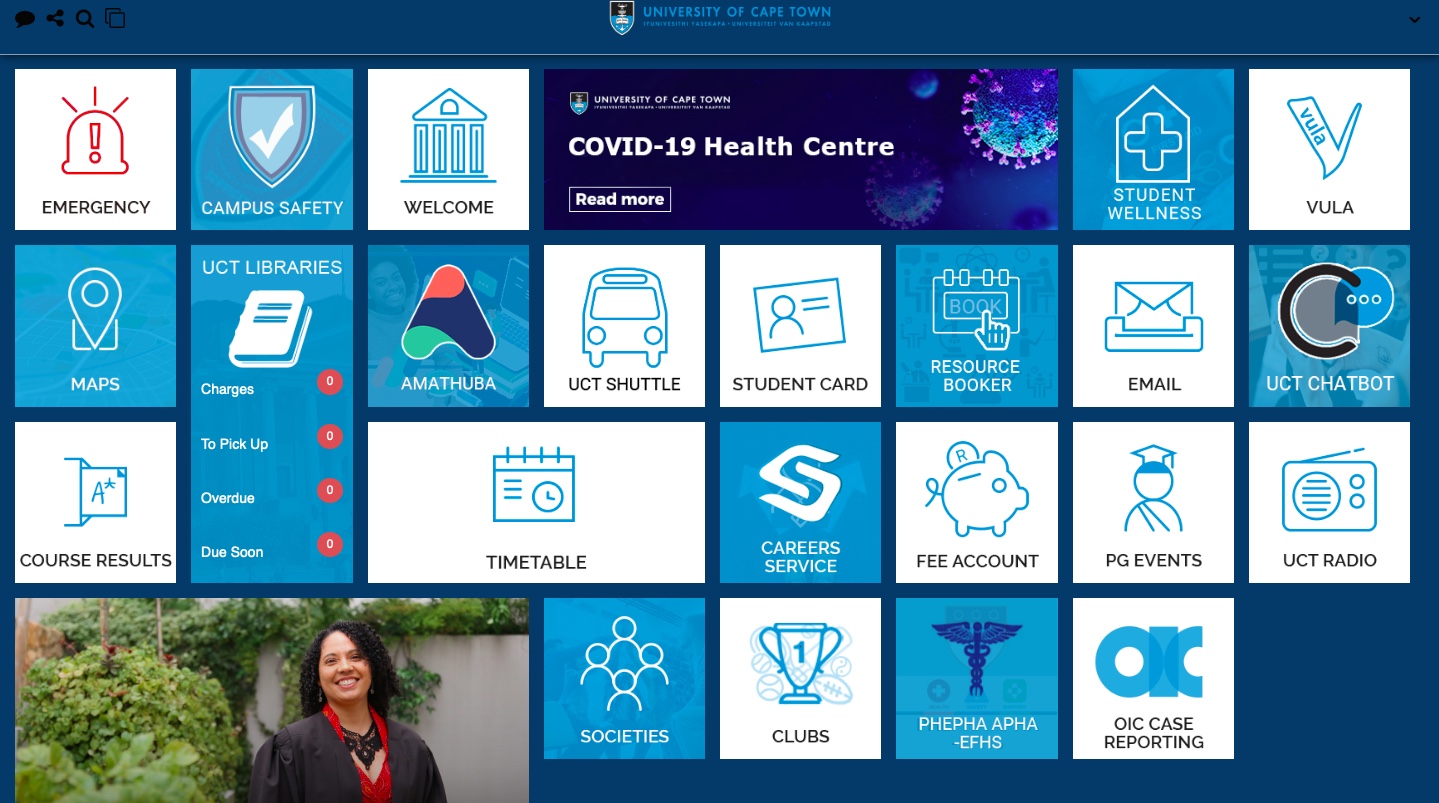
Step by Step Solution
There are 3 Steps involved in it

Get step-by-step solutions from verified subject matter experts
 Study Help