







Question: Create 3 very simple classes. Each class should be in its own set of two files, one header file *.hpp and one implementation file *.cpp
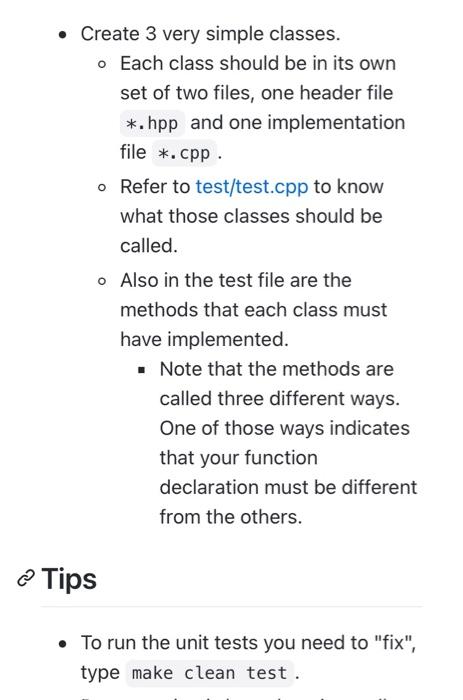
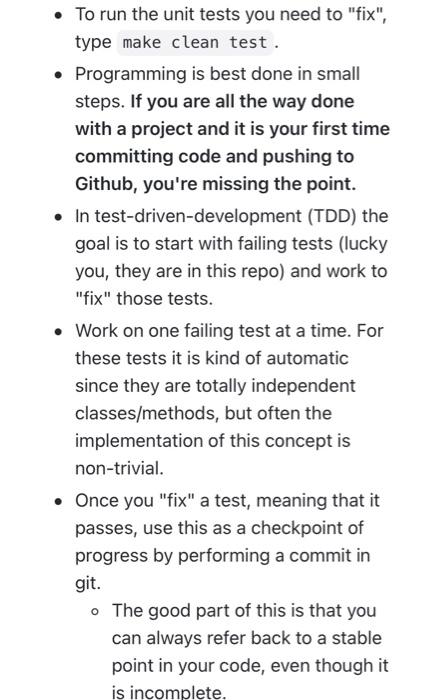
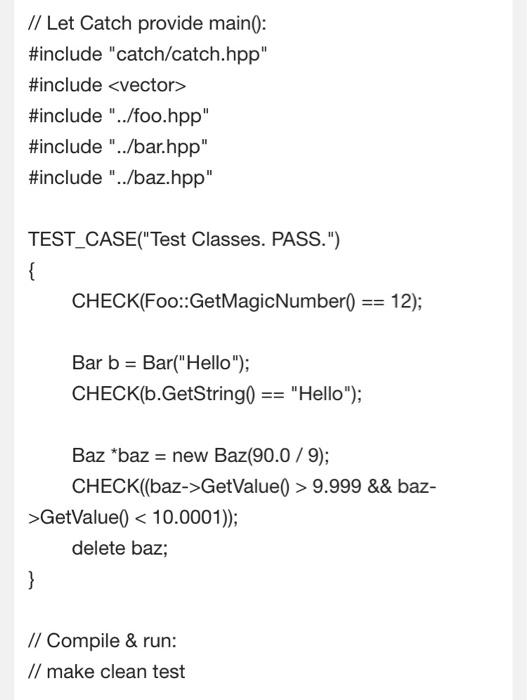
Create 3 very simple classes. Each class should be in its own set of two files, one header file *.hpp and one implementation file *.cpp o Refer to test/test.cpp to know what those classes should be called. o Also in the test file are the methods that each class must have implemented. . Note that the methods are called three different ways. One of those ways indicates that your function declaration must be different from the others. @ Tips To run the unit tests you need to "fix", type make clean test. To run the unit tests you need to "fix", type make clean test. Programming is best done in small steps. If you are all the way done with a project and it is your first time committing code and pushing to Github, you're missing the point. In test-driven-development (TDD) the goal is to start with failing tests (lucky you, they are in this repo) and work to "fix" those tests. Work on one failing test at a time. For these tests it is kind of automatic since they are totally independent classes/methods, but often the implementation of this concept is non-trivial. Once you "fix" a test, meaning that it passes, use this as a checkpoint of progress by performing a commit in git. . The good part of this is that you can always refer back to a stable point in your code, even though it is incomplete. // Let Catch provide main(): #include "catch/catch.hpp" #include
Step by Step Solution
There are 3 Steps involved in it

Get step-by-step solutions from verified subject matter experts
 Study Help