







Question: Create a Assign To A Group application that prompts the user for his or her first and last name and then displays a group
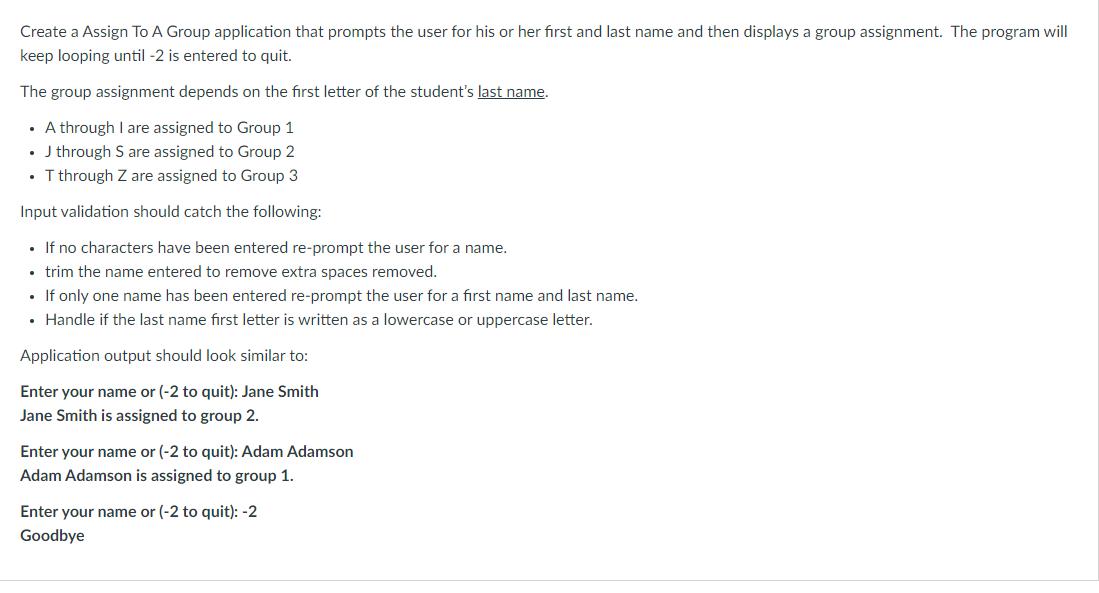
Create a Assign To A Group application that prompts the user for his or her first and last name and then displays a group assignment. The program will keep looping until -2 is entered to quit. The group assignment depends on the first letter of the student's last name. A through I are assigned to Group 1 J through S are assigned to Group 2 T through Z are assigned to Group 3 Input validation should catch the following: If no characters have been entered re-prompt the user for a name. trim the name entered to remove extra spaces removed. If only one name has been entered re-prompt the user for a first name and last name. Handle if the last name first letter is written as a lowercase or uppercase letter. Application output should look similar to: Enter your name or (-2 to quit): Jane Smith Jane Smith is assigned to group 2. Enter your name or (-2 to quit): Adam Adamson Adam Adamson is assigned to group 1. Enter your name or (-2 to quit): -2 Goodbye
Step by Step Solution
There are 3 Steps involved in it

Get step-by-step solutions from verified subject matter experts
 Study Help