







Question: Create a basic.html file and .js file for the lab. In the html file there should be a heading, an element for output, and a
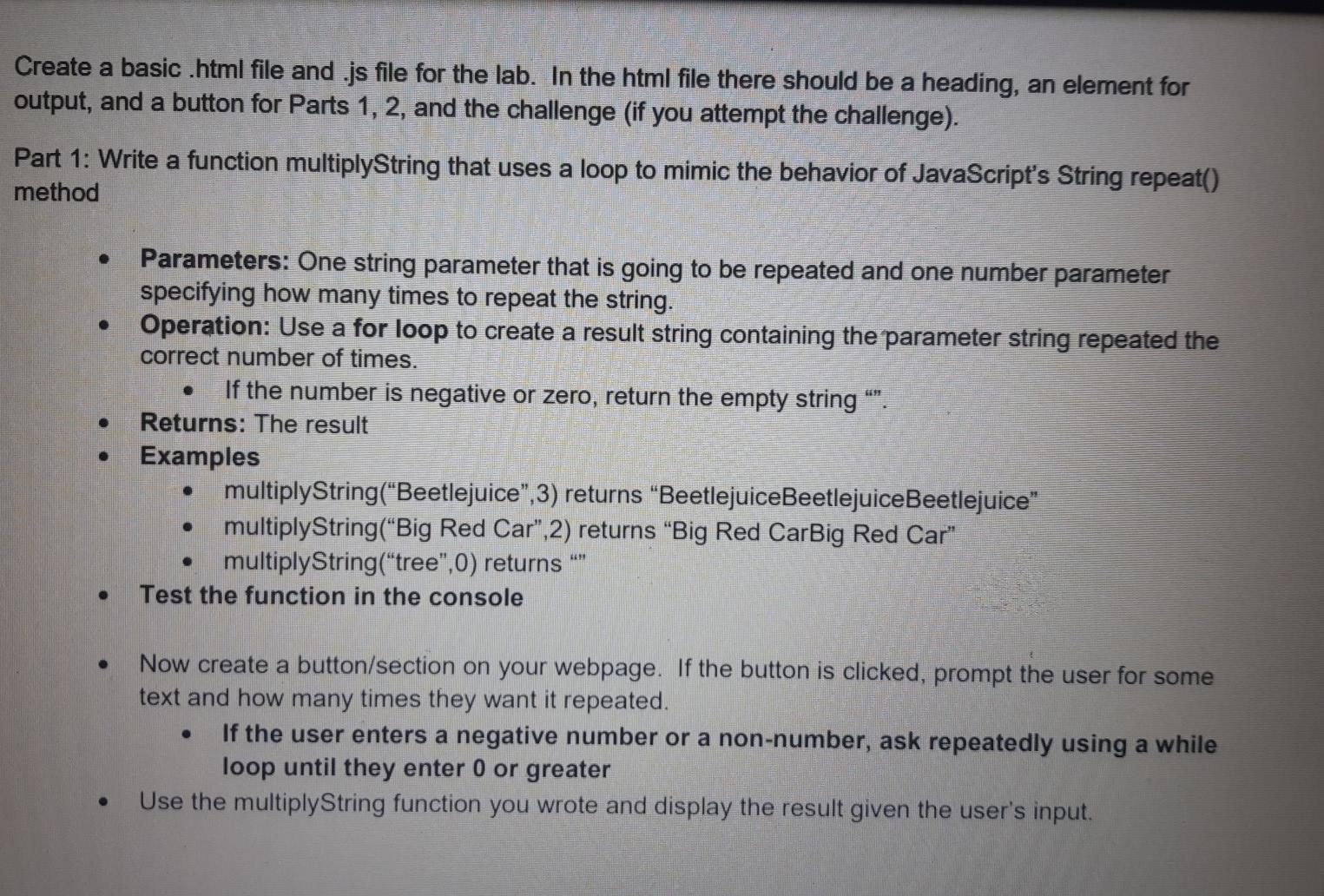
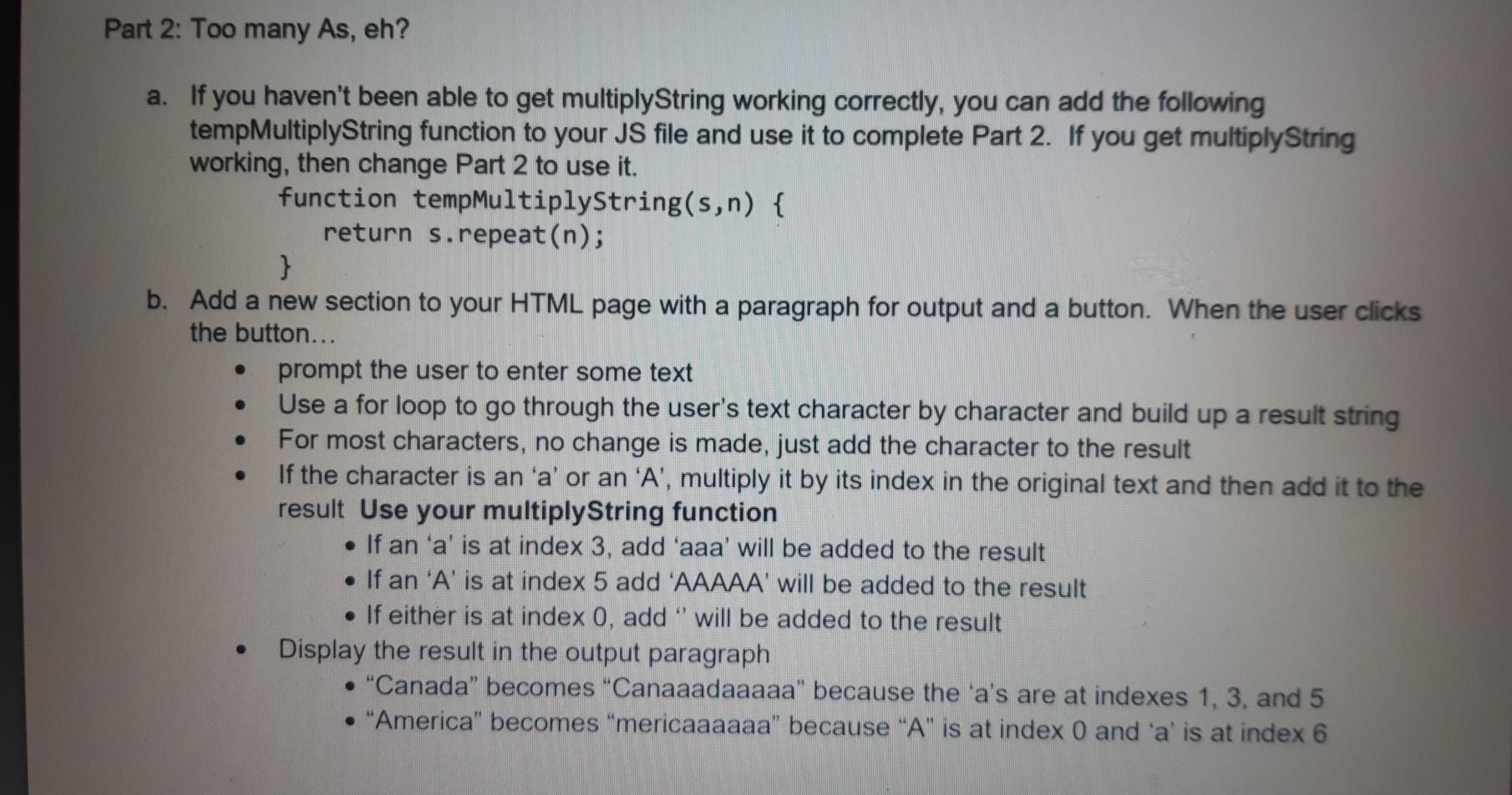
Create a basic.html file and .js file for the lab. In the html file there should be a heading, an element for output, and a button for Parts 1, 2, and the challenge (if you attempt the challenge). Part 1: Write a function multiplyString that uses a loop to mimic the behavior of JavaScript's String repeat() method Parameters: One string parameter that is going to be repeated and one number parameter specifying how many times to repeat the string. Operation: Use a for loop to create a result string containing the parameter string repeated the correct number of times. If the number is negative or zero, return the empty string "". Returns: The result Examples multiplyString("Beetlejuice,3) returns "BeetlejuiceBeetlejuiceBeetlejuice" multiplyString(Big Red Car",2) returns "Big Red CarBig Red Car" multiplyString("tree",0) returns Test the function in the console . . Now create a button/section on your webpage. If the button is clicked, prompt the user for some text and how many times they want it repeated. If the user enters a negative number or a non-number, ask repeatedly using a while loop until they enter 0 or greater Use the multiplyString function you wrote and display the result given the user's input. Part 2: Too many As, eh? a. If you haven't been able to get multiplyString working correctly, you can add the following tempMultiplyString function to your JS file and use it to complete Part 2. If you get multiplyString working, then change Part 2 to use it. function tempMultiplyString(s,n) { return s.repeat(n); } b. Add a new section to your HTML page with a paragraph for output and a button. When the user clicks the button... prompt the user to enter some text Use a for loop to go through the user's text character by character and build up a result string For most characters, no change is made, just add the character to the result If the character is an 'a' or an 'A', multiply it by its index in the original text and then add it to the result Use your multiplyString function If an 'a' is at index 3, add 'aaa' will be added to the result If an 'A' is at index 5 add 'AAAAA' will be added to the result If either is at index 0, add " will be added to the result Display the result in the output paragraph "Canada" becomes "Canaaadaaaaa" because the 'a's are at indexes 1, 3, and 5 "America" becomes "mericaaaaaa" because "A" is at index 0 and 'a' is at index 6
Step by Step Solution
There are 3 Steps involved in it

Get step-by-step solutions from verified subject matter experts
 Study Help