







Question: Create a CHARACTER SELECTION (Gamified) in ANDROID STUDIO Activity No. 8: CHARACTER SELECTION (Gamified) Create a mobile application that will allow the user his/her preferred
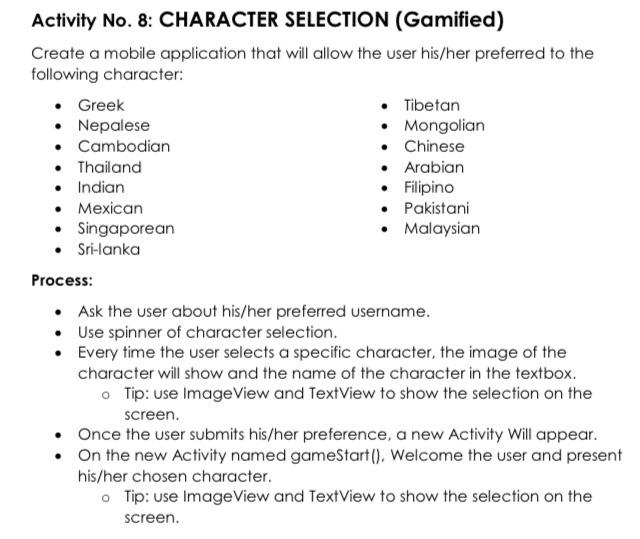
Activity No. 8: CHARACTER SELECTION (Gamified) Create a mobile application that will allow the user his/her preferred to the following character: - Greek - Tibetan - Nepalese - Mongolian - Cambodian - Chinese - Thailand - Arabian - Indian - Filipino - Mexican - Pakistani - Singaporean - Malaysian - Sri-lanka Process: - Ask the user about his/her preferred username. - Use spinner of character selection. - Every time the user selects a specific character, the image of the character will show and the name of the character in the textbox. - Tip: use ImageView and TextView to show the selection on the screen. - Once the user submits his/her preference, a new Activity Will appear. - On the new Activity named gameStart(), Welcome the user and present his/her chosen character. - Tip: use ImageView and TextView to show the selection on the screen
Step by Step Solution
There are 3 Steps involved in it

Get step-by-step solutions from verified subject matter experts
 Study Help