







Question: Create a console application for managing question and answer data, consisting of two classes: QAApp and QAEntry, both contained in the QAApp.java file. QAApp
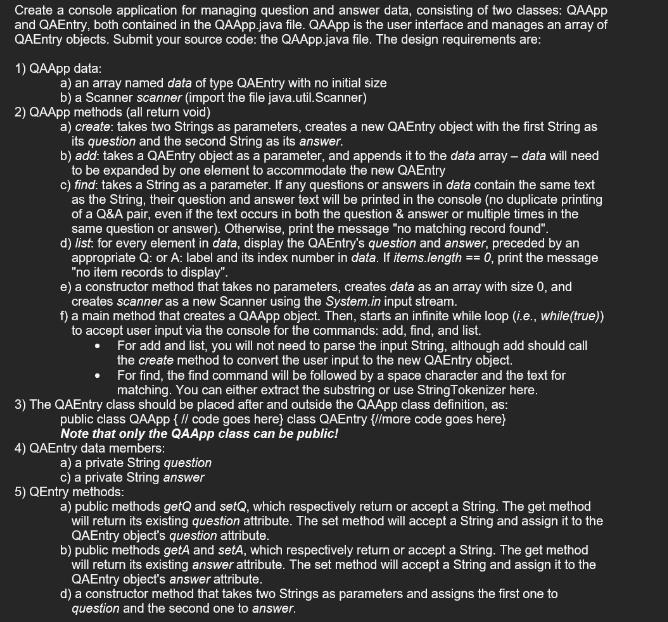
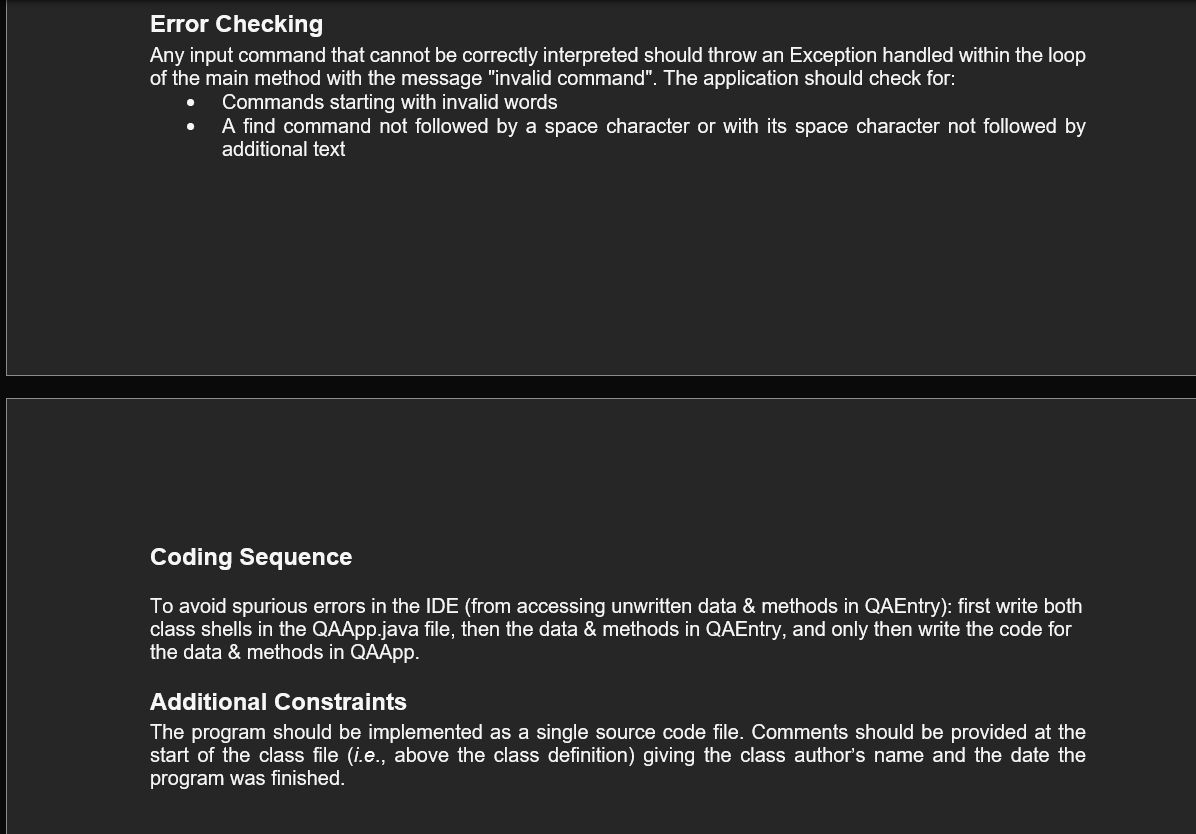
Create a console application for managing question and answer data, consisting of two classes: QAApp and QAEntry, both contained in the QAApp.java file. QAApp is the user interface and manages an array of QAEntry objects. Submit your source code: the QAApp.java file. The design requirements are: 1) QAApp data: a) an array named data of type QAEntry with no initial size b) a Scanner scanner (import the file java.util.Scanner) 2) QAApp methods (all return void) a) create: takes two Strings as parameters, creates a new QAEntry object with the first String as its question and the second String as its answer. b) add: takes a QAEntry object as a parameter, and appends it to the data array - data will need to be expanded by one element to accommodate the new QAEntry c) find: takes a String as a parameter. If any questions or answers in data contain the same text as the String, their question and answer text will be printed in the console (no duplicate printing of a Q&A pair, even if the text occurs in both the question & answer or multiple times in the same question or answer). Otherwise, print the message "no matching record found". d) list: for every element in data, display the QAEntry's question and answer, preceded by an appropriate Q: or A: label and its index number in data. If items.length == 0, print the message "no item records to display". e) a constructor method that takes no parameters, creates data as an array with size 0, and creates scanner as a new Scanner using the System.in input stream. f) a main method that creates a QAApp object. Then, starts an infinite while loop (i.e., while(true)) to accept user input via the console for the commands: add, find, and list. For add and list, you will not need to parse the input String, although add should call the create method to convert the user input to the new QAEntry object. For find, the find command will be followed by a space character and the text for matching. You can either extract the substring or use StringTokenizer here. 3) The QAEntry class should be placed after and outside the QAApp class definition, as: public class QAApp { // code goes here} class QAEntry {//more code goes here} Note that only the QAApp class can be public! 4) QAEntry data members: a) a private String question c) a private String answer 5) QEntry methods: a) public methods getQ and setQ, which respectively return or accept a String. The get method will return its existing question attribute. The set method will accept a String and assign it to the QAEntry object's question attribute. b) public methods getA and setA, which respectively return or accept a String. The get method will return its existing answer attribute. The set method will accept a String and assign it to the QAEntry object's answer attribute. d) a constructor method that takes two Strings as parameters and assigns the first one to question and the second one to answer. Error Checking Any input command that cannot be correctly interpreted should throw an Exception handled within the loop of the main method with the message "invalid command". The application should check for: Commands starting with invalid words A find command not followed by a space character or with its space character not followed by additional text Coding Sequence To avoid spurious errors in the IDE (from accessing unwritten data & methods in QAEntry): first write both class shells in the QAApp.java file, then the data & methods in QAEntry, and only then write the code for the data & methods in QAApp. Additional Constraints The program should be implemented as a single source code file. Comments should be provided at the start of the class file (i.e., above the class definition) giving the class author's name and the date the program was finished.
Step by Step Solution
There are 3 Steps involved in it

Get step-by-step solutions from verified subject matter experts
 Study Help