







Question: Create a folder called Week3Lab Add a file called startup.txt Edit this file and o Add your name on first line o Add the date
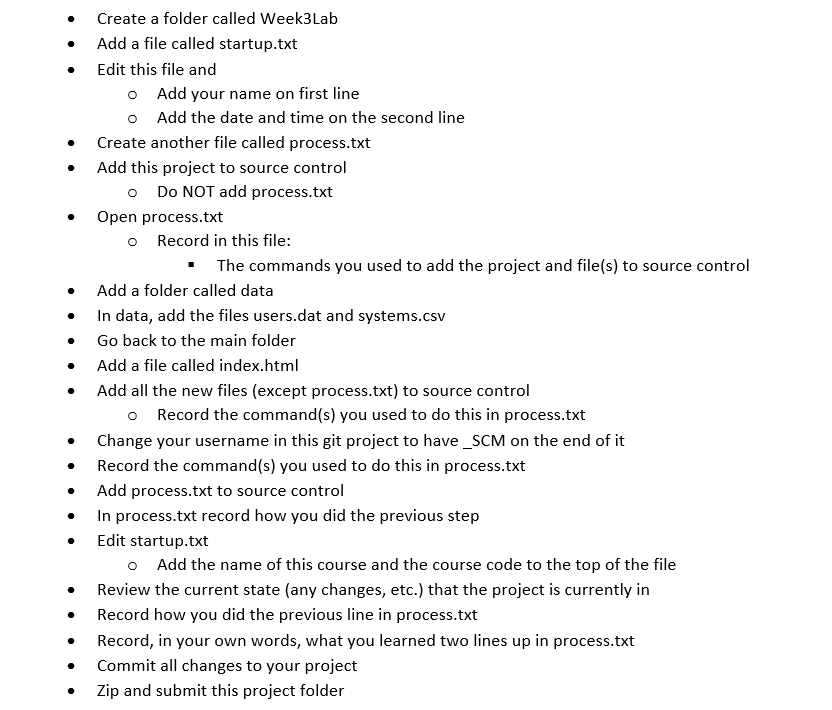
Create a folder called Week3Lab Add a file called startup.txt Edit this file and o Add your name on first line o Add the date and time on the second line . Create another file called process.txt . Add this project to source control o Do NOT add process.txt Open process.txt o Record in this file: " The commands you used to add the project and file(s) to source control Add a folder called data . In data, add the files users.dat and systems.csv . Go back to the main folder Add a file called index.html . Add all the new files (except process.txt) to source control o Record the command(s) you used to do this in process.txt . Change your username in this git project to have_SCM on the end of it Record the command(s) you used to do this in process.txt Add process.txt to source control In process.txt record how you did the previous step Edit startup.txt o Add the name of this course and the course code to the top of the file Review the current state (any changes, etc.) that the project is currently in . Record how you did the previous line in process.txt . Record, in your own words, what you learned two lines up in process.txt . Commit all changes to your project . Zip and submit this project folder
Step by Step Solution
There are 3 Steps involved in it

Get step-by-step solutions from verified subject matter experts
 Study Help