







Question: Create a Git Repository folder for your Assignment 3 Project, see hybrid handouts. Create the following location on your hard drive for the repository:
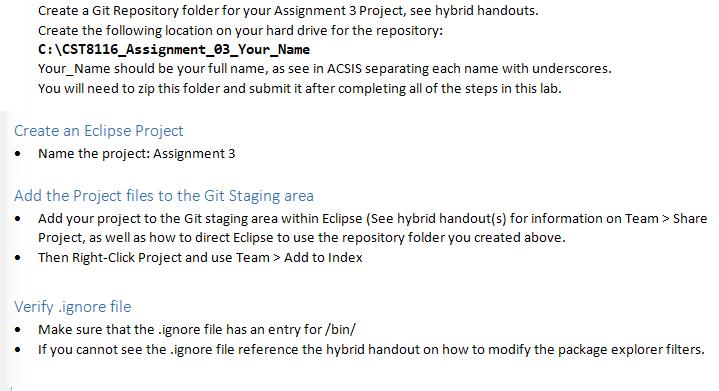
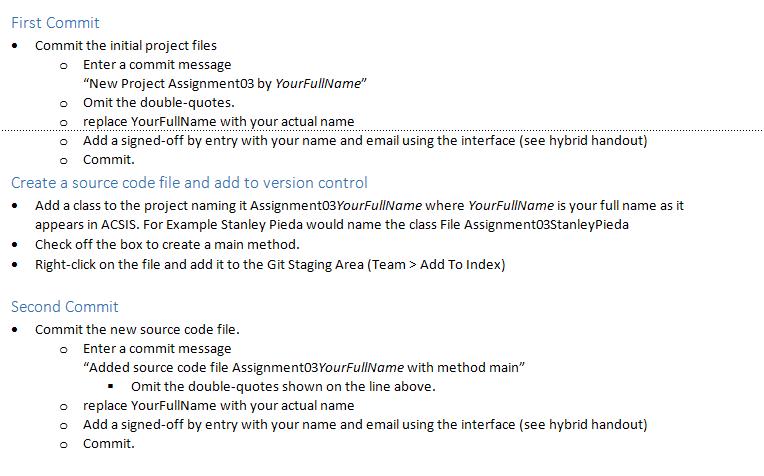
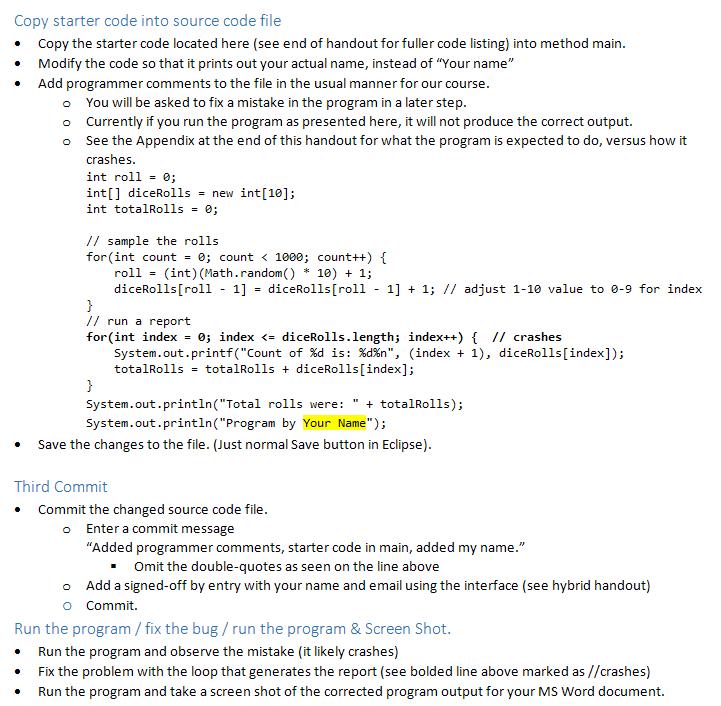
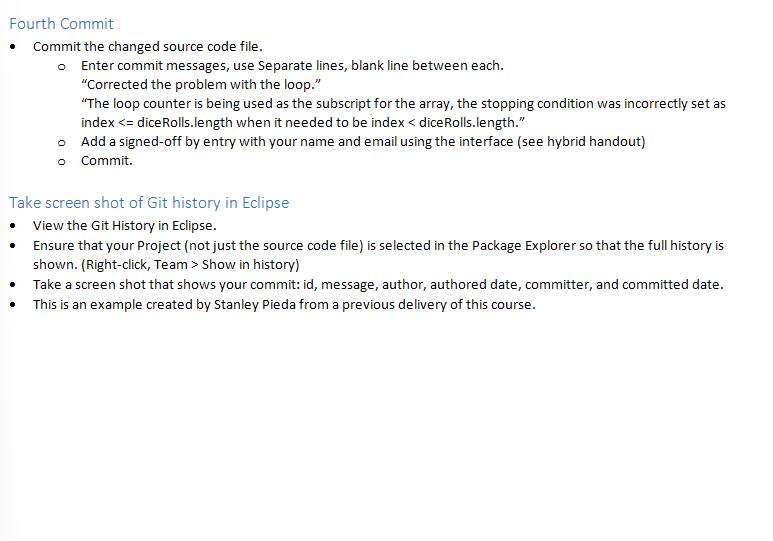
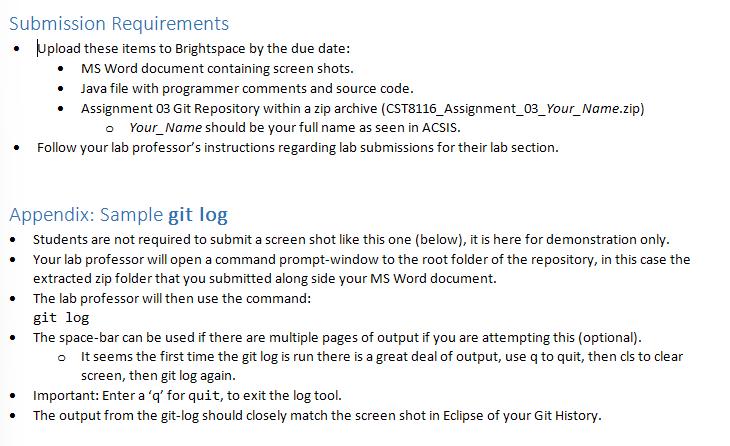
Create a Git Repository folder for your Assignment 3 Project, see hybrid handouts. Create the following location on your hard drive for the repository: Create an Eclipse Project Name the project: Assignment 3 . C:\CST8116_Assignment_03_Your_Name Your Name should be your full name, as see in ACSIS separating each name with underscores. You will need to zip this folder and submit it after completing all of the steps in this lab. Add the Project files to the Git Staging area Add your project to the Git staging area within Eclipse (See hybrid handout(s) for information on Team > Share Project, as well as how to direct Eclipse to use the repository folder you created above. Then Right-Click Project and use Team > Add to Index . Verify.ignore file Make sure that the .ignore file has an entry for /bin/ If you cannot see the .ignore file reference the hybrid handout on how to modify the package explorer filters.
Step by Step Solution
There are 3 Steps involved in it
1 Create a Git Repository folder on your hard drive You need to create a folder named CST8116Assignment03YourName on your C drive Replace YourName wit... View full answer

Get step-by-step solutions from verified subject matter experts
 Study Help