







Question: Create a program in Processing that loads an image of your choice and computes a second image, where the pixels are all set to the
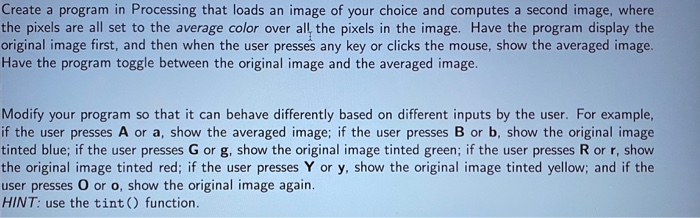
Create a program in Processing that loads an image of your choice and computes a second image, where the pixels are all set to the average color over all the pixels in the image. Have the program display the original image first, and then when the user presses any key or clicks the mouse, show the averaged image. Have the program toggle between the original image and the averaged image. Modify your program so that it can behave differently based on different inputs by the user. For example, if the user presses A or a, show the averaged image; if the user presses B or b, show the original image tinted blue; if the user presses G or g, show the original image tinted green; if the user presses R or r, show the original image tinted red; if the user presses Y or y, show the original image tinted yellow; and if the user presses O or o, show the original image again. HINT: use the tint() function
Step by Step Solution
There are 3 Steps involved in it

Get step-by-step solutions from verified subject matter experts
 Study Help