







Question: Create a pseudocode for this algorithm Steps 1. Unlock your phone 2. Find and open your Chipotle app #If you are already signed in,
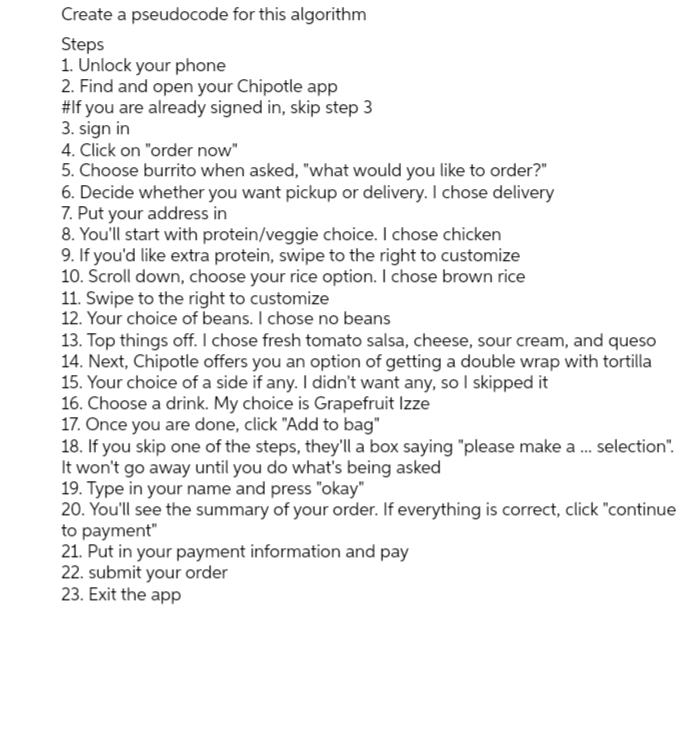
Create a pseudocode for this algorithm Steps 1. Unlock your phone 2. Find and open your Chipotle app #If you are already signed in, skip step 3 3. sign in 4. Click on "order now" 5. Choose burrito when asked, "what would you like to order?" 6. Decide whether you want pickup or delivery. I chose delivery 7. Put your address in 8. You'll start with protein/veggie choice. I chose chicken 9. If you'd like extra protein, swipe to the right to customize 10. Scroll down, choose your rice option. I chose brown rice 11. Swipe to the right to customize 12. Your choice of beans. I chose no beans 13. Top things off. I chose fresh tomato salsa, cheese, sour cream, and queso 14. Next, Chipotle offers you an option of getting a double wrap with tortilla 15. Your choice of a side if any. I didn't want any, so I skipped it 16. Choose a drink. My choice is Grapefruit Izze 17. Once you are done, click "Add to bag" 18. If you skip one of the steps, they'll a box saying "please make a ... selection". It won't go away until you do what's being asked 19. Type in your name and press "okay" 20. You'll see the summary of your order. If everything is correct, click "continue to payment" 21. Put in your payment information and pay 22. submit your order 23. Exit the app
Step by Step Solution
3.40 Rating (153 Votes )
There are 3 Steps involved in it
Sure lets break down the algorithm step by step 1 Unlock phone Ensure the phone is unlocked and accessible 2 Open Chipotle app Navigate to the Chipotl... View full answer

Get step-by-step solutions from verified subject matter experts
 Study Help