







Question: Create a user-specific cron job using the crontab file. Avoid running commands or scripts through cron as a root user. {root account is not to
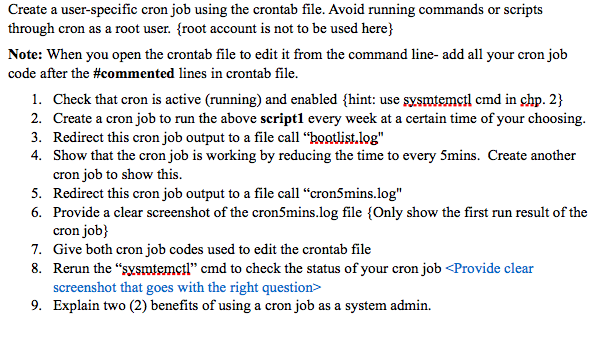
Create a user-specific cron job using the crontab file. Avoid running commands or scripts through cron as a root user. {root account is not to be used here) Note: When you open the crontab file to edit it from the command line-add all your cron job code after the #commented lines in crontab file. 1. Check that cron is active (running) and enabled {hint: use sysmtemctl cmd in shp. 2} 2. Create a cron job to run the above script1 every week at a certain time of your choosing. 3. Redirect this cron job output to a file call "bostlist.log" 4. Show that the cron job is working by reducing the time to every 5mins. Create another cron job to show this. 5. Redirect this cron job output to a file call "cron5mins.log" 6. Provide a clear screenshot of the cron5mins.log file {Only show the first run result of the cron job} 7. Give both cron job codes used to edit the crontab file 8. Rerun the "sysmtemctl" cmd to check the status of your cron job
Step by Step Solution
There are 3 Steps involved in it

Get step-by-step solutions from verified subject matter experts
 Study Help