







Question: Create a Virtual Instrument ( VI ) with the following instructions: ( 1 ) . On the front panel, create an array with Round LED
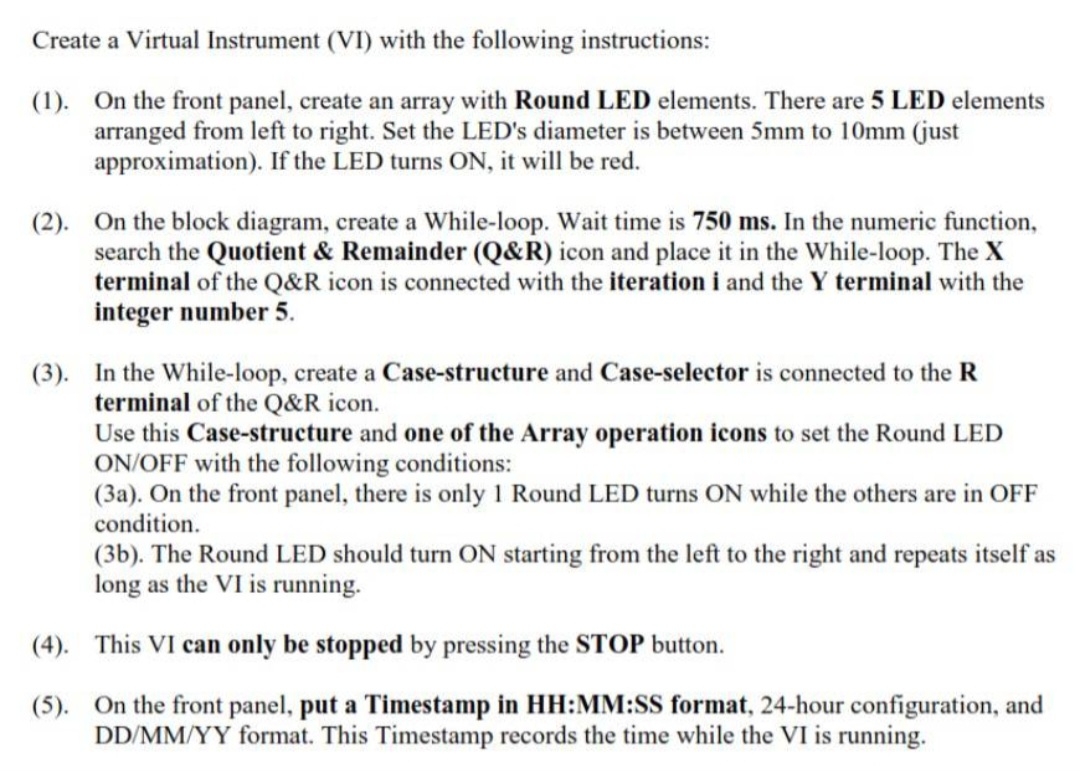
Create a Virtual Instrument VI with the following instructions:
On the front panel, create an array with Round LED elements. There are LED elements arranged from left to right. Set the LED's diameter is between to just approximation If the LED turns ON it will be red.
On the block diagram, create a Whileloop. Wait time is In the numeric function, search the Quotient & Remainder Q&R icon and place it in the Whileloop. The terminal of the & icon is connected with the iteration i and the terminal with the integer number
In the Whileloop, create a Casestructure and Caseselector is connected to the terminal of the & icon.
Use this Casestructure and one of the Array operation icons to set the Round LED ONOFF with the following conditions:
a On the front panel, there is only Round LED turns ON while the others are in OFF condition.
b The Round LED should turn ON starting from the left to the right and repeats itself as long as the is running.
This VI can only be stopped by pressing the STOP button.
On the front panel, put a Timestamp in HH:MM:SS format, hour configuration, and format. This Timestamp records the time while the VI is running.
Step by Step Solution
There are 3 Steps involved in it
1 Expert Approved Answer
Step: 1 Unlock

Question Has Been Solved by an Expert!
Get step-by-step solutions from verified subject matter experts
Step: 2 Unlock
Step: 3 Unlock
 Study Help