







Question: Create a waterfall chart. ( 15 points) a. Select the Operations sheet tab. b. Create a waterfall chart object for cells A3:B9. c. Position the
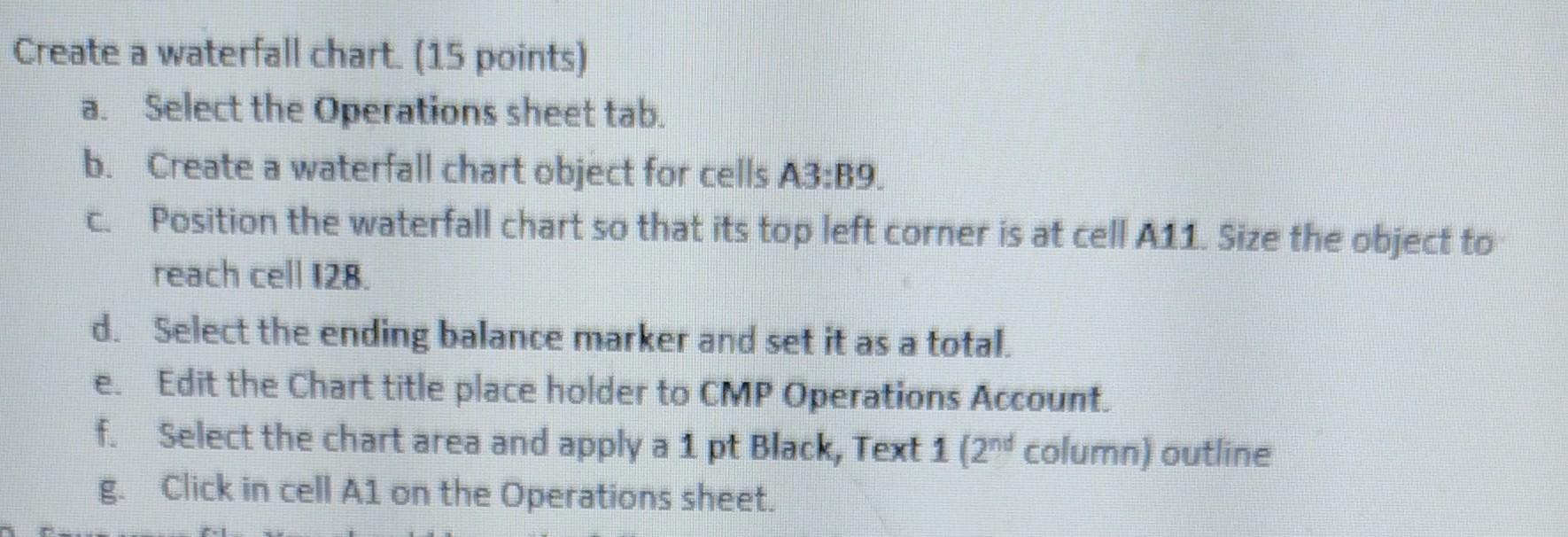
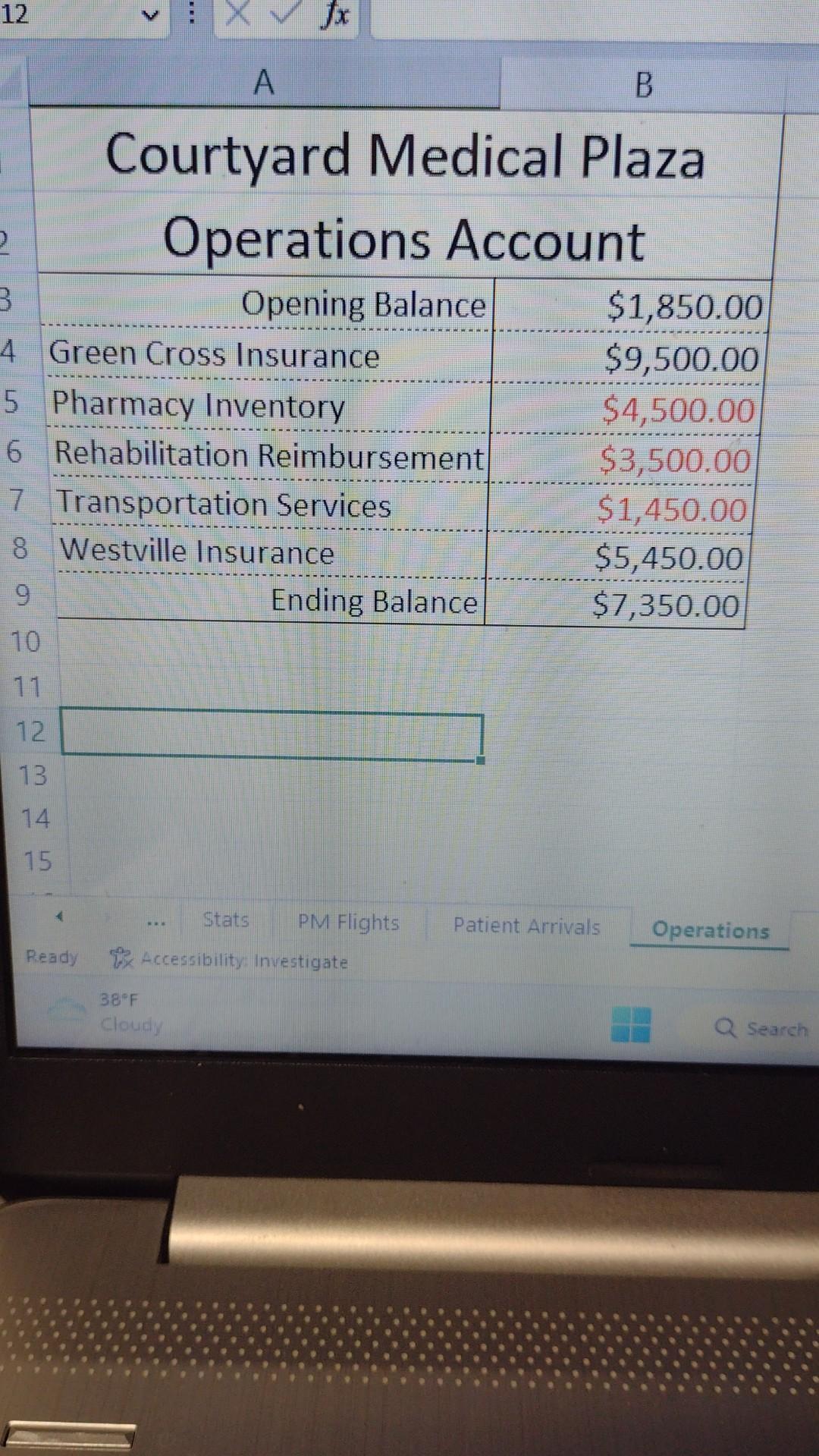
Create a waterfall chart. ( 15 points) a. Select the Operations sheet tab. b. Create a waterfall chart object for cells A3:B9. c. Position the waterfall chart so that its top left corner is at cell A11. Size the object to reach cell I28. d. Select the ending balance marker and set it as a total. e. Edit the Chart title place holder to CMP Operations Account. f. Select the chart area and apply a 1pt Black, Text 1 (2 2nd column) outline g. Click in cell A1 on the Operations sheet
Step by Step Solution
There are 3 Steps involved in it
1 Expert Approved Answer
Step: 1 Unlock

Question Has Been Solved by an Expert!
Get step-by-step solutions from verified subject matter experts
Step: 2 Unlock
Step: 3 Unlock
 Study Help