







Question: Create a web page that displays the default information (example shown). (1 point each, total 3 points) The initial page and related outputs should look
Create a web page that displays the default information (example shown). (1 point each, total 3 points)
The initial page and related outputs should look like the examples shown below. (4 points output format)
Create your page using
Allow the user to enter two magic numbers.
Make sure the numbers are positive (3 points)
The JavaScript code should include four functions as described below (4 points each, total 16 points)
The main function RichardMath() describe the selections, prompts user for two numbers (save as variables x and y), and call the other three functions
Function RichardExp(x,y) calculate the value xy, and return the result
Function RichardArea(x,y) calculate the area of a rectangle (area = base * height), and return the result
Function RichardDistance(x,y) calculate the distance between two points (x,y) and (0,0), and return the result. You may need the distance formula: 
Initial Page:
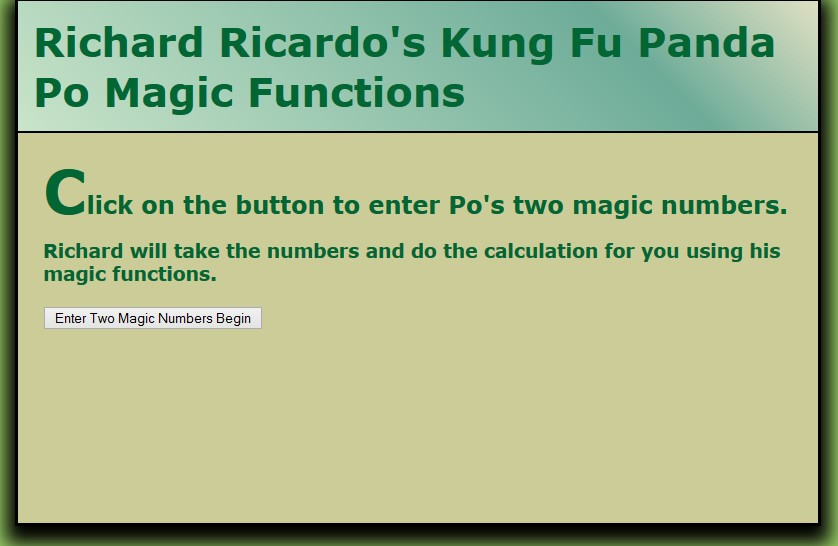
Input 1
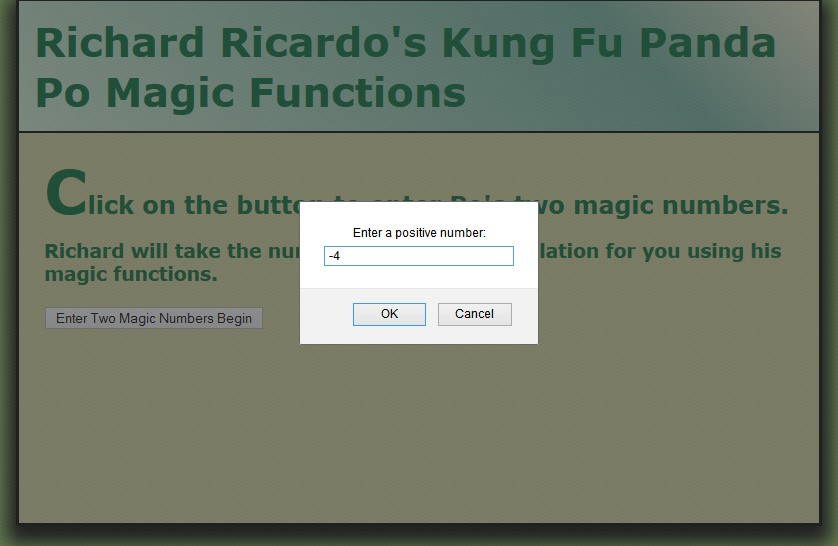
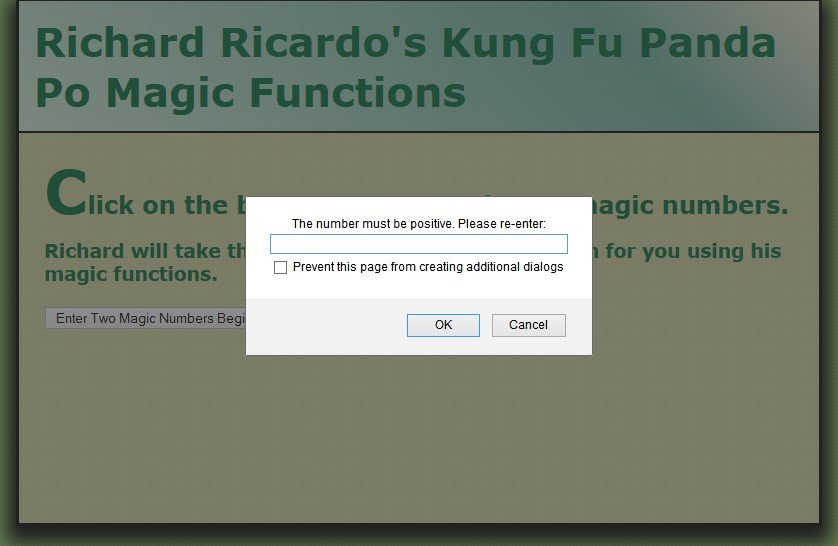
OUTPUT IF POSITIVE INT IS NOT ENTERED
CORRECTED INPUT
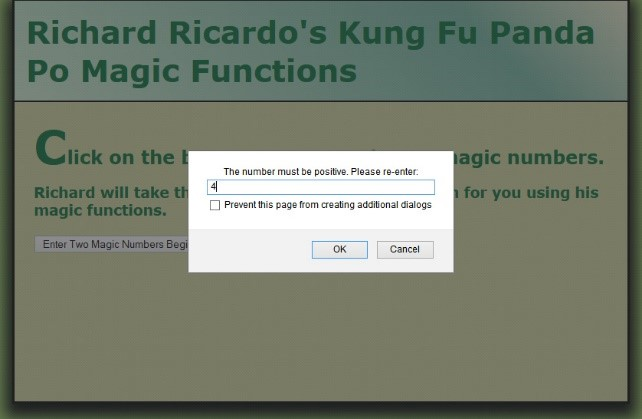
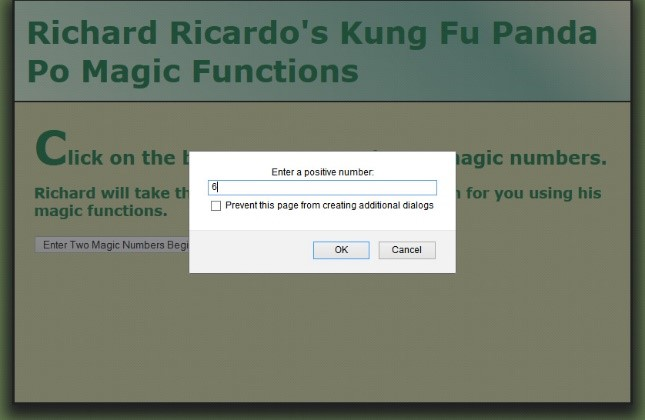
WEBPAGE OUTPUT:
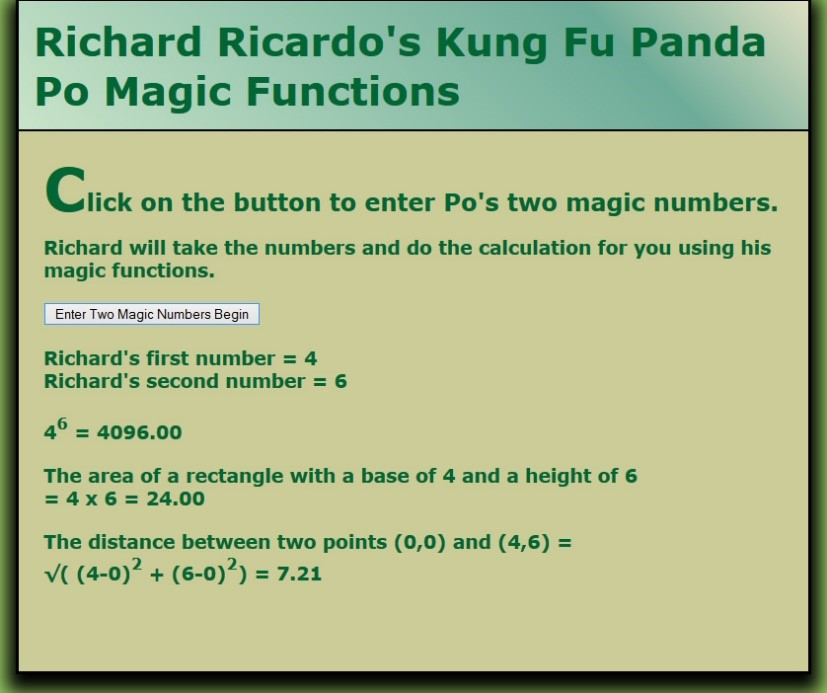
d =-f(x2+(y2-y1
Step by Step Solution
There are 3 Steps involved in it

Get step-by-step solutions from verified subject matter experts
 Study Help