







Question: Create a whiteboxed game level: Create a blueprint / sketch of your game level ( s ) , this can be hand drawn or made
Create a whiteboxed game level:
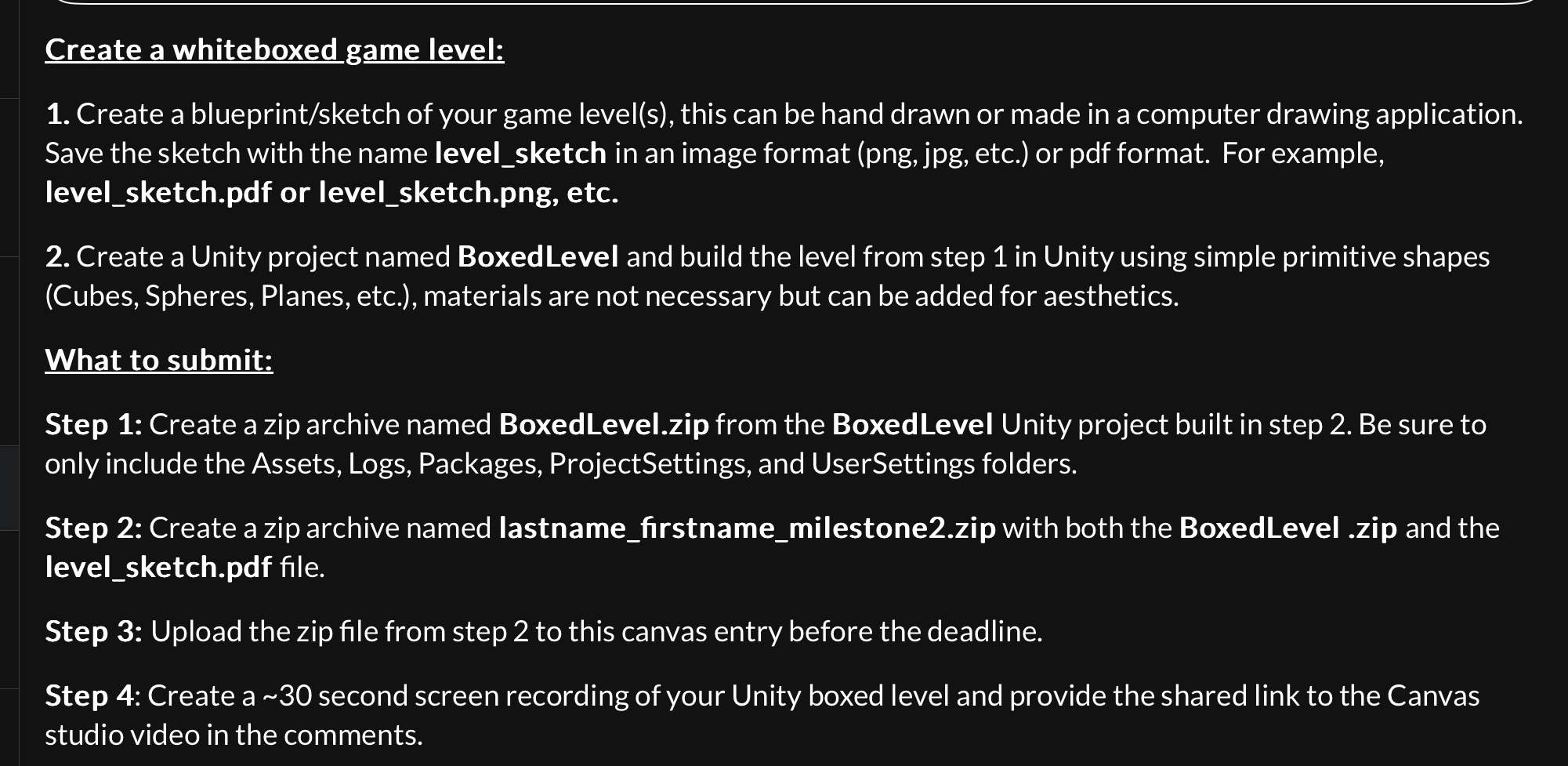
Create a blueprintsketch of your game levels this can be hand drawn or made in a computer drawing application. Save the sketch with the name levelsketch in an image format png jpg etc. or pdf format. For example, levelsketch.pdf or levelsketch.png etc.
Create a Unity project named BoxedLevel and build the level from step in Unity using simple primitive shapes Cubes Spheres, Planes, etc. materials are not necessary but can be added for aesthetics.
What to submit:
Step : Create a zip archive named BoxedLevel.zip from the BoxedLevel Unity project built in step Be sure to only include the Assets, Logs, Packages, ProjectSettings, and UserSettings folders.
Step : Create a zip archive named lastnamefirstnamemilestonezip with both the BoxedLevel zip and the levelsketch.pdf file.
Step : Upload the zip file from step to this canvas entry before the deadline.
Step : Create a second screen recording of your Unity boxed level and provide the shared link to the Canvas studio video in the comments.
Step by Step Solution
There are 3 Steps involved in it
1 Expert Approved Answer
Step: 1 Unlock

Question Has Been Solved by an Expert!
Get step-by-step solutions from verified subject matter experts
Step: 2 Unlock
Step: 3 Unlock
 Study Help