


Question: Create a work breakdown structure of an outreachetworking app in Microsoft project Insert a column for WBS so that the ID# for each activity automatically
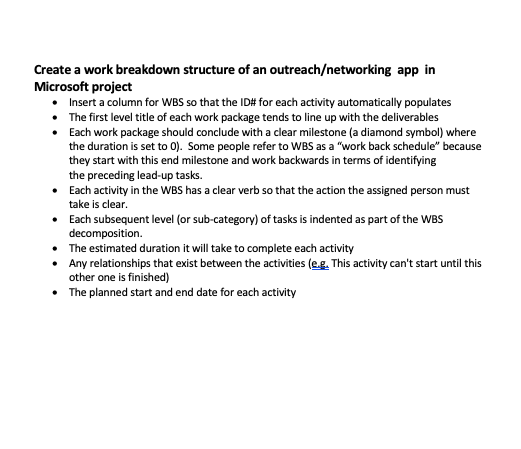
Create a work breakdown structure of an

Create a work breakdown structure of an outreachetworking app in Microsoft project Insert a column for WBS so that the ID# for each activity automatically populates The first level title of each work package tends to line up with the deliverables Each work package should conclude with a clear milestone (a diamond symbol) where the duration is set to 0). Some people refer to WBS as a "work back schedule" because they start with this end milestone and work backwards in terms of identifying the preceding lead-up tasks. Each activity in the WBS has a clear verb so that the action the assigned person must take is clear. Each subsequent level (or sub-category) of tasks is indented as part of the WBS decomposition. The estimated duration it will take to complete each activity Any relationships that exist between the activities (eg. This activity can't start until this other one is finished) The planned start and end date for each activity Create a work breakdown structure of an outreachetworking app in Microsoft project Insert a column for WBS so that the ID# for each activity automatically populates The first level title of each work package tends to line up with the deliverables Each work package should conclude with a clear milestone (a diamond symbol) where the duration is set to 0). Some people refer to WBS as a "work back schedule" because they start with this end milestone and work backwards in terms of identifying the preceding lead-up tasks. Each activity in the WBS has a clear verb so that the action the assigned person must take is clear. Each subsequent level (or sub-category) of tasks is indented as part of the WBS decomposition. The estimated duration it will take to complete each activity Any relationships that exist between the activities (eg. This activity can't start until this other one is finished) The planned start and end date for each activity

Step by Step Solution

There are 3 Steps involved in it

1 Expert Approved Answer
Step: 1 Unlock blur-text-image

Question Has Been Solved by an Expert!

Get step-by-step solutions from verified subject matter experts

Step: 2 Unlock
Step: 3 Unlock

Students Have Also Explored These Related General Management Questions!