







Question: Create an Alarm GUI with a text field where user can enter time in milliseconds (ms) and two buttons, one for play and another for
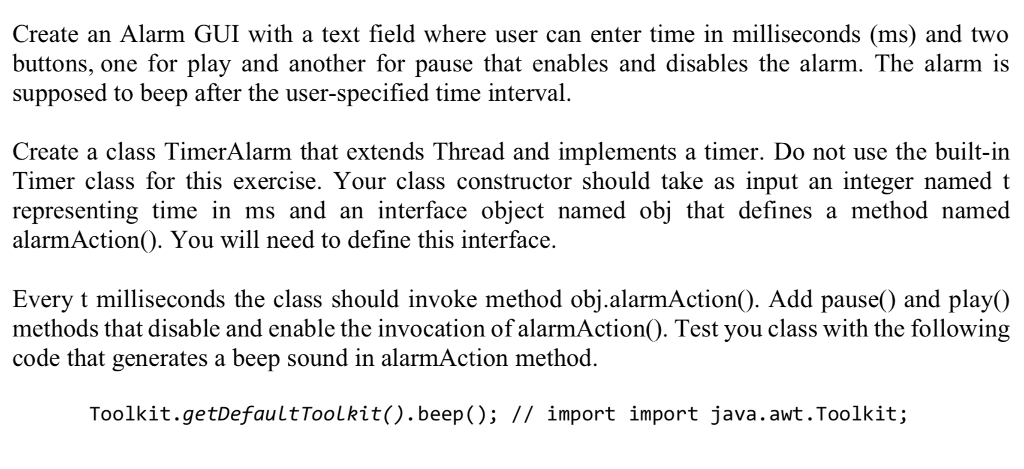
Create an Alarm GUI with a text field where user can enter time in milliseconds (ms) and two buttons, one for play and another for pause that enables and disables the alarm. The alarm is supposed to beep after the user-specified time interval. Create a class TimerAlarm that extends Thread and implements a timer. Do not use the built-in Timer class for this exercise. Your class constructor should take as input an integer named t representing time in ms and an interface object named obj that defines a method named alarmAction(). You will need to define this interface. Every t milliseconds the class should invoke method obj.alarmAction). Add pause0 and playO methods that disable and enable the invocation of alarmAction0. Test you class with the following code that generates a beep sound in alarmAction method Toolkit.getDefaultToolkit().beep(); // import import java.awt.Toolkit; Create an Alarm GUI with a text field where user can enter time in milliseconds (ms) and two buttons, one for play and another for pause that enables and disables the alarm. The alarm is supposed to beep after the user-specified time interval. Create a class TimerAlarm that extends Thread and implements a timer. Do not use the built-in Timer class for this exercise. Your class constructor should take as input an integer named t representing time in ms and an interface object named obj that defines a method named alarmAction(). You will need to define this interface. Every t milliseconds the class should invoke method obj.alarmAction). Add pause0 and playO methods that disable and enable the invocation of alarmAction0. Test you class with the following code that generates a beep sound in alarmAction method Toolkit.getDefaultToolkit().beep(); // import import java.awt.Toolkit
Step by Step Solution
There are 3 Steps involved in it

Get step-by-step solutions from verified subject matter experts
 Study Help