







Question: Create an Android app that uses a Broadcast Receiver OR Service. An Android Broadcast Receiver is a dormant component of android that listens to system-wide
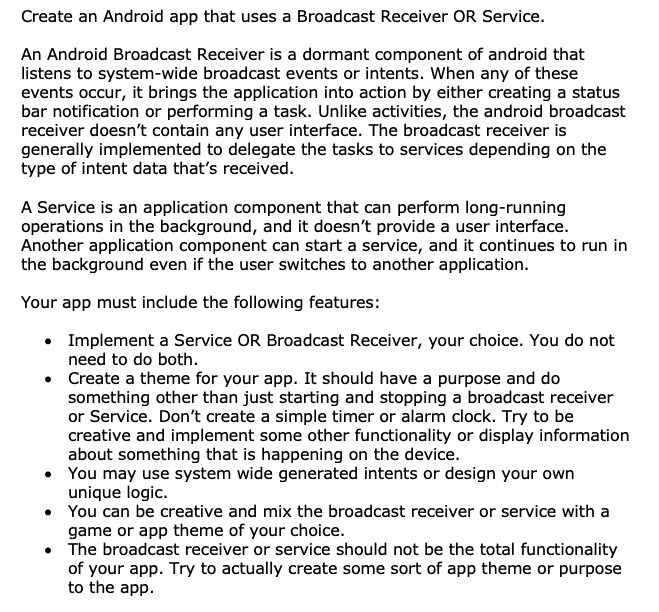
Create an Android app that uses a Broadcast Receiver OR Service. An Android Broadcast Receiver is a dormant component of android that listens to system-wide broadcast events or intents. When any of these events occur, it brings the application into action by either creating a status bar notification or performing a task. Unlike activities, the android broadcast receiver doesn't contain any user interface. The broadcast receiver is generally implemented to delegate the tasks to services depending on the type of intent data that's received. A Service is an application component that can perform long-running operations in the background, and it doesn't provide a user interface. Another application component can start a service, and it continues to run in the background even if the user switches to another application. Your app must include the following features: Implement a Service OR Broadcast Receiver, your choice. You do not need to do both. Create a theme for your app. It should have a purpose and do something other than just starting and stopping a broadcast receiver or Service. Don't create a simple timer or alarm clock. Try to be creative and implement some other functionality or display information about something that is happening on the device. You may use system wide generated intents or design your own unique logic. You can be creative and mix the broadcast receiver or service with a game or app theme of your choice. The broadcast receiver or service should not be the total functionality of your app. Try to actually create some sort of app theme or purpose to the app
Step by Step Solution
There are 3 Steps involved in it

Get step-by-step solutions from verified subject matter experts
 Study Help