







Question: Create an application using Flutter. Under main.dart, develope a simple form that that has a Name and Email fields. Then develope it further through these
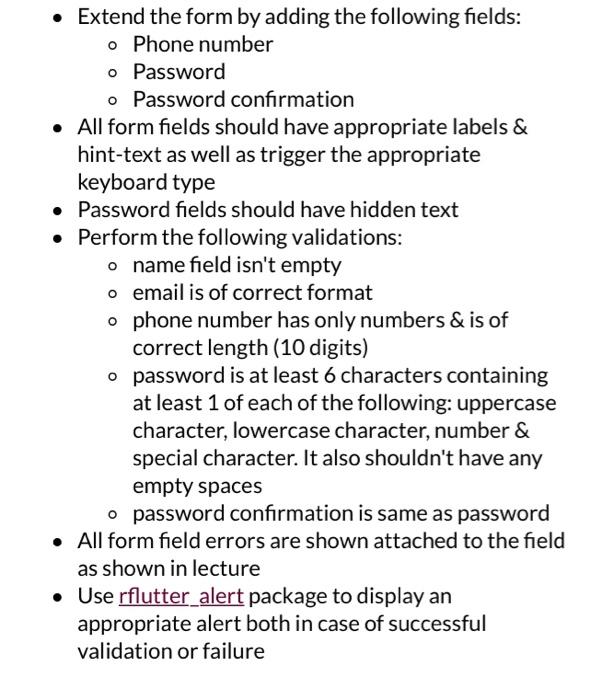
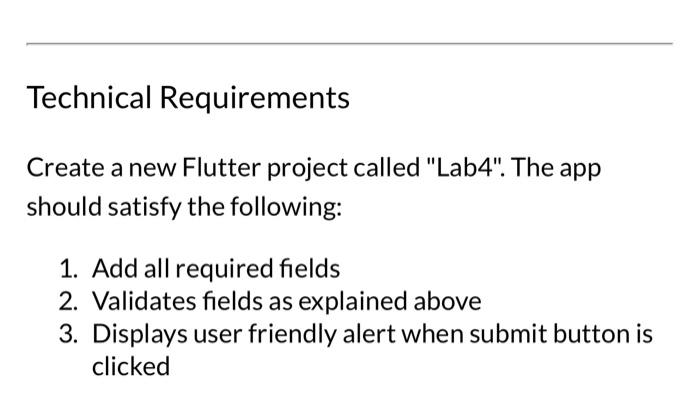
- Extend the form by adding the following fields: - Phone number - Password - Password confirmation - All form fields should have appropriate labels \& hint-text as well as trigger the appropriate keyboard type - Password fields should have hidden text - Perform the following validations: - name field isn't empty - email is of correct format - phone number has only numbers & is of correct length (10 digits) - password is at least 6 characters containing at least 1 of each of the following: uppercase character, lowercase character, number \& special character. It also shouldn't have any empty spaces - password confirmation is same as password - All form field errors are shown attached to the field as shown in lecture - Use rflutter_alert package to display an appropriate alert both in case of successful validation or failure Technical Requirements Create a new Flutter project called "Lab4". The app should satisfy the following: 1. Add all required fields 2. Validates fields as explained above 3. Displays user friendly alert when submit button is clicked
Step by Step Solution
There are 3 Steps involved in it

Get step-by-step solutions from verified subject matter experts
 Study Help