







Question: Please do not use AI AND EXPLAIN EACH STEP, KEEP CODE AS SIMPLE AS POSSIBLE FOR BETTTER UNDERSTANDING: Activity 2 : Build up your PHP
Please do not use AI AND EXPLAIN EACH STEP, KEEP CODE AS SIMPLE AS POSSIBLE FOR BETTTER UNDERSTANDING: Activity :
Build up your PHP skills by creating a simple "Contact Form" application. A contact form that captures a user's name, email, and message. Then, data is processed on the server side using PHP The form will include basic validation to ensure that all fields are filled out correctly.
Steps:
Create the Form:
Open a new file and save it as contact.php in the www directory.
Create a form using the POST method with the following fields:
Name text input
Email text input
Message textarea
Assign appropriate name attributes to each input field.
Include a submit button labeled "Send Message".
Process the Form:
Start your PHP code by checking if the $POST array is not empty.
Declare variables for name, email, and message, and assign them the values from the form. Validate the inputs:
Check if all fields are filled.
Validate the email format using filtervar
Display a Success or Error Message:
If validation passes, display a success message and the submitted information.
If validation fails, display an appropriate error message.
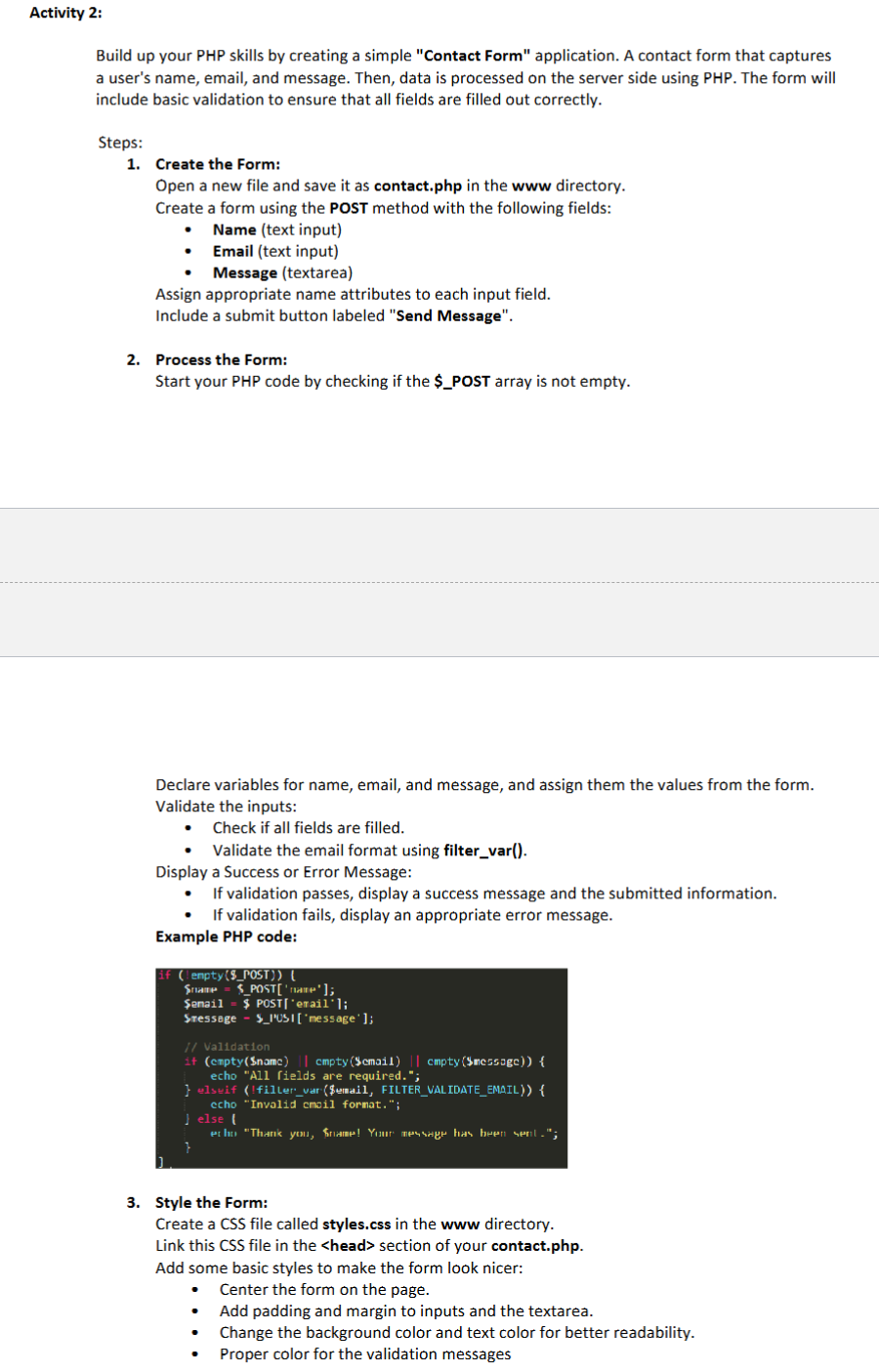
Example PHP code:
If lenpty$POST
$enail $ POSTeraill;
Sressage $lUSImessage;
Validation
if cmpty$name cmpty$cmail cmpty$messagc
echo "All rields are required.";
elsuif filler,var$$ertail, FILTERVALIDATEEMAIL
ccho "Invalid email format.";
else I
Style the Form:
Create a CSS file called styles.css in the www directory.
Link this CSS file in the section of your contact.php
Add some basic styles to make the form look nicer:
Center the form on the page.
Add padding and margin to inputs and the textarea.
Change the background color and text color for better readability.
Proper color for the validation messages
Step by Step Solution
There are 3 Steps involved in it
1 Expert Approved Answer
Step: 1 Unlock

Question Has Been Solved by an Expert!
Get step-by-step solutions from verified subject matter experts
Step: 2 Unlock
Step: 3 Unlock
 Study Help