







Question: Create in Microsoft Excet a template that does the following: Column B - A Competitor/Complement Compants Puantity Produced/Total Cost Column C-Your Company's Overhead Cost Use
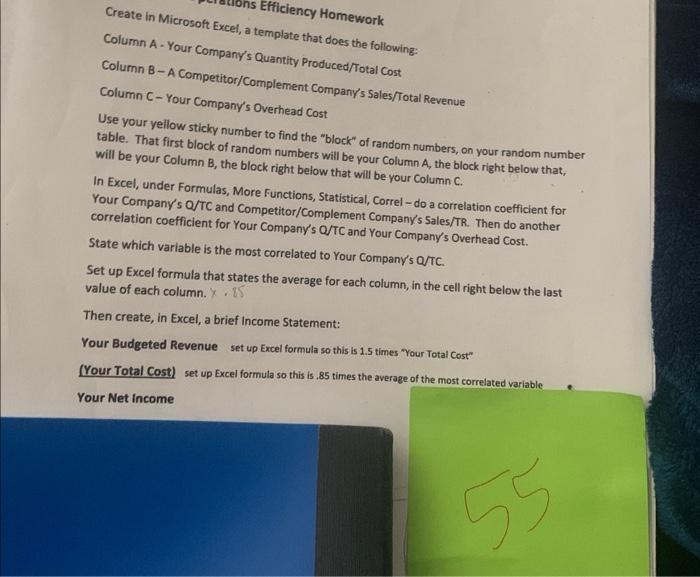
Create in Microsoft Excet a template that does the following: Column B - A Competitor/Complement Compants Puantity Produced/Total Cost Column C-Your Company's Overhead Cost Use your yellow sticky number to find the "block" of random numbers, on your random number table. That first block of random numbers will be your Column A, the block right below that, will be your Column B, the block right below that will be your Color Functions, Statistical, Correl - do a correlation coefficient for In Excel, under Formulas, More Functions, Statistical, Correl - do a correlation coefficient for Your Company's Q/TC and Competitor/Complemion coefficient for Your Company's Q/TC and Your Company's Overhead Cost. State which variable is the most correlated to Your Company's Q/TC. Set up Excel formula that states the average for each column, in the cell right below the last Then create, in Excel, a brief Income Statement: Your Budgeted Revenue set up Excel formula so this is 1.5 times "Your Total Cost" (Your Total Cost) set up Excel formula so this is 85 times the average of the most correlated variable Your Net income
Step by Step Solution
There are 3 Steps involved in it

Get step-by-step solutions from verified subject matter experts
 Study Help