





Question: Create Security Groups For this next part, you will explore how to create security groups and assign permissions to them. As discussed in class, an
Create Security Groups For this next part, you
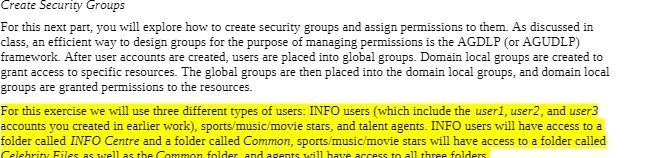
Create Security Groups For this next part, you will explore how to create security groups and assign permissions to them. As discussed in class, an efficient way to design groups for the purpose of managing permissions is the AGDLP (or AGUDLP) framework. After user accounts are created, users are placed into global groups. Domain local groups are created to grant access to specific resources. The global groups are then placed into the domain local groups, and domain local groups are granted permissions to the resources. For this exercise we will use three different types of users: INFO users (which include the user], user2, and user3 accounts you created in earlier work), sports/music/movie stars, and talent agents. INFO users will have access to a folder called INFO Centre and a folder called Common, sports/music/movie stars will have access to a folder called Celebrity Files all as thar folder and 30 all three folders

Step by Step Solution

There are 3 Steps involved in it

1 Expert Approved Answer
Step: 1 Unlock blur-text-image

Question Has Been Solved by an Expert!

Get step-by-step solutions from verified subject matter experts

Step: 2 Unlock
Step: 3 Unlock

Students Have Also Explored These Related Mathematics Questions!