







Question: Create the groups admin, manager, and user Show that the groups have been created successfully by outputting only the groups you have created to a
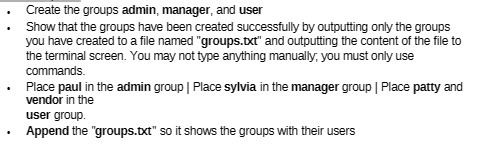
Create the groups admin, manager, and user Show that the groups have been created successfully by outputting only the groups you have created to a file named "groups.txt" and outputting the content of the file to the terminal screen. You may not type anything manually, you must only use commands. Place paul in the admin group | Place sylvia in the manager group | Place patty and vendor in the user group. Append the "groups.txt" so it shows the groups with their users
Step by Step Solution
There are 3 Steps involved in it
1 Expert Approved Answer
Step: 1 Unlock

Question Has Been Solved by an Expert!
Get step-by-step solutions from verified subject matter experts
Step: 2 Unlock
Step: 3 Unlock
 Study Help