







Question: Creating a Top N or Bottom N filter Find the dimension in the data pane that you wish to filter by. For example, you may
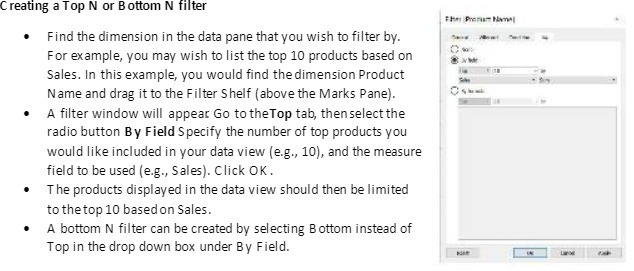
Creating a Top N or Bottom N filter Find the dimension in the data pane that you wish to filter by. For example, you may wish to list the top 10 products based on Sales. In this example, you would find the dimension Product Name and drag it to the Filter Shelf (above the Marks Pane). A filter window will appear Go to the Top tab, then select the radio button By Field Specify the number of top products you would like included in your data view (e.g., 10), and the measure field to be used (e.g., Sales). Click OK . The products displayed in the data view should then be limited to the top 10 based on Sales. A bottom N filter can be created by selecting Bottom instead of Top in the drop down box under By Field
Step by Step Solution
There are 3 Steps involved in it

Get step-by-step solutions from verified subject matter experts
 Study Help