







Question: CS 109/110 C++ Programming for Engineers with MATLAB Fall 2017 Lab Section Handout: week #12, November 16-17 Attendance: Depends attend lab if you need access
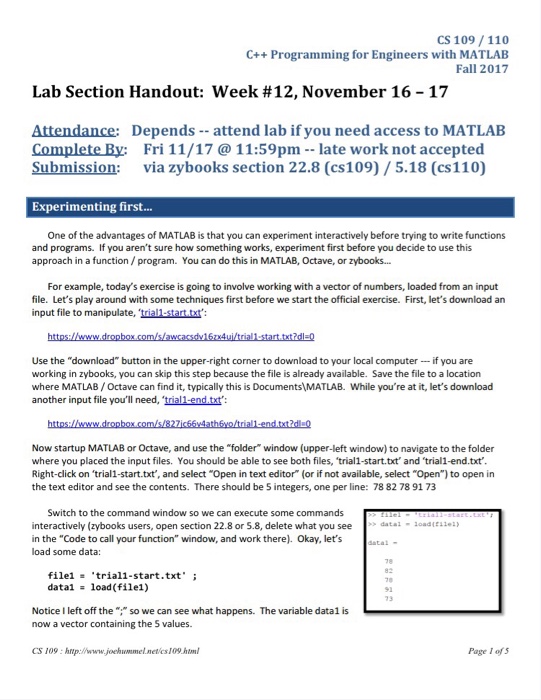
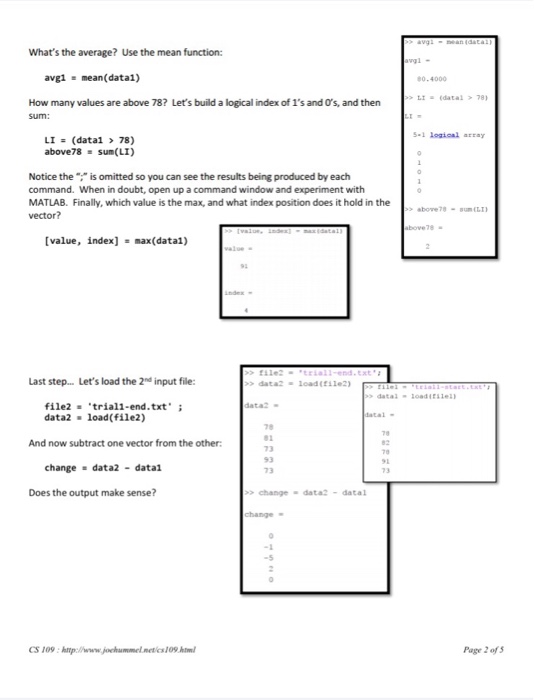
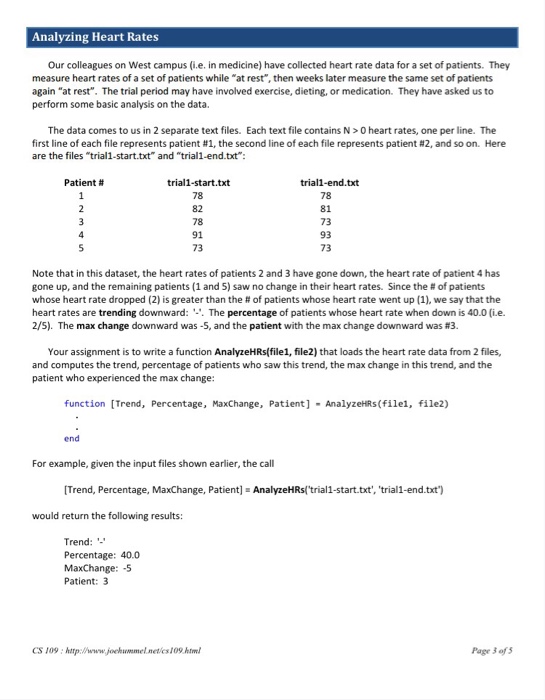
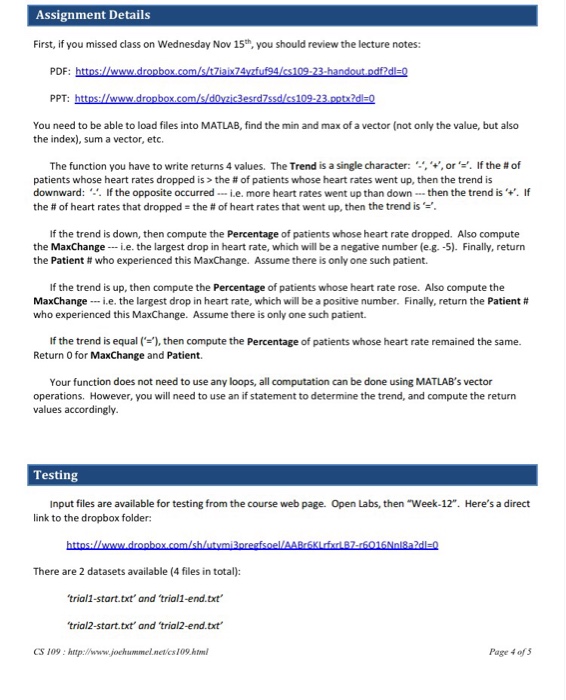
CS 109/110 C++ Programming for Engineers with MATLAB Fall 2017 Lab Section Handout: week #12, November 16-17 Attendance: Depends attend lab if you need access to MATLAB Complete By: Fri 11/17 @ 11:59pm late work not accepted Submission: via zybooks section 22.8 (cs109) 5.18 (cs110) Experimenting first... One of the advantages of MATLAB is that you can experiment interactively before trying to write functions and programs. If you aren't sure how something works, experiment first before you decide to use this approach in a function/ program. You can do this in MATLAB, Octave, or zybooks.. For example, today's exercise is going to involve working with a vector of numbers, loaded from an input file. Let's play around with some techniques first before we start the official exercise. First, let's download an input file to manipulate, trial1 startxt Use the "download" button in the upper-right corner to download to your local computer-if you are working in zybooks, you can skip this step because the file is already available. Save the file to a location where MATLAB/Octave can find it, typically this is Documents MATLAB. While you're at it, let's download another input file you'll need, 'trial1 -end.txt Now startup MATLAB or Octave, and use the "folder" window (upper-left window) to navigate to the folder where you placed the input files. You should be able to see both files, 'trial1-start.txt and 'trial1-end.txt Right-click on 'trial1-start.txt', and select "Open in text editor" (or if not available, select "Open") to open in the text editor and see the contents. There should be 5 integers, one per line: 78 82 78 91 73 Switch to the command window so we can execute some commands interactively (zybooks users, open section 22.8 or 5.8, delete what you see in the "Code to call your function" window, and work there). Okay, let's load some data: datai oadtsei) atal- triall-start.txt. load(file1) file1 ; data1 NoticeI left off the " so we can see what happens. The variable datal is now a vector containing the 5 values. CS 109 htp://www.joehummel.netcs109htm Page I ofs
Step by Step Solution
There are 3 Steps involved in it

Get step-by-step solutions from verified subject matter experts
 Study Help