







Question: CSC156-Operating Systems Basics and Security CSC156-Operating Systems Basics and Security Worksheet Objectives Use the shell metacharacters Create new files with the touch command Create new
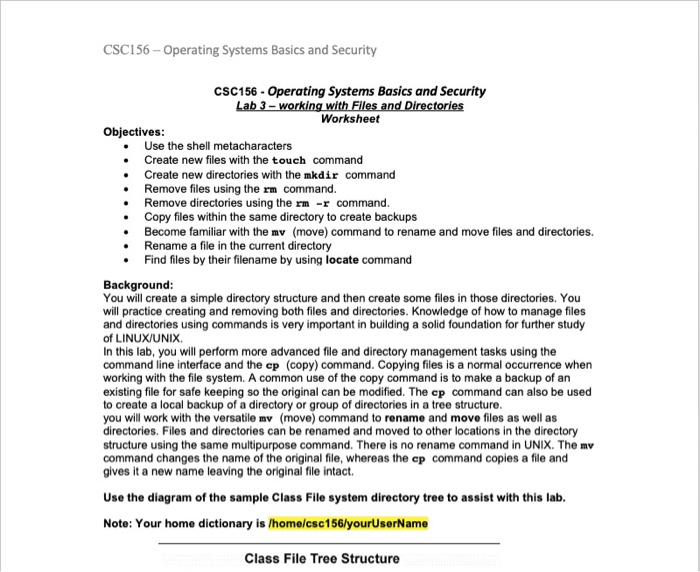
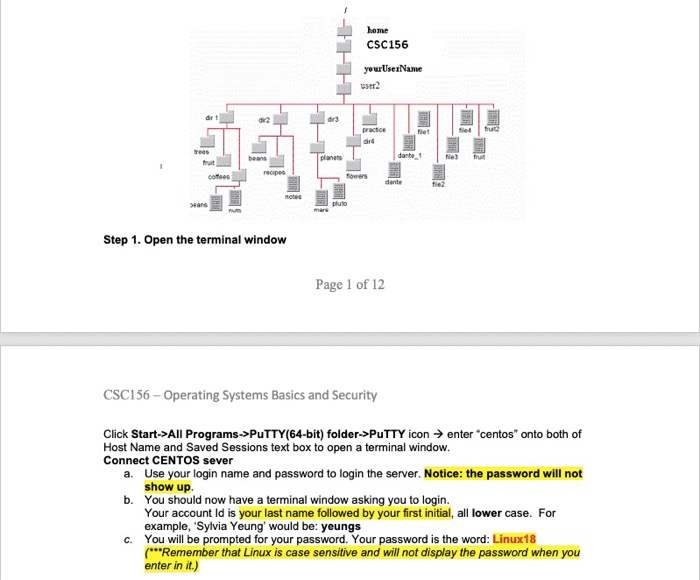
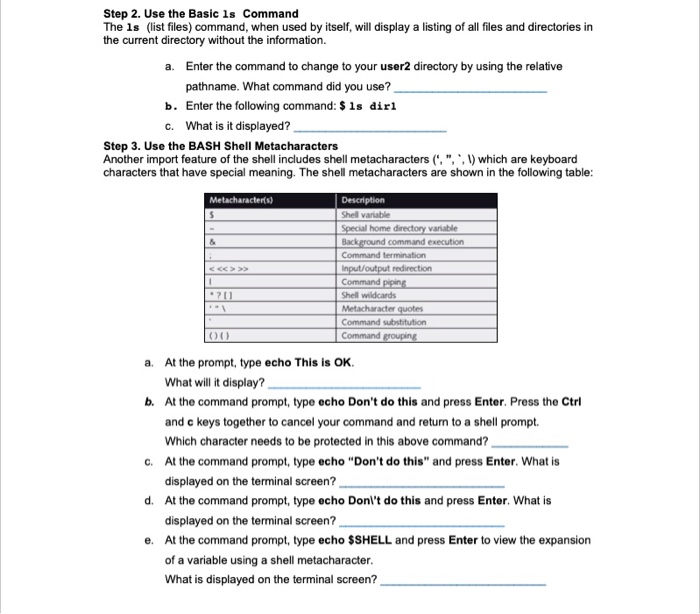
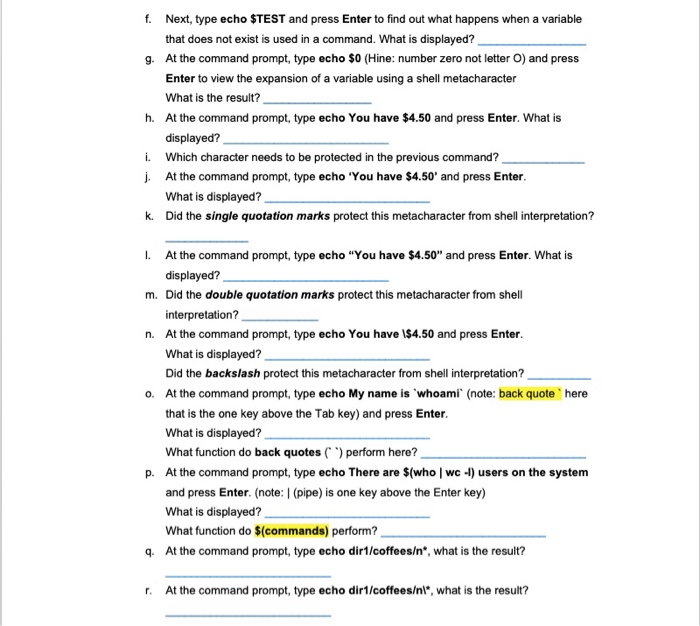
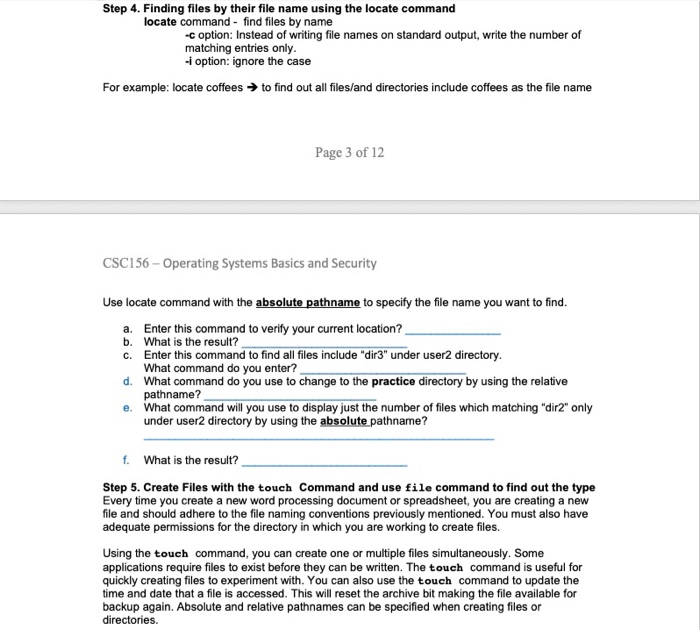
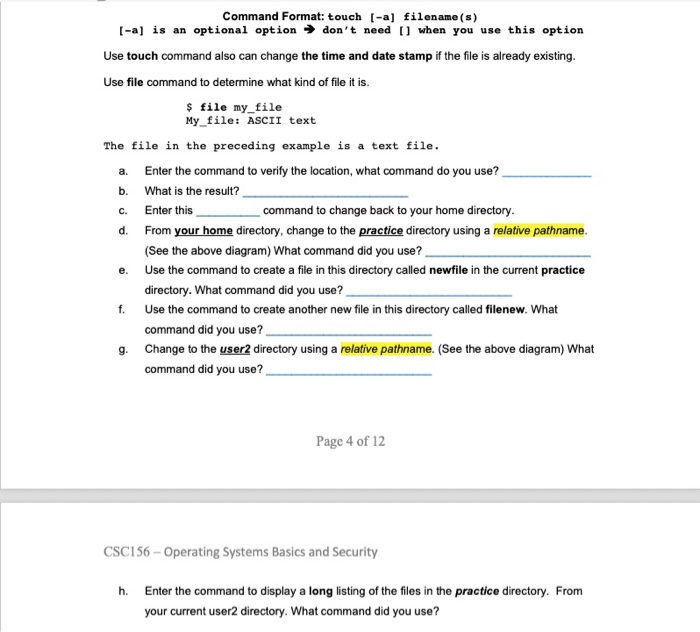
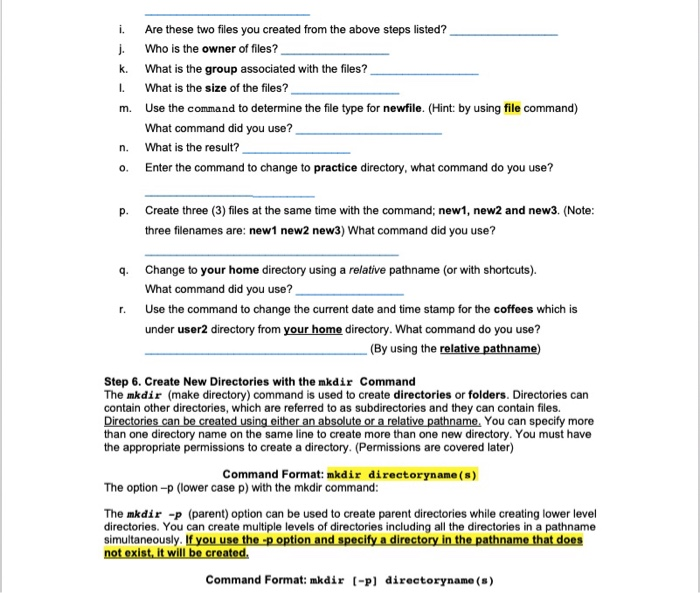
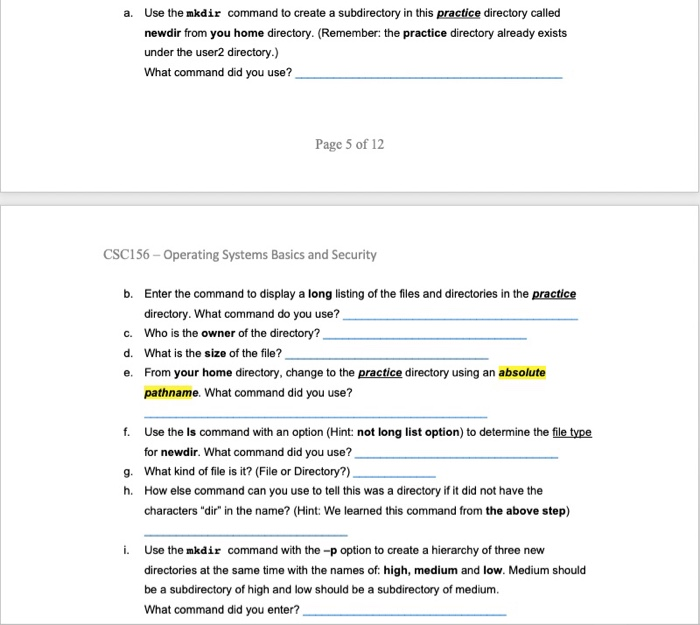
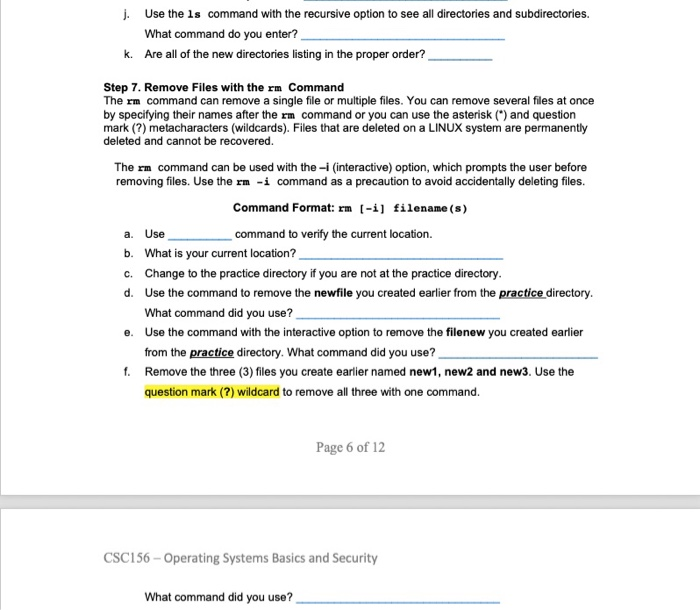
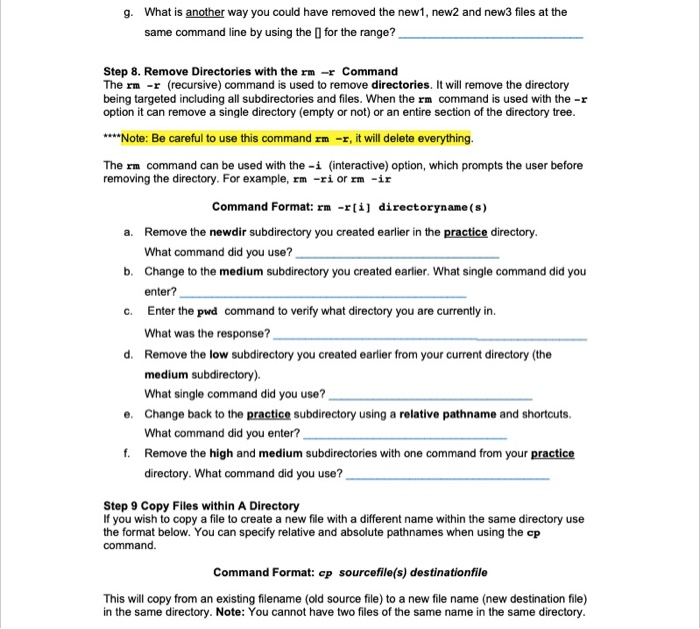
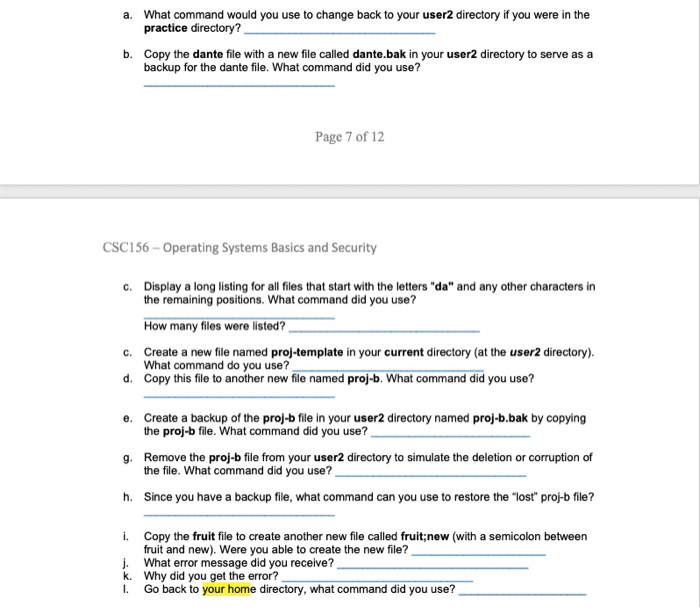
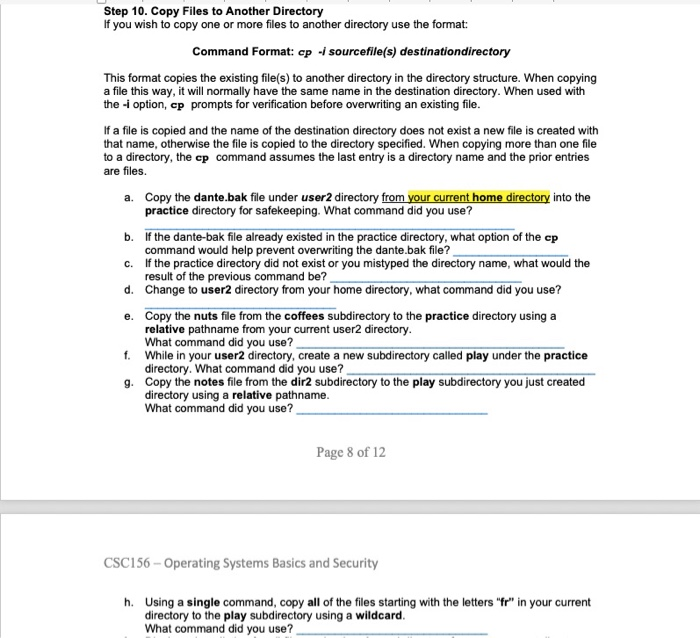
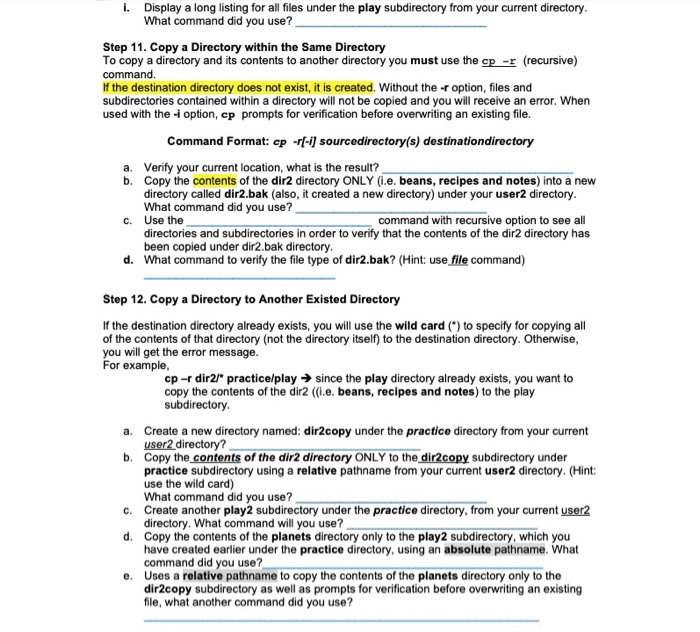
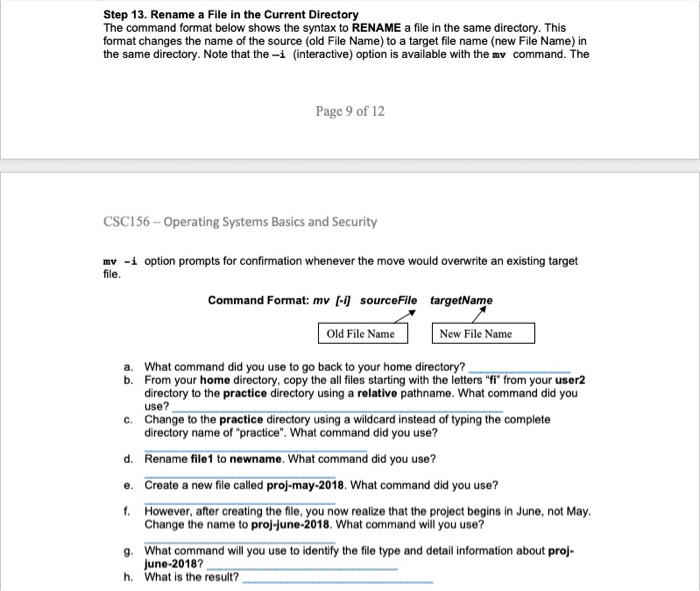
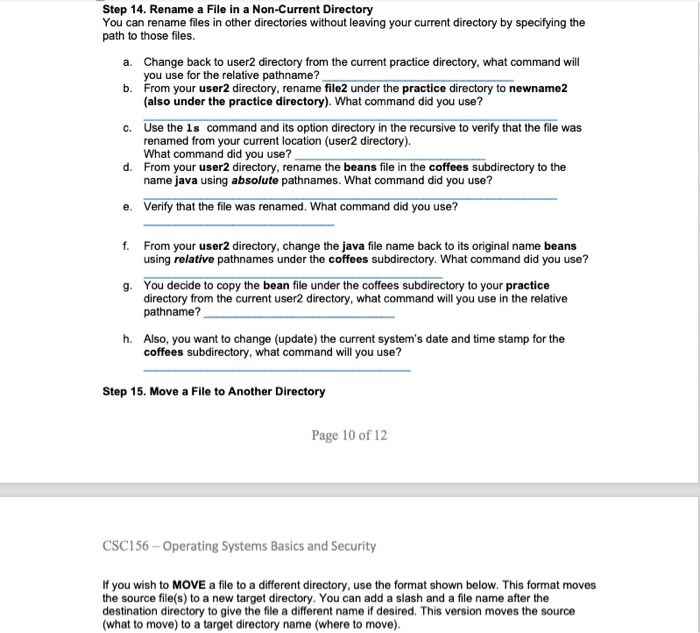
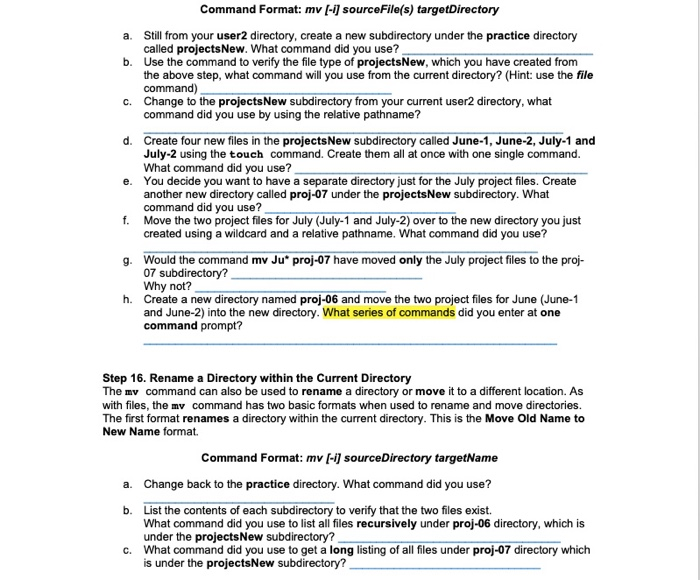
CSC156-Operating Systems Basics and Security CSC156-Operating Systems Basics and Security Worksheet Objectives Use the shell metacharacters Create new files with the touch command Create new directories with the mkdir command Remove files using the rm command. .Remove directories using the r . -r command .Copy files within the same directory to create backups .Become familiar with the mv (move) command to rename and move files and directories. . Rename a file in the current directory Find files by their filename by using locate command Background You will create a simple directory structure and then create some files in those directories. You will practice creating and removing both files and directories. Knowledge of how to manage files and directories using commands is very important in building a solid foundation for further study of LINUX/UNIX. In this lab, you will perform more advanced file and directory management tasks using the command line interface and the cp (copy) command. Copying files is a normal occurrence when working with the file system. A common use of the copy command is to make a backup of an existing file for safe keeping so the original can be modified. The cp command can also be used to create a local backup of a directory or group of directories in a tree structure you will work with the versatile mv (move) command to rename and move files as well as directories. Files and directories can be renamed and moved to other locations in the directory structure using the same multipurpose command. There is no rename command in UNIX. The mv command changes the name of the original file, whereas the ep command copies a file and gives it a new name leaving the original file intact. Use the diagram of the sample Class File system directory tree to assist with this lab. Note: Your home dictionary is /home/csc156/yourUserName Class File Tree Structure
Step by Step Solution
There are 3 Steps involved in it

Get step-by-step solutions from verified subject matter experts
 Study Help