







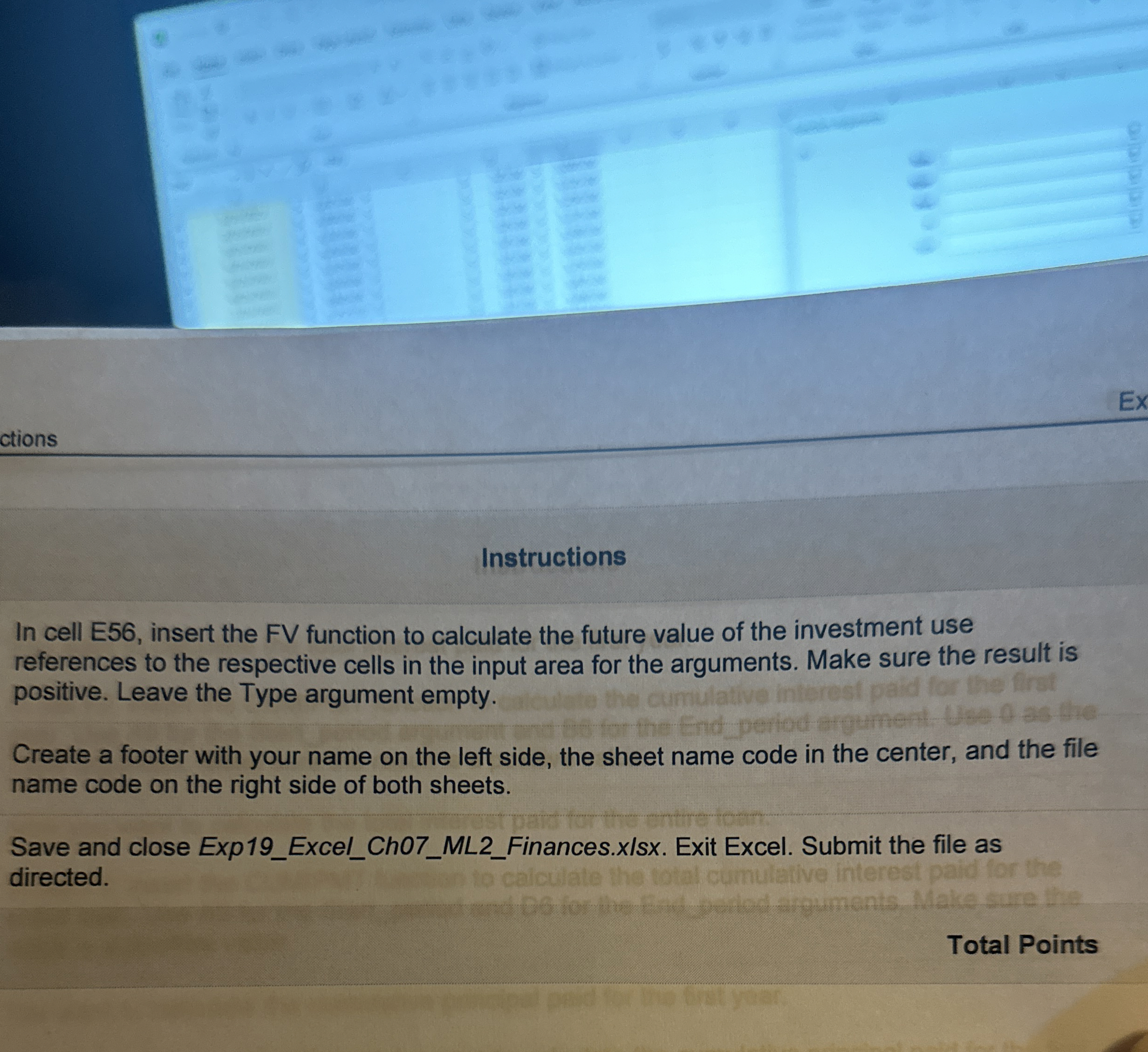
Question: ctions Instructions In cell E 5 6 , insert the FV function to calculate the future value of the investment use references to the respective
ctions
Instructions
In cell E insert the FV function to calculate the future value of the investment use references to the respective cells in the input area for the arguments. Make sure the result is positive. Leave the Type argument empty.
Create a footer with your name on the left side, the sheet name code in the center, and the file name code on the right side of both sheets.
Save and close ExpExcelChMLFinances.xlsx Exit Excel. Submit the file as directed.
Total Points
Step by Step Solution
There are 3 Steps involved in it
1 Expert Approved Answer
Step: 1 Unlock

Question Has Been Solved by an Expert!
Get step-by-step solutions from verified subject matter experts
Step: 2 Unlock
Step: 3 Unlock
 Study Help