







Question: Customer Invoicing: A Database Management System Case Using Microsoft Access INSTRUCTIONS FOR STUDENTS Purpose The purpose of this case is to reinforce database concepts that
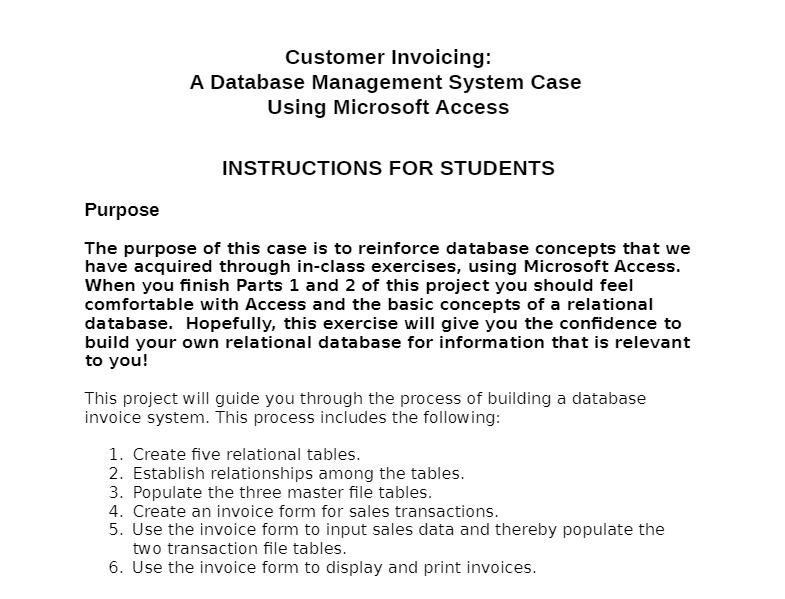
Customer Invoicing: A Database Management System Case Using Microsoft Access INSTRUCTIONS FOR STUDENTS Purpose The purpose of this case is to reinforce database concepts that we have acquired through in-class exercises, using Microsoft Access. When you finish Parts 1 and 2 of this project you should feel comfortable with Access and the basic concepts of a relational database. Hopefully, this exercise will give you the confidence to build your own relational database for information that is relevant to you! This project will guide you through the process of building a database invoice system. This process includes the following: 1. Create five relational tables. 2. Establish relationships among the tables. 3. Populate the three master file tables. 4. Create an invoice form for sales transactions. 5. Use the invoice form to input sales data and thereby populate the two transaction file tables. 6. Use the invoice form to display and print invoices
Step by Step Solution
There are 3 Steps involved in it

Get step-by-step solutions from verified subject matter experts
 Study Help