







Question: d . Join the Customers table and the Renters table by drawing a line from the CustomerID field in the Customers table to the CustomerID
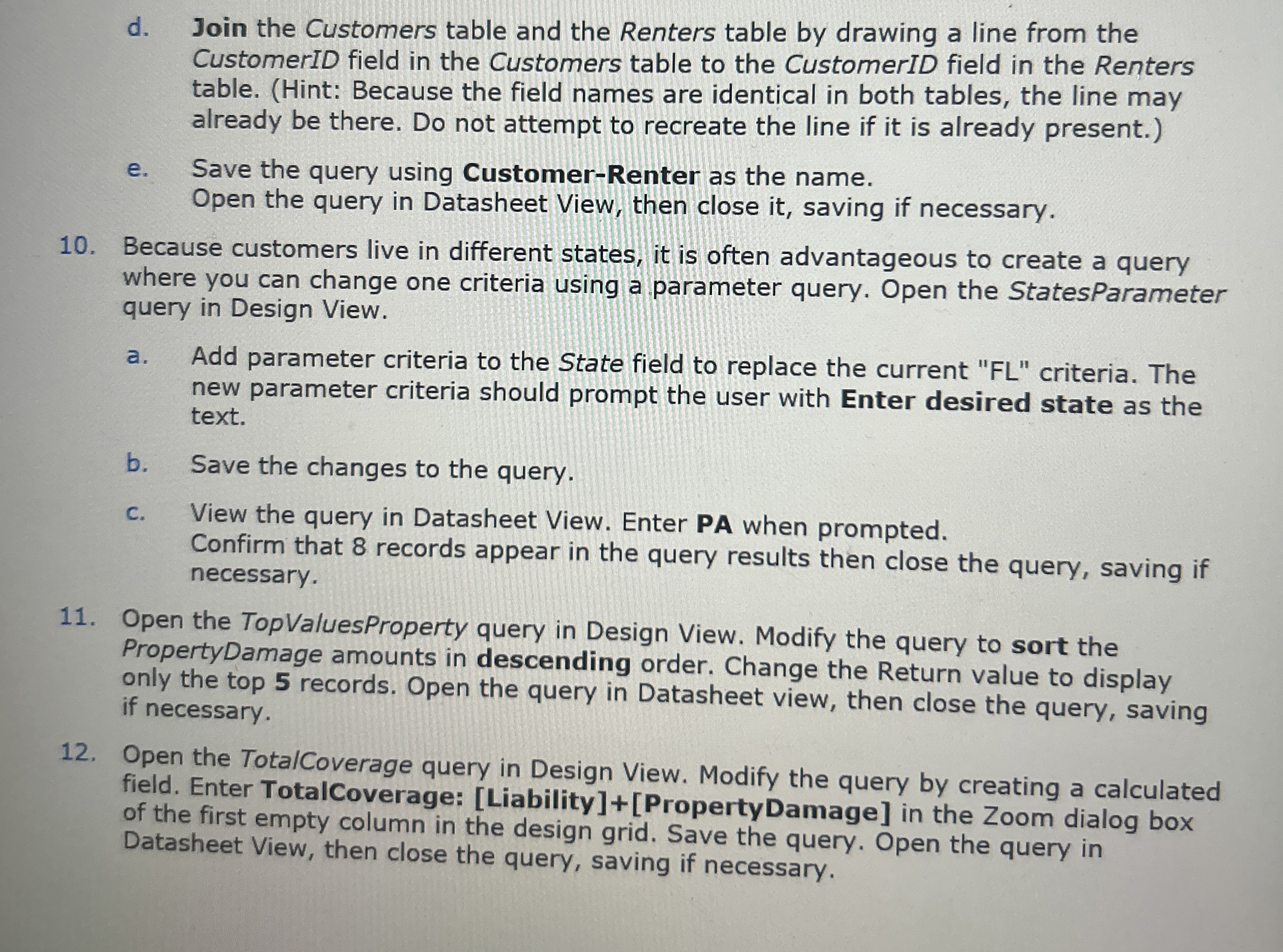
d Join the Customers table and the Renters table by drawing a line from the CustomerID field in the Customers table to the CustomerID field in the Renters table. Hint: Because the field names are identical in both tables, the line may already be there. Do not attempt to recreate the line if it is already present.
e Save the query using CustomerRenter as the name.
Open the query in Datasheet View, then close it saving if necessary.
Because customers live in different states, it is often advantageous to create a query where you can change one criteria using a parameter query. Open the StatesParameter query in Design View.
a Add parameter criteria to the State field to replace the current FL criteria. The new parameter criteria should prompt the user with Enter desired state as the text.
b Save the changes to the query.
c View the query in Datasheet View. Enter PA when prompted.
Confirm that records appear in the query results then close the query, saving if necessary.
Open the TopValuesProperty query in Design View. Modify the query to sort the PropertyDamage amounts in descending order. Change the Return value to display only the top records. Open the query in Datasheet view, then close the query, saving if necessary.
Open the TotalCoverage query in Design View. Modify the query by creating a calculated field. Enter TotalCoverage: LiabilityPropertyDamage in the Zoom dialog box of the first empty column in the design grid. Save the query. Open the query in Datasheet View, then close the query, saving if necessary.
Step by Step Solution
There are 3 Steps involved in it
1 Expert Approved Answer
Step: 1 Unlock

Question Has Been Solved by an Expert!
Get step-by-step solutions from verified subject matter experts
Step: 2 Unlock
Step: 3 Unlock
 Study Help