







Question: Data File needed for this Case Problem: NP _ EX _ 1 2 - 3 . xIsm Invent Software David Wright is a hiring manager
Data File needed for this Case Problem: NPEXxIsm
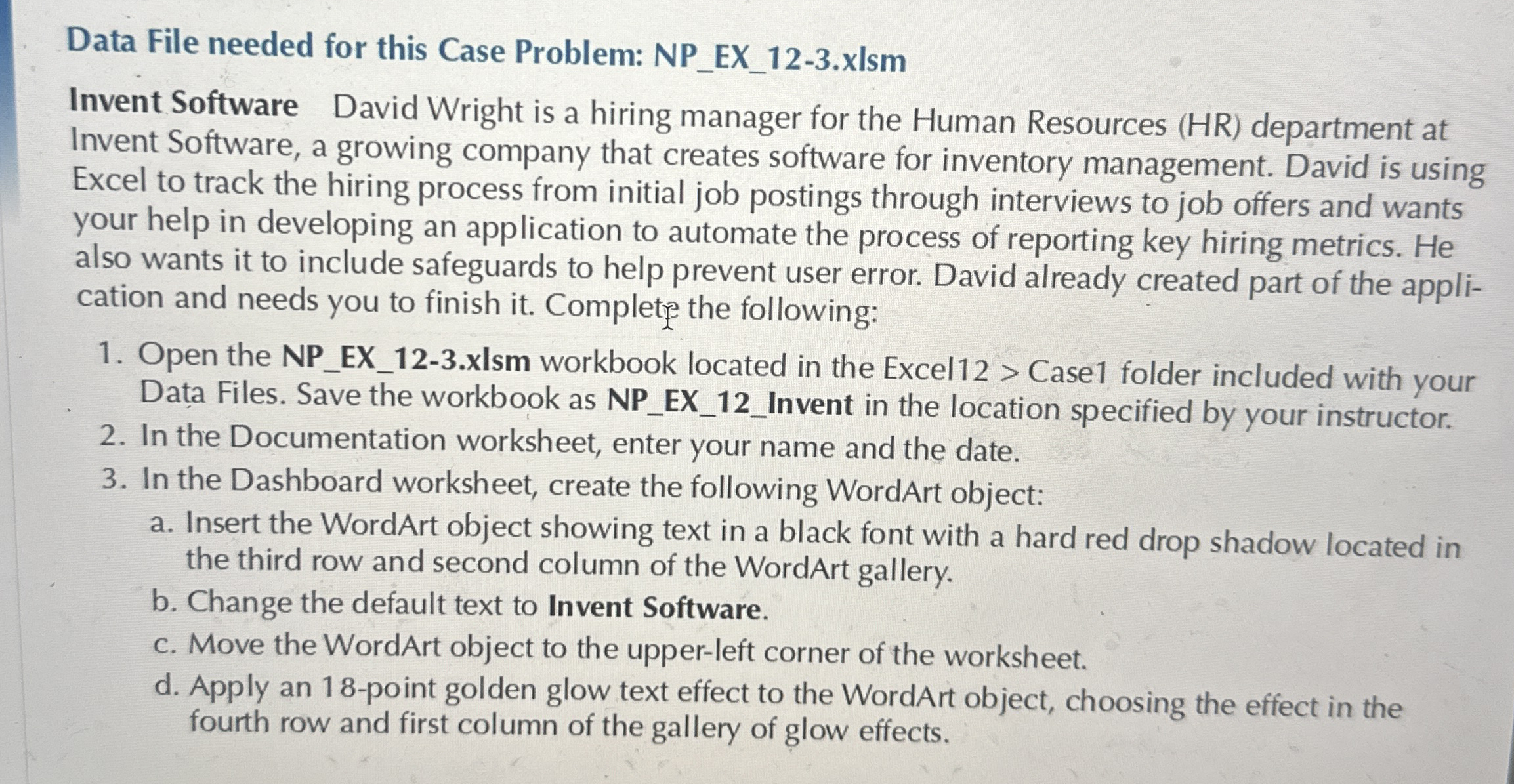
Invent Software David Wright is a hiring manager for the Human Resources HR department at Invent Software, a growing company that creates software for inventory management. David is using Excel to track the hiring process from initial job postings through interviews to job offers and wants your help in developing an application to automate the process of reporting key hiring metrics. He also wants it to include safeguards to help prevent user error. David already created part of the application and needs you to finish it Complete the following:
Open the NPEXxlsm workbook located in the Excel Case folder included with your Data Files. Save the workbook as NPEXInvent in the location specified by your instructor.
In the Documentation worksheet, enter your name and the date.
In the Dashboard worksheet, create the following WordArt object:
a Insert the WordArt object showing text in a black font with a hard red drop shadow located in the third row and second column of the WordArt gallery.
b Change the default text to Invent Software.
c Move the WordArt object to the upperleft corner of the worksheet.
d Apply an point golden glow text effect to the WordArt object, choosing the effect in the fourth row and first column of the gallery of glow effects.
Step by Step Solution
There are 3 Steps involved in it
1 Expert Approved Answer
Step: 1 Unlock

Question Has Been Solved by an Expert!
Get step-by-step solutions from verified subject matter experts
Step: 2 Unlock
Step: 3 Unlock
 Study Help