







Question: Database Model & Schema The goal for this assignment is to design and build the schema for a database using (XAMPP) pHpMyAdmin. Description I would
Database Model & Schema
The goal for this assignment is to design and build the schema for a database using (XAMPP) pHpMyAdmin.
Description
I would like to build a website that allows visitors to explore the world of visual artworks throughout history. Visitors will also have the option to buy prints of these artworks as well. The main focus of the website is the artwork and its history. Each piece of artwork would have its own page on the site that would include a small to medium size image of the artwork, the title, and the artist at a minimum. Additional information could also be included, like when the artwork was produced, what medium was used to create it, and what style it is produced in. Some of the artworks will also have more detailed stories with them. The artist listed on the artwork page should link to the artists homepage - listing important information about the artist, such as their full name, country of origin, artistic influences, birth year and death year (if applicable). The artist page should also show all of the artwork produced by that artist, and be searchable using the key features of the artwork itself. Some artists may have detailed historical stories associated with them, while others will only have minimal information.
Instructions
Read through the customers description of their needs.
Start identifying key components that will become part of your model, keep a document of what those components are and why you choose them.
Using the customers description, document what features of those components you believe the customer wishes to track, and what kind of datatype those features will appear as. I recommend using a bulleted list for these features.
Start to build the visual model using the modeling techniques described in the lecture slides.
Review the customers description and compare it with your model to ensure you have addressed all of the customers needs.
Start to translate each box in your model into SQL (usually a single box is a single relation in a database, using this modeling technique)
Modify the SQL to translate the links between the boxes into SQL (usually this is either adding columns to a relation, but can sometimes mean something more intensive)
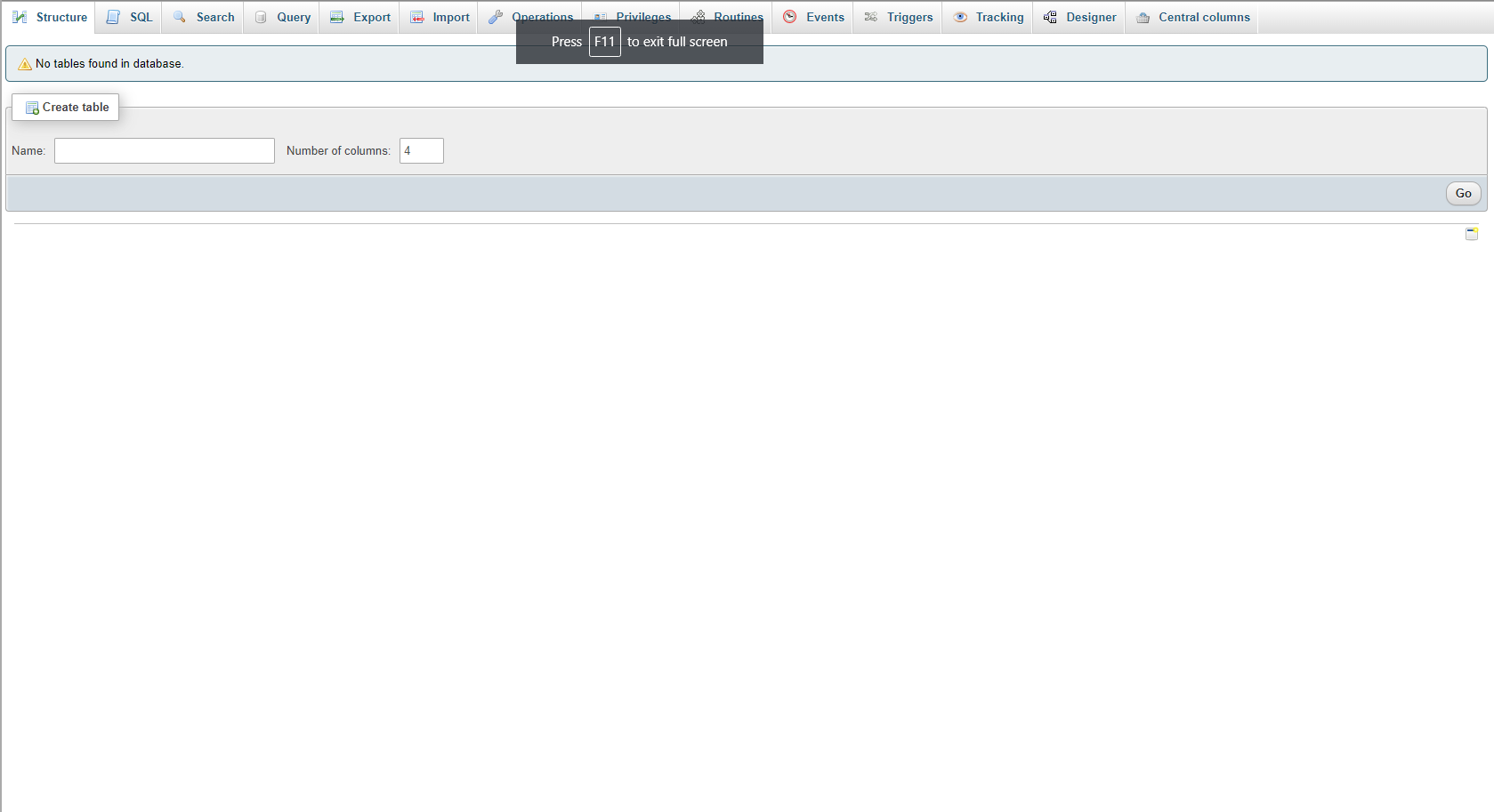
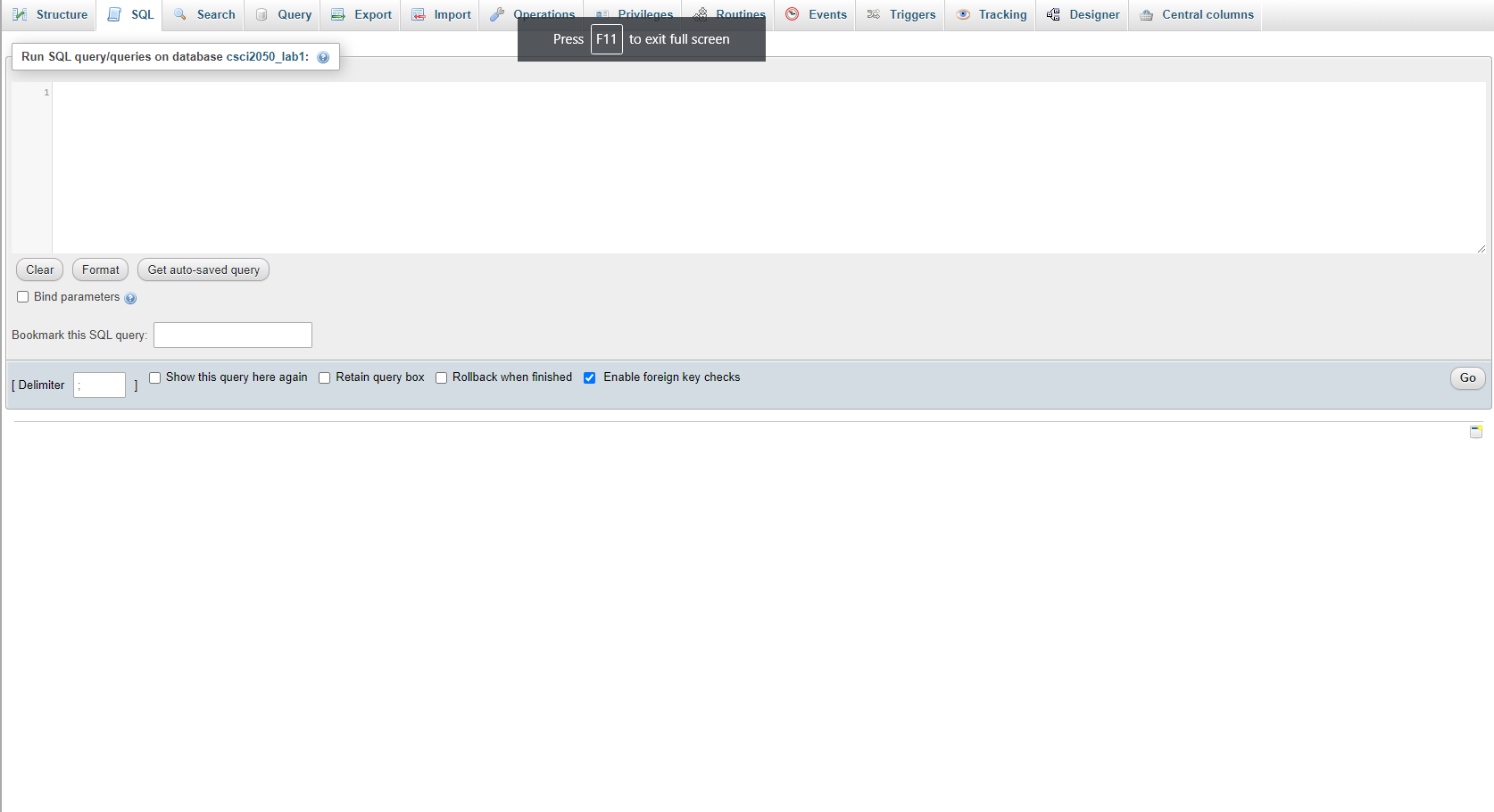
Execute the SQL in a new database to ensure that it runs without errors - you can do this in the previous steps too, as long as what you submit is all of the SQL needed to build the entire set of relations.
What to Turn In
The document containing the components and features derived from the customers description
Your model
A file with the SQL to build the relations in your database.
Structure LP SQL Search Query Export Import Operations. Fa Privileges Routines Events 38 Triggers Tracking - Designer Central columns Press F11 to exit full screen A No tables found in database. 7. Create table Name: Number of columns: 4 Go Structure L SQL Search Query Export Import Operations. Fa Privileges Routines Events 38 Triggers Tracking - Designer Central columns Press F11 to exit full screen Run SQL query queries on database csci2050_lab1: Clear Format Get auto-saved query Bind parameters Bookmark this SQL query: Go [ Delimiter Show this query here again Retain query box Rollback when finished Enable foreign key checks Structure LP SQL Search Query Export Import Operations. Fa Privileges Routines Events 38 Triggers Tracking - Designer Central columns Press F11 to exit full screen A No tables found in database. 7. Create table Name: Number of columns: 4 Go Structure L SQL Search Query Export Import Operations. Fa Privileges Routines Events 38 Triggers Tracking - Designer Central columns Press F11 to exit full screen Run SQL query queries on database csci2050_lab1: Clear Format Get auto-saved query Bind parameters Bookmark this SQL query: Go [ Delimiter Show this query here again Retain query box Rollback when finished Enable foreign key checks
Step by Step Solution
There are 3 Steps involved in it

Get step-by-step solutions from verified subject matter experts
 Study Help