







Question: Define and display key performance indicators ! . IMPORTANT You must enable the Power Pivot add - in before you can complete this practice task.
Define and display key performance indicators
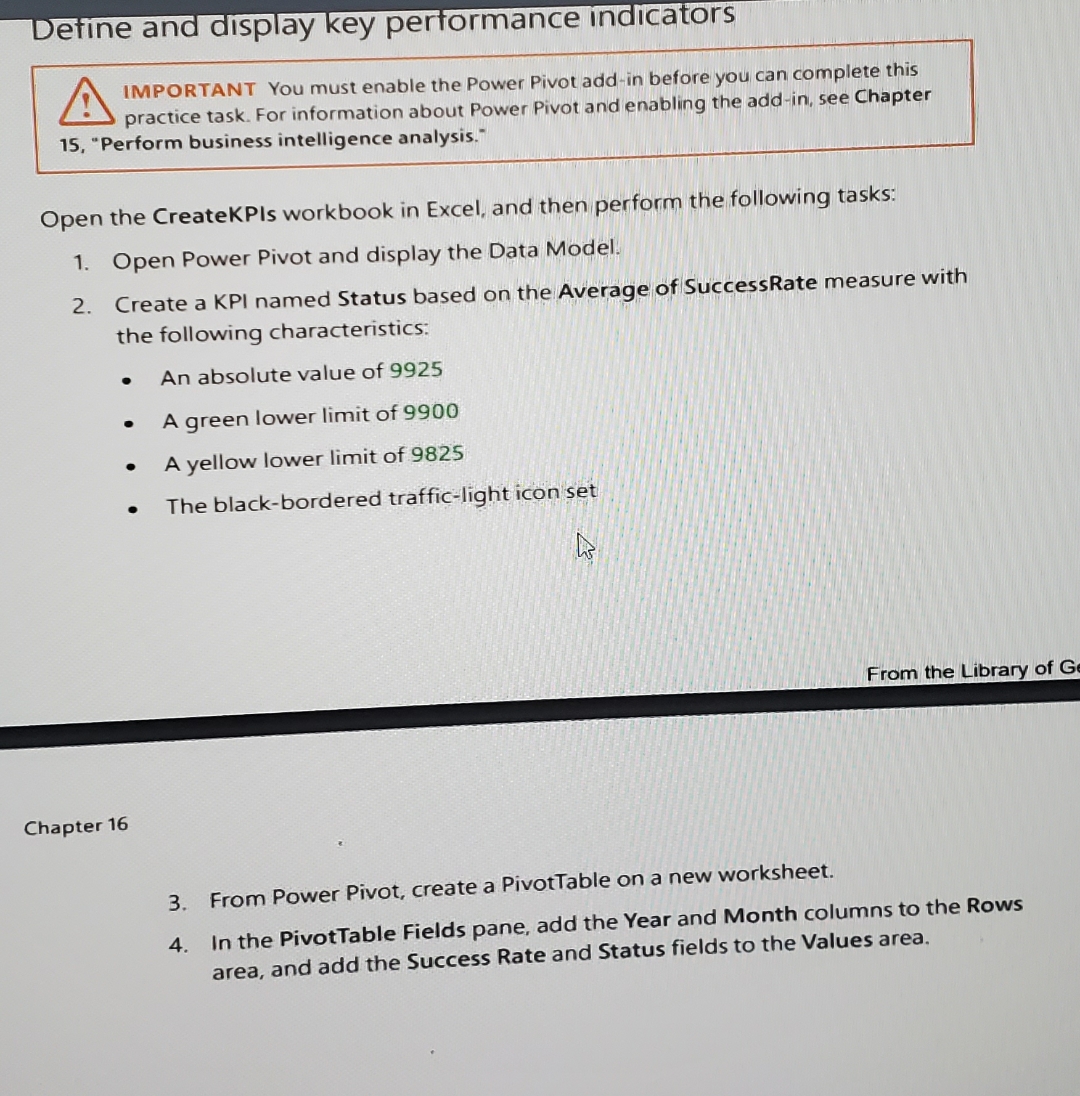
IMPORTANT You must enable the Power Pivot addin before you can complete this practice task. For information about Power Pivot and enabling the addin see Chapter "Perform business intelligence analysis."
Open the CreateKPIs workbook in Excel, and then perform the following tasks:
Open Power Pivot and display the Data Model.
Create a KPI named Status based on the Average of SuccessRate measure with the following characteristics:
An absolute value of
A green lower limit of
A yellow lower limit of
The blackbordered trafficlight icon set
From the Library of G
Chapter
From Power Pivot, create a PivotTable on a new worksheet.
In the PivotTable Fields pane, add the Year and Month columns to the Rows area, and add the Success Rate and Status fields to the Values area.k
Step by Step Solution
There are 3 Steps involved in it
1 Expert Approved Answer
Step: 1 Unlock

Question Has Been Solved by an Expert!
Get step-by-step solutions from verified subject matter experts
Step: 2 Unlock
Step: 3 Unlock
 Study Help