



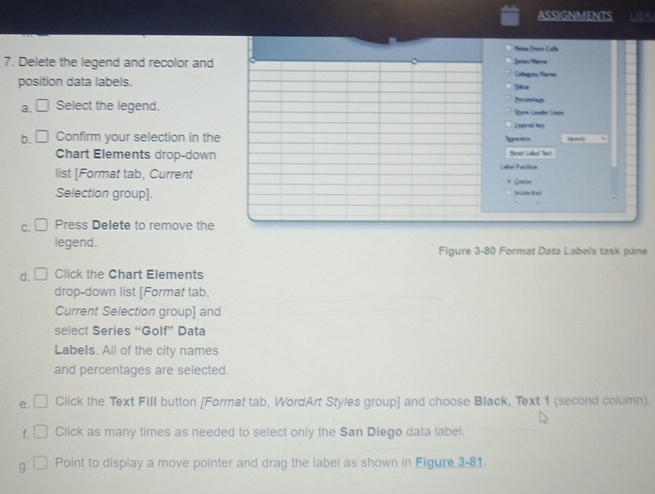
Question: Delete the legend and recolor and position data labels. a . Select the legend. b . Confirm your selection in the Chart Elements drop -
Delete the legend and recolor and
position data labels.
a
Select the legend.
b
Confirm your selection in the
Chart Elements dropdown
list Format tab, Current
Selection group
c
Press Delete to remove the
legend.
d
Click the Chart Elements
dropdown list Format tab,
Current Selection group and
select Series "Golf" Data
Labels. All of the city names
and percentages are selected.
e
Click the Text Fill button Format tab, WordArt Styles group and choose Black, Text second column
Click as many times as needed to select only the San Diego data tabel.
g
Point to display a move pointer and drag the label as shown in Figure
Step by Step Solution
There are 3 Steps involved in it
1 Expert Approved Answer
Step: 1 Unlock

Question Has Been Solved by an Expert!
Get step-by-step solutions from verified subject matter experts
Step: 2 Unlock
Step: 3 Unlock