







Question: Description An Online Goods Ordering System (OGOS) is a computer software application that records and monitor good items, customers, orders, payments etc. It helps customers
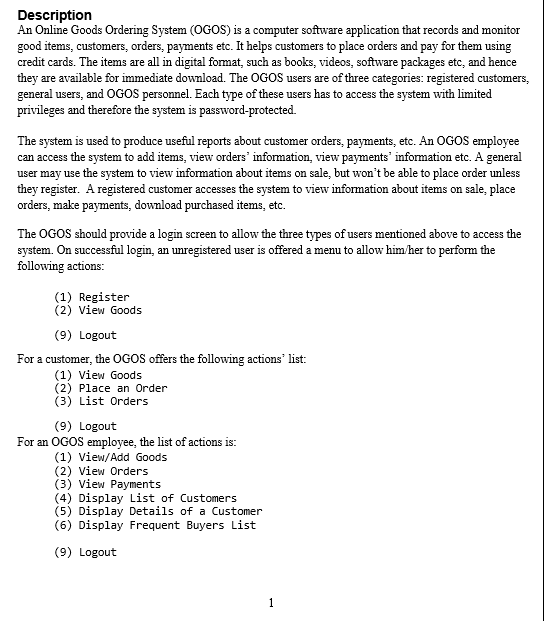
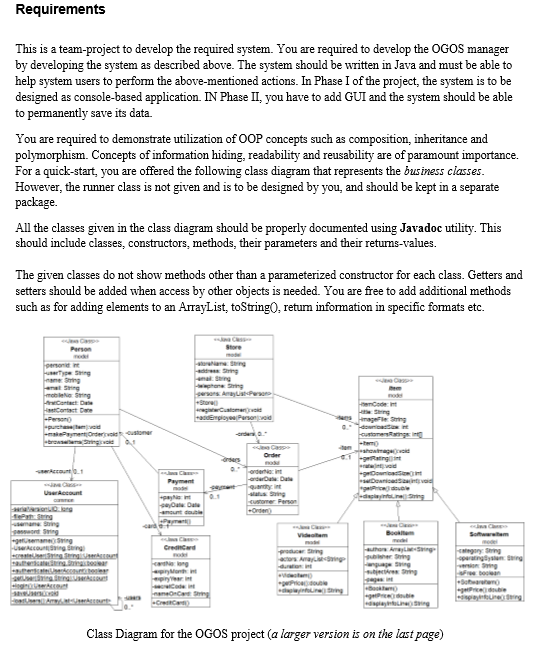

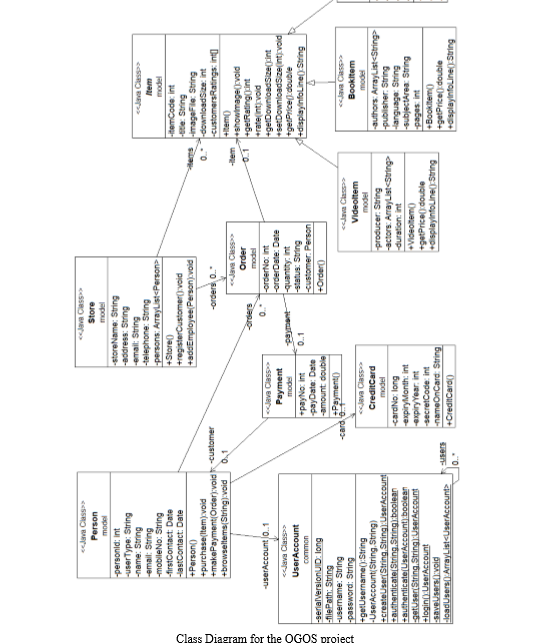
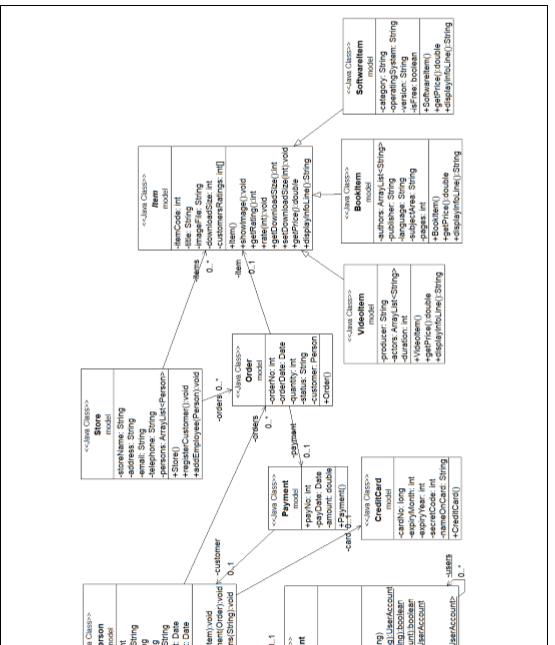
Description An Online Goods Ordering System (OGOS) is a computer software application that records and monitor good items, customers, orders, payments etc. It helps customers to place orders and pay for them using credit cards. The items are all in digital format, such as books, videos, software packages etc, and hence they are available for immediate download. The OGOS users are of three categories: registered customers, general users, and OGOS personnel. Each type of these users has to access the system with limited privileges and therefore the system is password-protected. The system is used to produce useful reports about customer orders, payments, etc. An OGOS employee can access the system to add items, view orders information, view payments' information etc. A general user may use the system to view information about items on sale, but won't be able to place order unless they register. A registered customer accesses the system to view information about items on sale, place orders, make payments, download purchased items, etc. The OGOS should provide a login screen to allow the three types of users mentioned above to access the system. On successful login, an unregistered user is offered a menu to allow him/her to perform the following actions: (1) Register (2) View Goods (9) Logout For a customer, the OGOS offers the following actions' list: (1) View Goods (2) Place an Order (3) List Orders (9) Logout For an OGOS employee, the list of actions is: (1) View/Add Goods (2) View Orders (3) View Payments (4) Display List of Customers (5) Display Details of a Customer (6) Display Frequent Buyers List (9) Logout Description An Online Goods Ordering System (OGOS) is a computer software application that records and monitor good items, customers, orders, payments etc. It helps customers to place orders and pay for them using credit cards. The items are all in digital format, such as books, videos, software packages etc, and hence they are available for immediate download. The OGOS users are of three categories: registered customers, general users, and OGOS personnel. Each type of these users has to access the system with limited privileges and therefore the system is password-protected. The system is used to produce useful reports about customer orders, payments, etc. An OGOS employee can access the system to add items, view orders information, view payments' information etc. A general user may use the system to view information about items on sale, but won't be able to place order unless they register. A registered customer accesses the system to view information about items on sale, place orders, make payments, download purchased items, etc. The OGOS should provide a login screen to allow the three types of users mentioned above to access the system. On successful login, an unregistered user is offered a menu to allow him/her to perform the following actions: (1) Register (2) View Goods (9) Logout For a customer, the OGOS offers the following actions' list: (1) View Goods (2) Place an Order (3) List Orders (9) Logout For an OGOS employee, the list of actions is: (1) View/Add Goods (2) View Orders (3) View Payments (4) Display List of Customers (5) Display Details of a Customer (6) Display Frequent Buyers List (9) Logout
Step by Step Solution
There are 3 Steps involved in it

Get step-by-step solutions from verified subject matter experts
 Study Help