







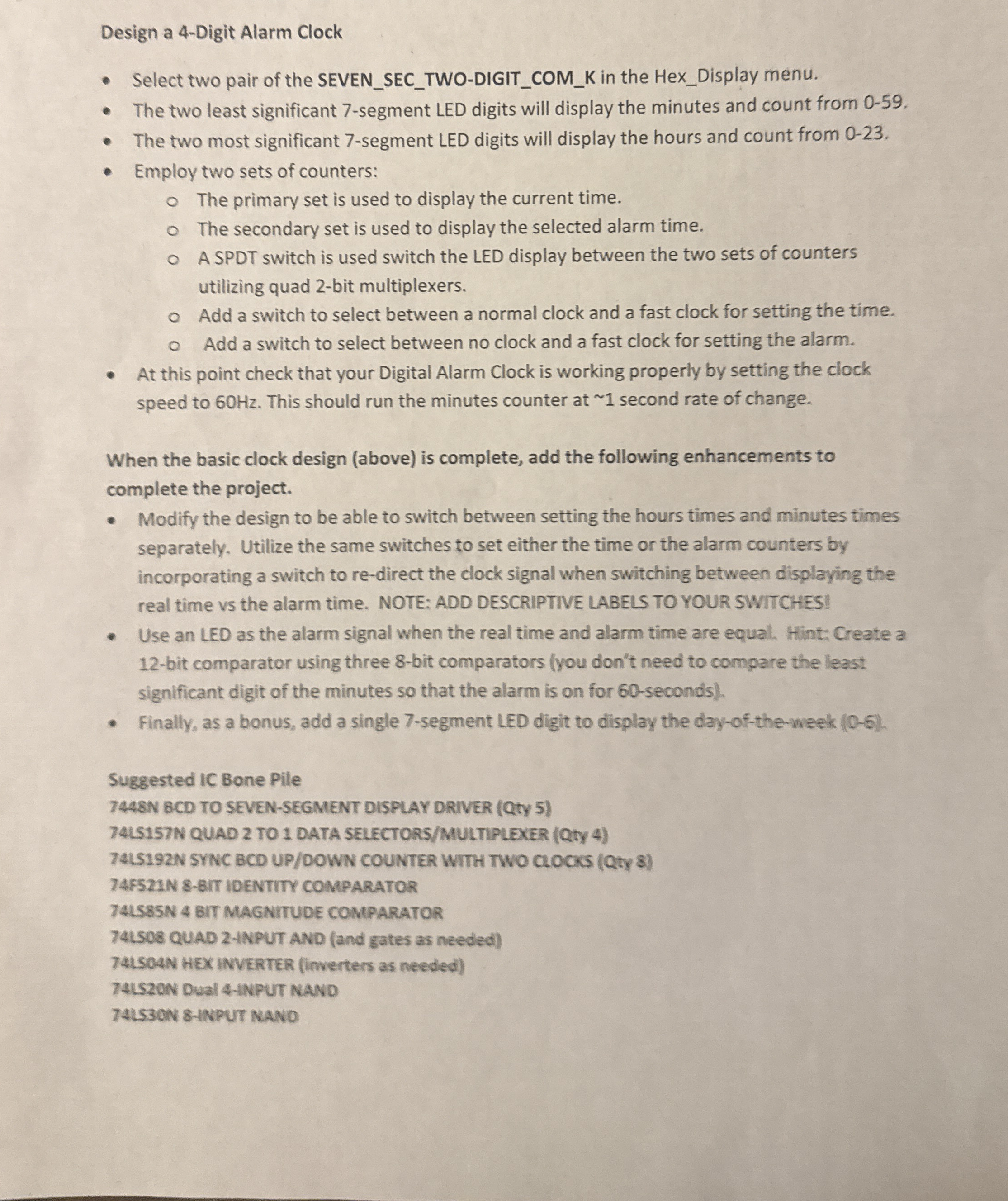
Question: Design a 4 - Digit Alarm Clock Select two pair of the SEVEN _ SEC _ TWO - DIGIT _ COM _ K in the
Design a Digit Alarm Clock
Select two pair of the SEVENSECTWODIGITCOMK in the HexDisplay menu.
The two least significant segment LED digits will display the minutes and count from
The two most significant segment LED digits will display the hours and count from
Employ two sets of counters:
The primary set is used to display the current time.
The secondary set is used to display the selected alarm time.
A SPDT switch is used switch the LED display between the two sets of counters utilizing quad bit multiplexers.
Add a switch to select between a normal clock and a fast clock for setting the time.
Add a switch to select between no clock and a fast clock for setting the alarm.
At this point check that your Digital Alarm Clock is working properly by setting the clock speed to Hz This should run the minutes counter at second rate of change.
When the basic clock design above is complete, add the following enhancements to complete the project.
Modify the design to be able to switch between setting the hours times and minutes times separately. Utilize the same switches to set either the time or the alarm counters by incorporating a switch to redirect the clock signal when switching between displaying the real time vs the alarm time. NOTE: ADD DESCRIPTIVE LABELS TO YOUR SWITCHES!
Use an LED as the alarm signal when the real time and alarm time are equal. Hint: Create a bit comparator using three bit comparators you don't need to compare the least significant digit of the minutes so that the alarm is on for seconds
Finally, as a bonus, add a single segment LED digit to display the dayoftheweek
Suggested IC Bone Pile
N BCD TO SEVENSEGMENT DISPLAY DRIVER Qty
LSN QUAD TO DATA SELECTORSMULTIPLEXER Qty
LSN SYNC BCD UPDOWN COUNTER WITH TWO CLOCKS Qty
FN IT IDENTITY COMPARATOR
LSN BIT MAGNITUDE COMPARATOR
QUAD INPUT AND and gates as needed
ISOAN HEX INVERTER inverters as needed
LSZON Dual INPUT NAND
LSON INPUT NAND
Step by Step Solution
There are 3 Steps involved in it
1 Expert Approved Answer
Step: 1 Unlock

Question Has Been Solved by an Expert!
Get step-by-step solutions from verified subject matter experts
Step: 2 Unlock
Step: 3 Unlock
 Study Help