







Question: Design and develop a single page ASP.NET web form to implement an online enrollment application for Childcare Center. The center is currently using a paper
Design and develop a single page
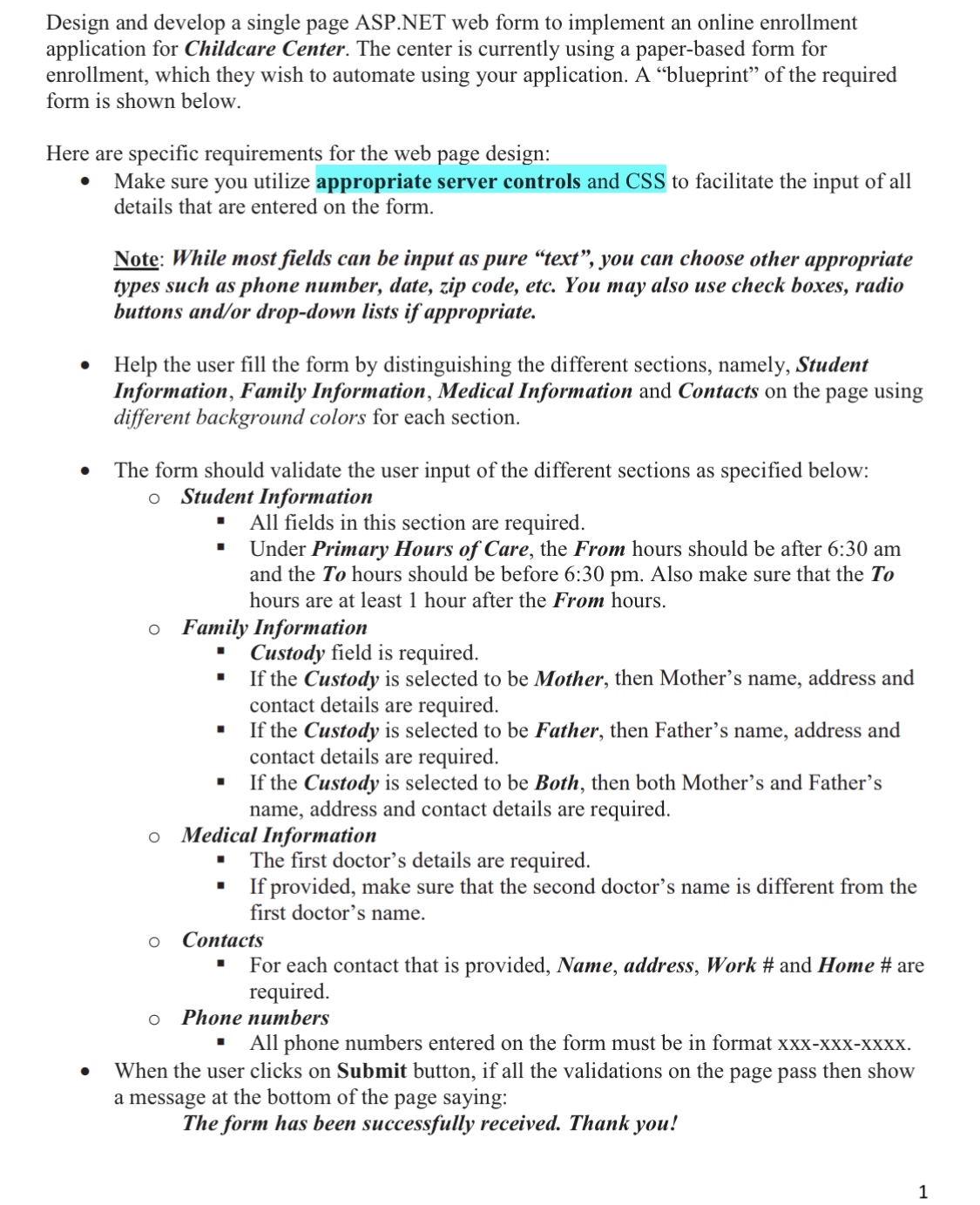
ASP.NET web form to implement an online enrollment application for Childcare Center. The center is currently using a paperbased form for enrollment, which they wish to automate using your application. A "blueprint" of the required form is shown below.
Here are specific requirements for the web page design:
Make sure you utilize appropriate server controls and CSS to facilitate the input of all details that are entered on the form.
Note: While most fields can be input as pure "text", you can choose other appropriate types such as phone number, date, zip code, etc. You may also use check boxes, radio buttons andor dropdown lists if appropriate.
Help the user fill the form by distinguishing the different sections, namely, Student Information, Family Information, Medical Information and Contacts on the page using different background colors for each section.
The form should validate the user input of the different sections as specified below:
Student Information
All fields in this section are required.
Under Primary Hours of Care, the From hours should be after : am and the hours should be before : pm Also make sure that the hours are at least hour after the From hours.
Family Information
Custody field is required.
If the Custody is selected to be Mother, then Mother's name, address and contact details are required.
If the Custody is selected to be Father, then Father's name, address and contact details are required.
If the Custody is selected to be Both, then both Mother's and Father's name, address and contact details are required.
Medical Information
The first doctor's details are required.
If provided, make sure that the second doctor's name is different from the first doctor's name.
Contacts
For each contact that is provided, Name, address, Work # and Home # are required.
Phone numbers
All phone numbers entered on the form must be in format XxXXxxxxxx
When the user clicks on Submit button, if all the validations on the page pass then show a message at the bottom of the page saying:
The form has been successfully received. Thank you!
Step by Step Solution
There are 3 Steps involved in it
1 Expert Approved Answer
Step: 1 Unlock

Question Has Been Solved by an Expert!
Get step-by-step solutions from verified subject matter experts
Step: 2 Unlock
Step: 3 Unlock
 Study Help