







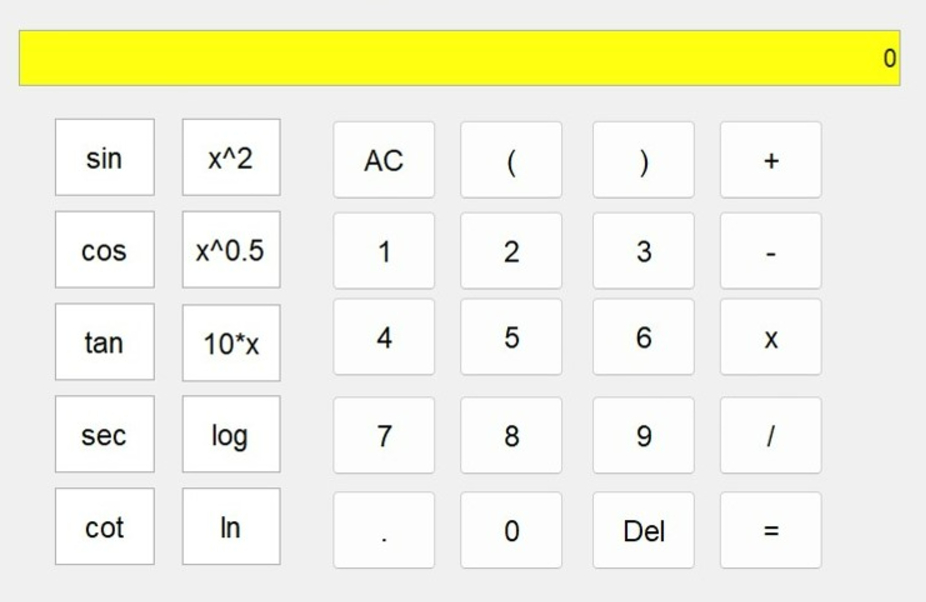
Question: desing a simple calculator using matlab GUI accodin function : add, substract, multiply, divide, x ^ 2 , x ^ 0 . 5 , 1
desing a simple calculator using matlab GUI
accodin function : add, substract, multiply, divide, x xx sincostanseccotreset,backspace,logln
display the result
Step by Step Solution
There are 3 Steps involved in it
1 Expert Approved Answer
Step: 1 Unlock

Question Has Been Solved by an Expert!
Get step-by-step solutions from verified subject matter experts
Step: 2 Unlock
Step: 3 Unlock
 Study Help