







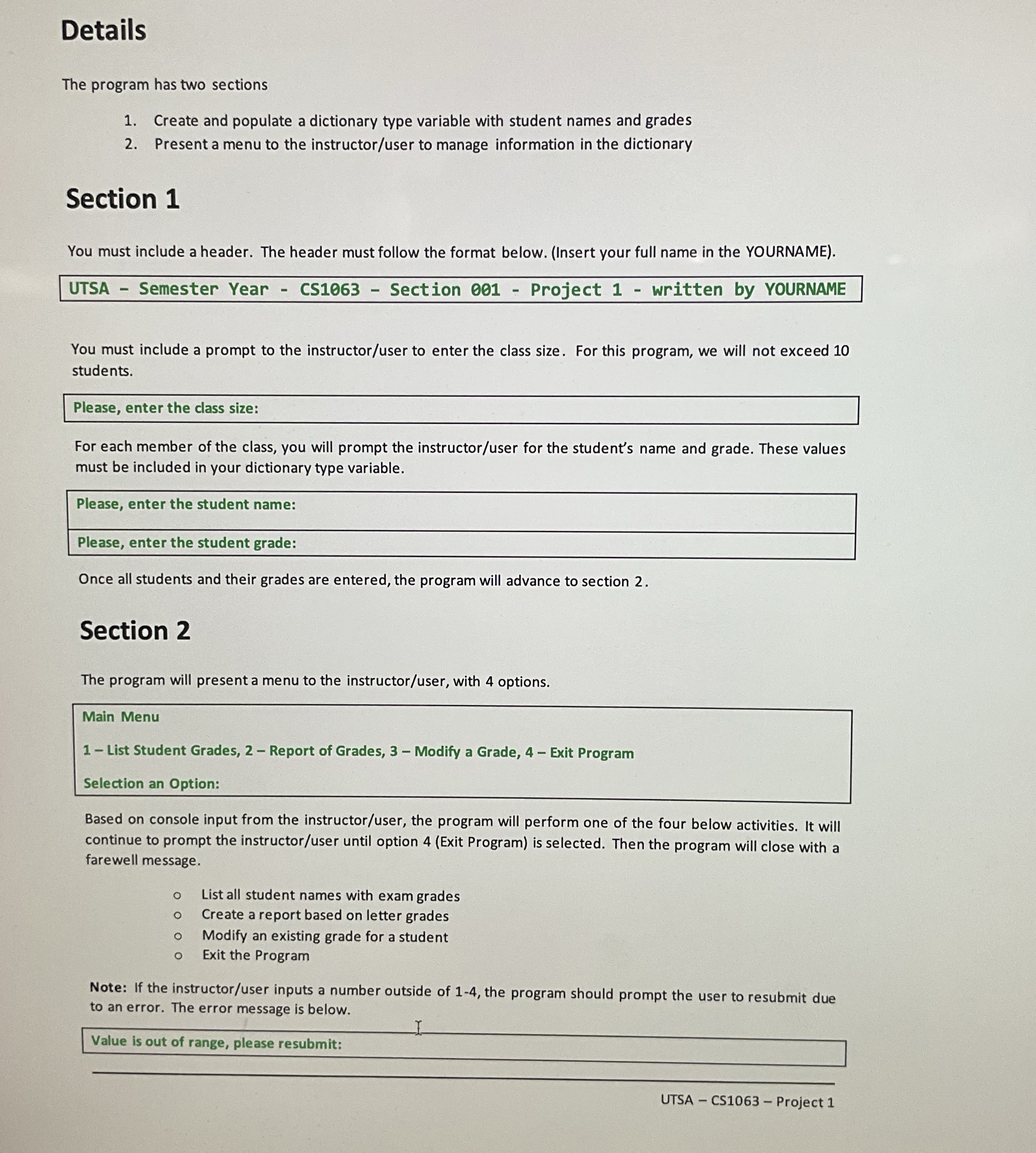
Question: Details The program has two sections Create and populate a dictionary type variable with student names and grades Present a menu to the instructor /
Details
The program has two sections
Create and populate a dictionary type variable with student names and grades
Present a menu to the instructoruser to manage information in the dictionary
Section
You must include a header. The header must follow the format below. Insert your full name in the YOURNAME
UTSA Semester Year CS Section Project written by YOURNAME
You must include a prompt to the instructoruser to enter the class size. For this program, we will not exceed
students.
For each member of the class, you will prompt the instructoruser for the student's name and grade. These values
must be included in your dictionary type variable.
Once all students and their grades are entered, the program will advance to section
Section
The program will present a menu to the instructoruser with options.
Main Menu
List Student Grades, Report of Grades, Modify a Grade, Exit Program
Selection an Option:
Based on console input from the instructoruser the program will perform one of the four below activities. It will
continue to prompt the instructoruser until option Exit Program is selected. Then the program will close with a
farewell message.
List all student names with exam grades
Create a report based on letter grades
Modify an existing grade for a student
Exit the Program
Note: If the instructoruser inputs a number outside of the program should prompt the user to resubmit due
to an error. The error message is below.
Step by Step Solution
There are 3 Steps involved in it
1 Expert Approved Answer
Step: 1 Unlock

Question Has Been Solved by an Expert!
Get step-by-step solutions from verified subject matter experts
Step: 2 Unlock
Step: 3 Unlock
 Study Help