







Question: develop a Menu for Computer Shop and payment system using Python. The application allows users to online order computer. Customer can view list of
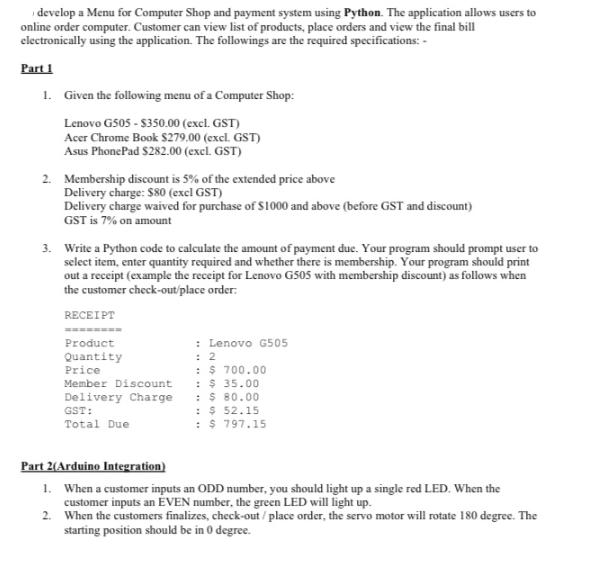
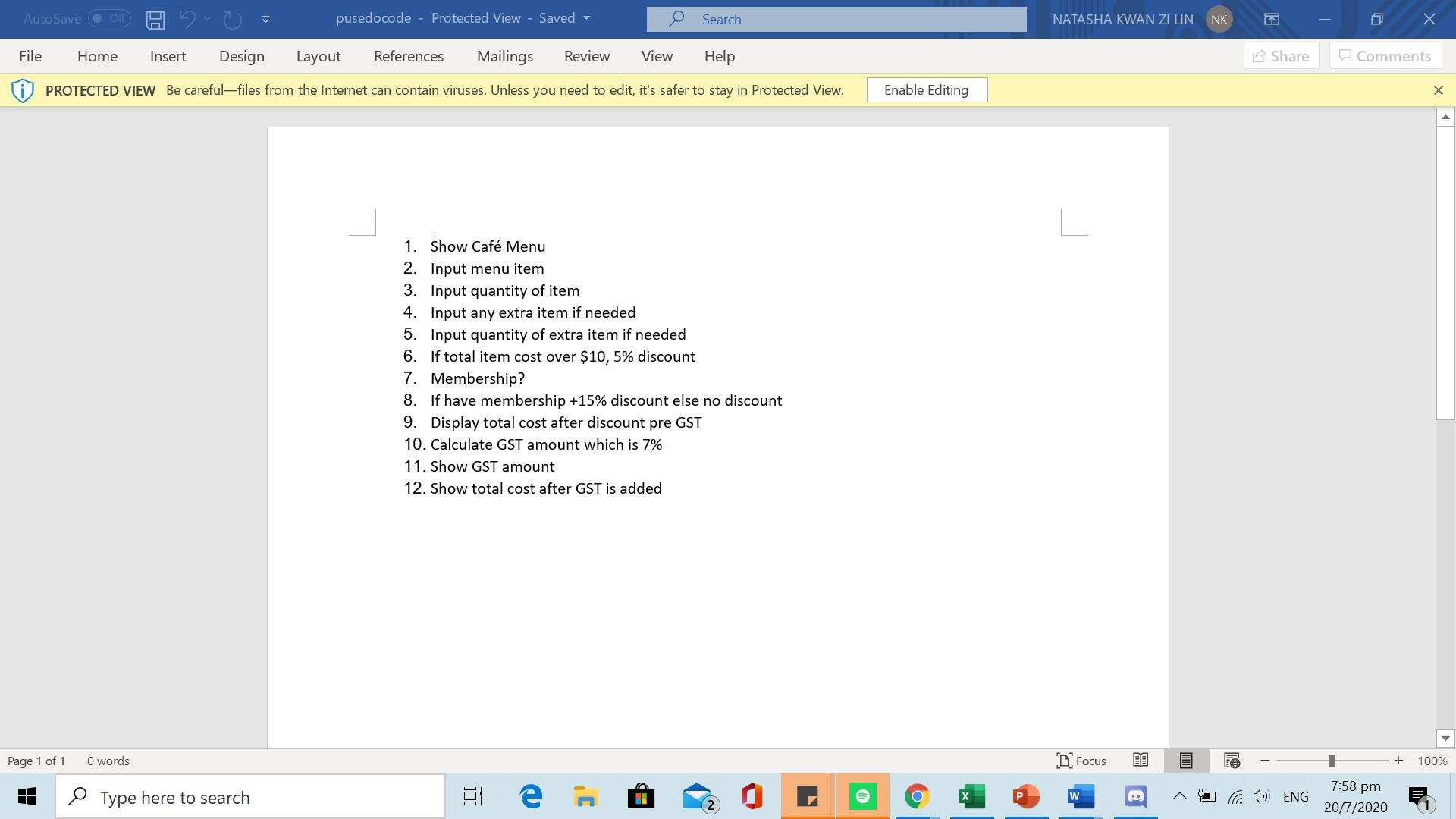
develop a Menu for Computer Shop and payment system using Python. The application allows users to online order computer. Customer can view list of products, place orders and view the final bill electronically using the application. The followings are the required specifications: - Part 1 1. Given the following menu of a Computer Shop: Lenovo G505 - $350.00 (excl. GST) Acer Chrome Book $279,00 (excl. GST) Asus PhonePad $282.00 (excl. GST) 2. Membership discount is 5% of the extended price above Delivery charge: $80 (excl GST) Delivery charge waived for purchase of $1000 and above (before GST and discount) GST is 7% on amount 3. Write a Python code to calculate the amount of payment due. Your program should prompt user to select item, enter quantity required and whether there is membership. Your program should print out a receipt (example the receipt for Lenovo G505 with membership discount) as follows when the customer check-out/place order. RECEIPT Product Quantity Price Member Discount Delivery Charge GST: Total Due : Lenovo G505 : 2 : $ 700.00 : $ 35.00 : $ 80.00 : $ 52.15 : $ 797.15 Part 2(Arduino Integration) 1. When a customer inputs an ODD number, you should light up a single red LED. When the customer inputs an EVEN number, the green LED will light up. 2. When the customers finalizes, check-out/place order, the servo motor will rotate 180 degree. The starting position should be in 0 degree. AutoSave File Off Page 1 of 1 Home Insert Design Layout References Mailings Review View Help PROTECTED VIEW Be careful-files from the Internet can contain viruses. Unless you need to edit, it's safer to stay in Protected View. 0 words pusedocode Protected View - Saved Type here to search 1. Show Caf Menu 2. Input menu item 3. Input quantity of item 4. Input any extra item if needed 5. Input quantity of extra item if needed 6. If total item cost over $10, 5% discount Search 7. Membership? 8. If have membership +15% discount else no discount 9. Display total cost after discount pre GST 10. Calculate GST amount which is 7% 11. Show GST amount 12. Show total cost after GST is added 100 Enable Editing NATASHA KWAN ZI LIN Focus W .. NK Share (4) ENG Comments 7:58 pm 20/7/2020 X + 100%
Step by Step Solution
3.48 Rating (174 Votes )
There are 3 Steps involved in it
Python Code class ComputerShop def initself selfproducts Lenovo G505 35000 Acer Chrome Book 27900 Asus PhonePad 28200 selfmembershipdiscount 005 selfdeliverycharge 8000 selfdeliverychargewaived 100000 ... View full answer

Get step-by-step solutions from verified subject matter experts
 Study Help